Manufacturing
Production orders, routings, the operator view and the foreman cockpit.
Adaptive clearing, rest machining, 4–5 axes and material removal simulation
Robot milling without overloading the spindle: adaptive clearing with a constant load, rest machining with a smaller tool, climb milling, lead arcs, stock simulation and the spindle wizard.
1 min read · 2026-10-20
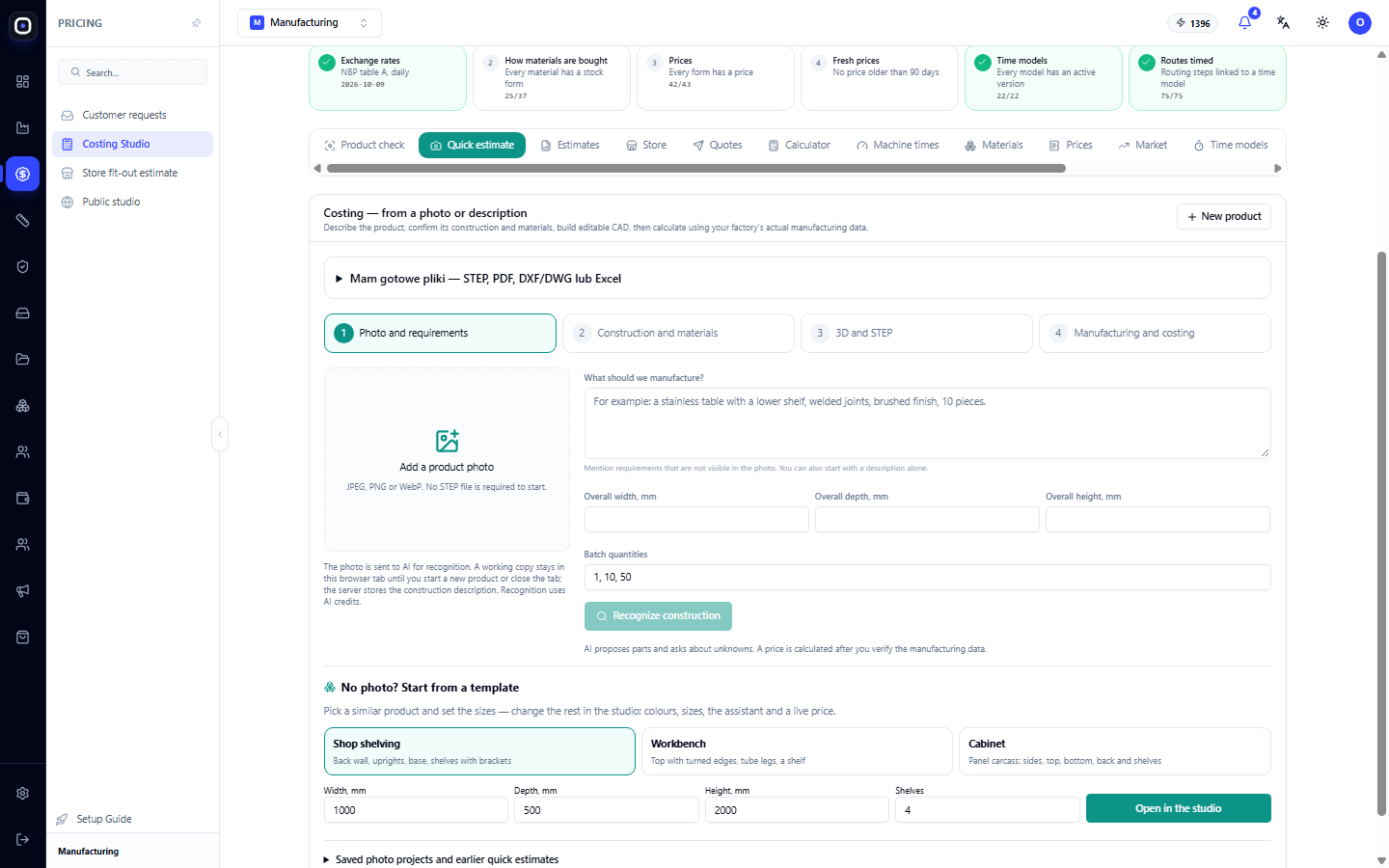
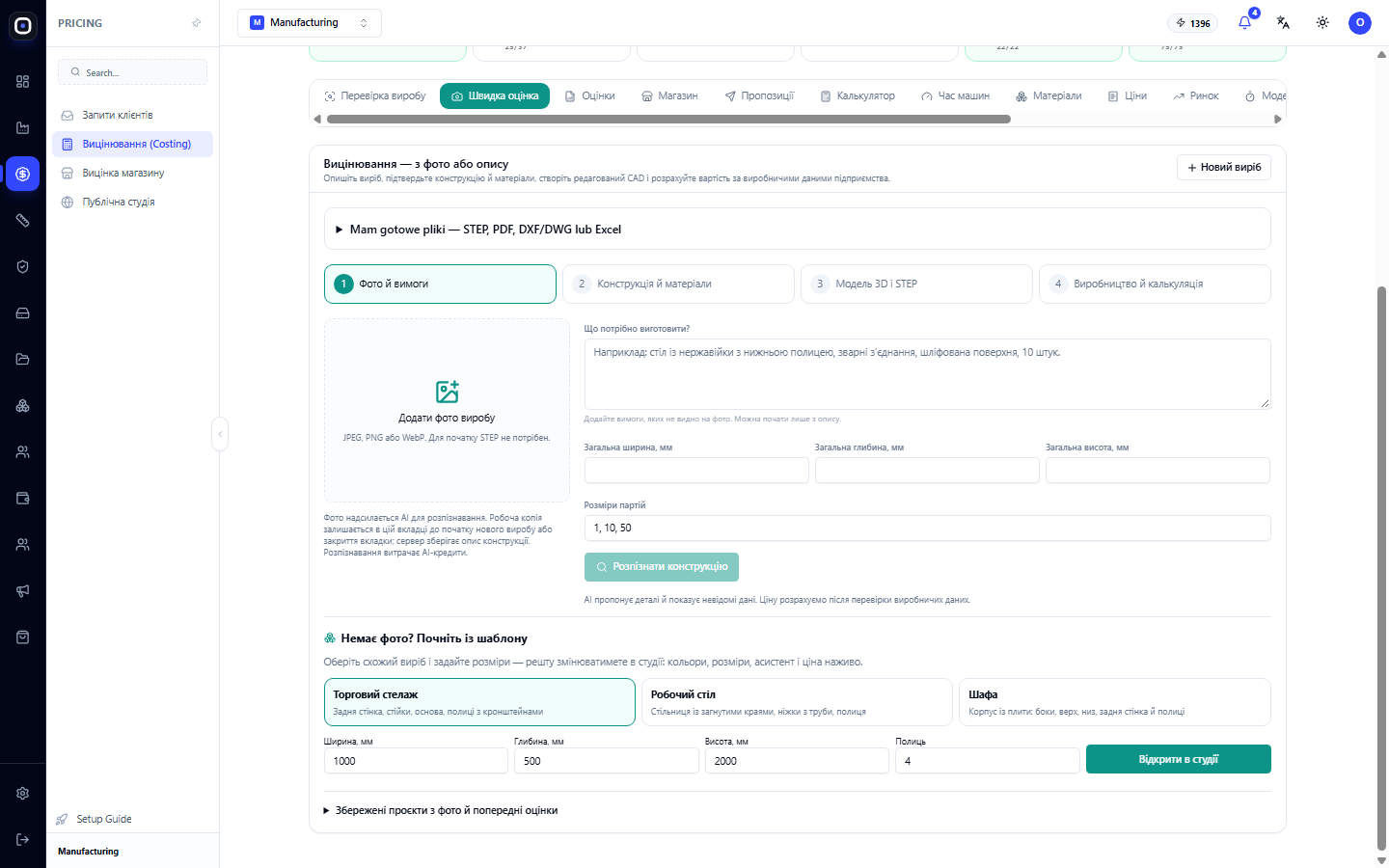
Quick Estimate: Product Price from Photo or Description in Four Steps
Did the client only send a photo? Describe the product, confirm the design and materials, get an editable 3D model, and calculate the cost using your company's data. Or start with ready-made files.
1 min read · 2026-10-20
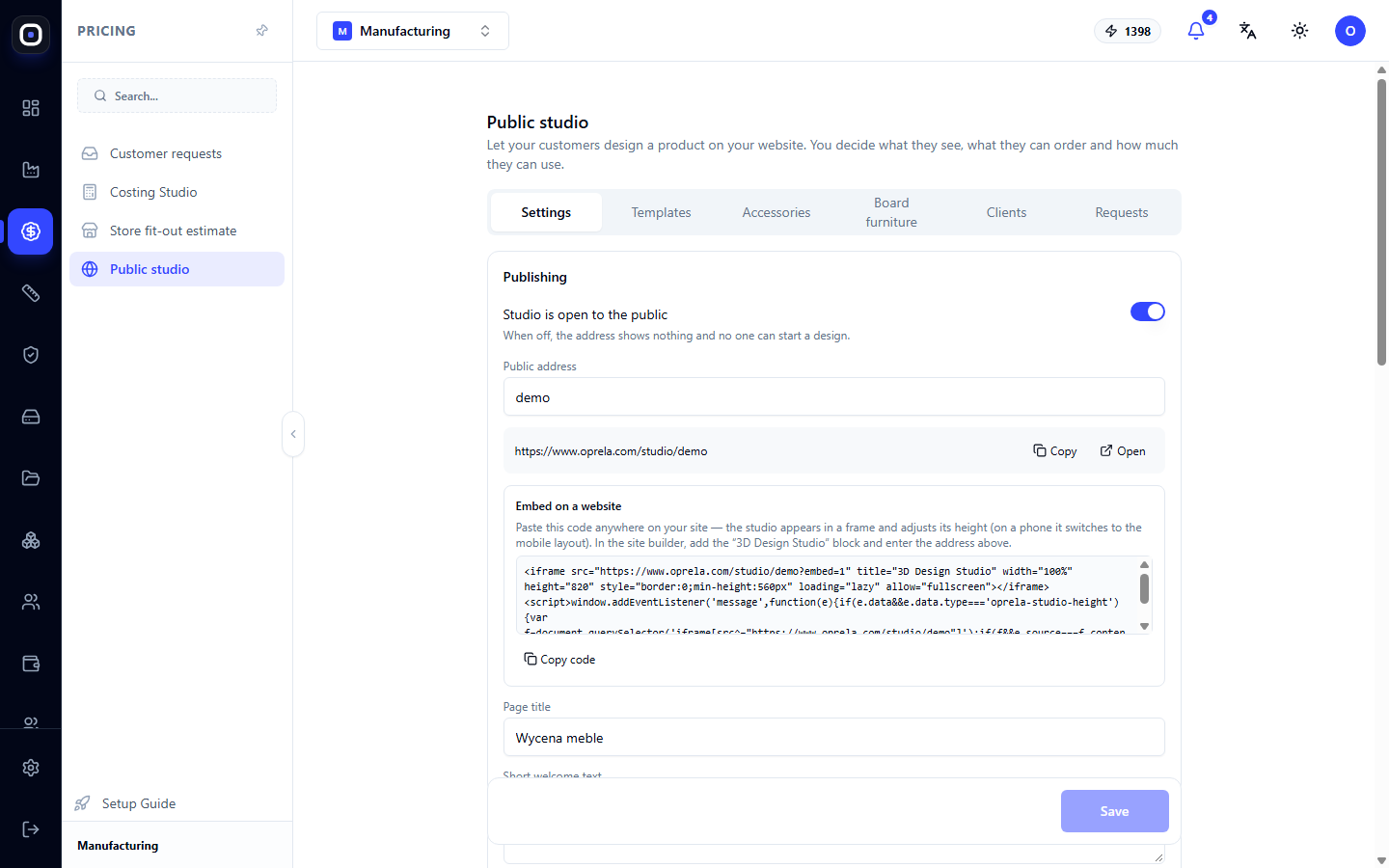
Public Studio: Your Customers Design Products on Your Website
A product configurator for your customers: public address and website embedding, estimated price display, request submission, templates, accessories, panel furniture parameters, and limitations.
1 min read · 2026-10-20
Oprela Floor: a task's parts and where they lie
Opening a node (e.g. welding W-1), the worker sees the parts that go into it, how many are ready, where they lie — a warehouse bin or a machine — and their drawings and 3D.
1 min read · 2026-10-20
A part from a file in the Robotics Studio
Open a STEP / STL part without a production order, stand it on a table or fixture from a file, draw contours, holes and a drawing on it, give it a recipe and get the program.
1 min read · 2026-10-20
CAM operations: pockets, profiles, engraving, 3D
Toolpaths computed by the Oprela server (FreeCAD + OpenCAMLib): pockets with islands, profiles, facing, engraving, 3D roughing and finishing — with ramped entries and the check on the robot.
1 min read · 2026-10-20
Robot program from a check: generation, motion check, approval
How to get a file for a FAIRINO, ABB or KUKA controller from a successful check, what the motion check does, and what is missing before a program can be approved.
1 min read · 2026-10-20
Robot cells: registry, commissioning survey and Robotics Studio
How to describe the robot and the cell with an evidence level for every fact, upload the kinematics (URDF) and place the robot and the workpiece in 3D.
1 min read · 2026-10-20
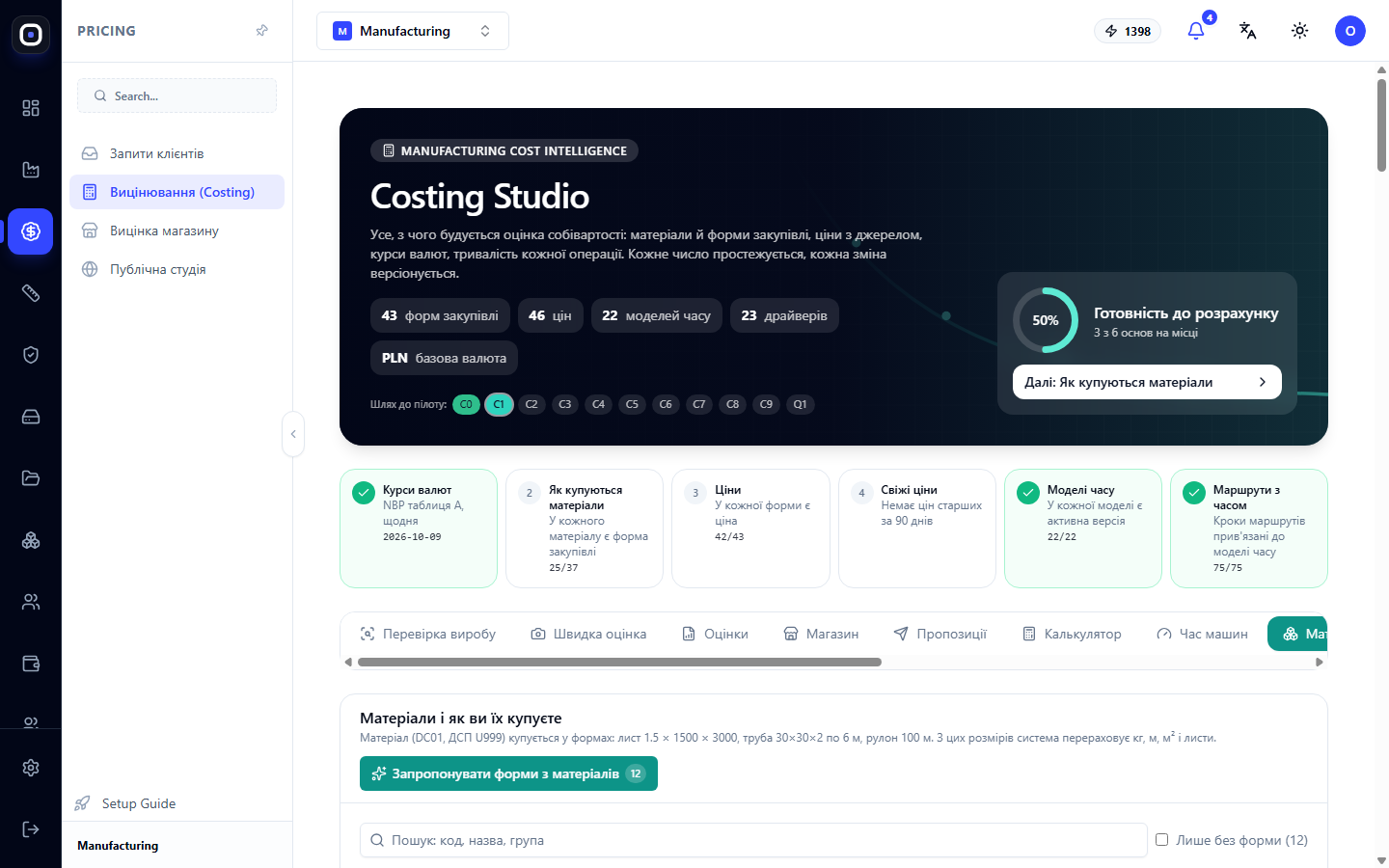
What Your Part Really Costs
Why "material plus an hour of labor" gives the wrong price, what makes up the true cost of a product, and how Oprela calculates it from your data: material in purchase form, machines, labor, overhead, quantity, and market.
1 min read · 2026-10-20
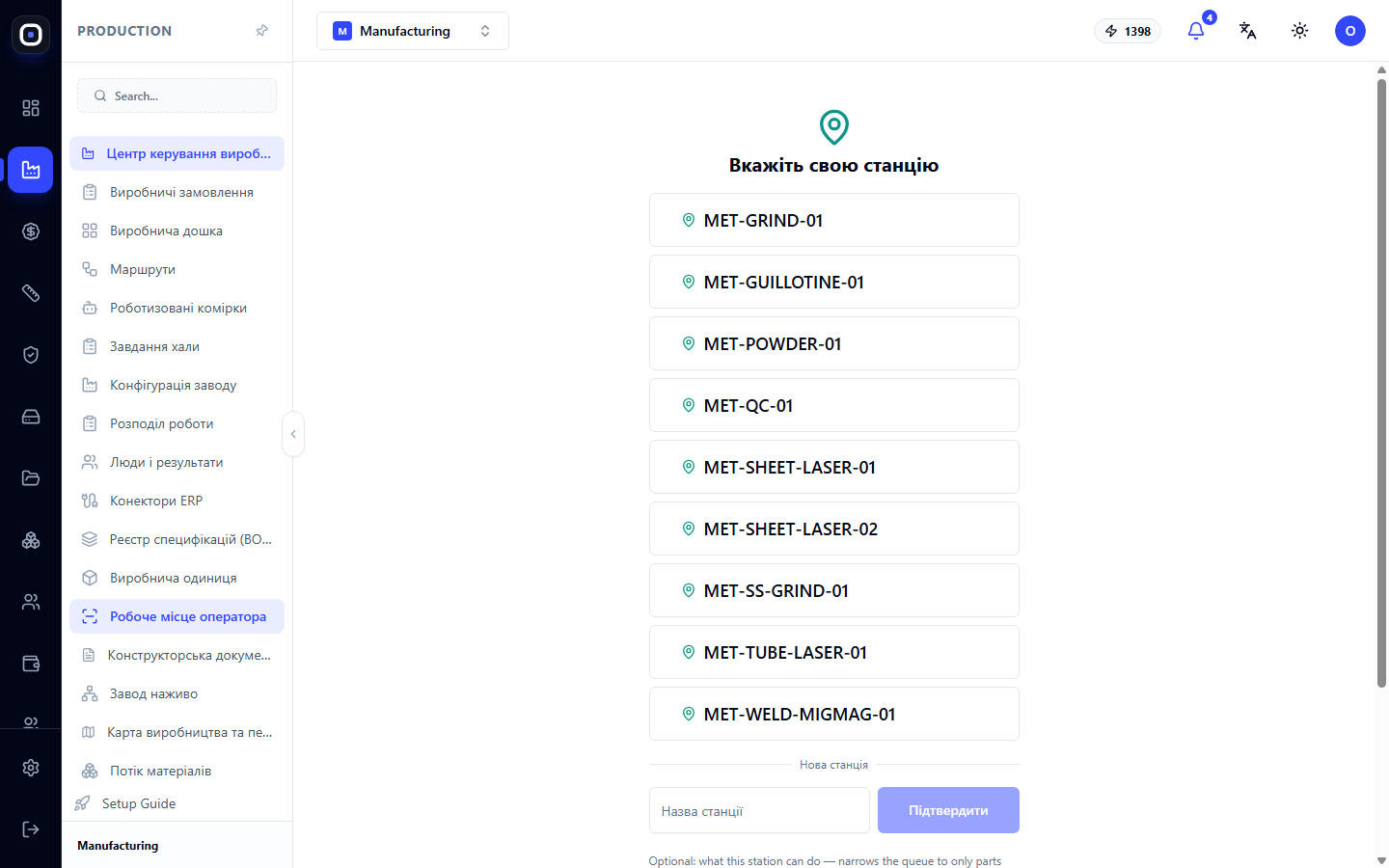
Oprela Manufacturing for the Shop Floor Worker: Oprela Floor App
Tasks, drawings, and 3D models on a kiosk near the machine or on a personal phone. Login with card, QR, or PIN, clock-in, part scanner, pause with reason, timesheet, and vacations. Works even without internet.
1 min read · 2026-10-20
Robotics Studio: reach and collision check
How to check that the robot reaches every point of a seam without collisions, and what to do when it does not: head orientation from 3D, tilt and turn, the axis map, moves between seams.
1 min read · 2026-10-20
FAIRINO, ABB and KUKA robots: what to set in the cell
Which controllers Oprela supports, which robot models are in the catalogue, and what to enter in the cell equipment so the program is generated correctly.
1 min read · 2026-10-20
Program from the robot: what was changed on the pendant
How to compare the program from the controller, after touch-ups on the pendant, with the generated revision: moved, added and removed points, and a motion check of what the robot really runs.
1 min read · 2026-10-20
Milling and drilling laminates and thermoplastics with a robot
Trimming contours with an end mill and drilling holes in laminates, composites and thermoplastics: the recipe, the chip load, depth passes and finding holes in the CAD.
1 min read · 2026-10-20
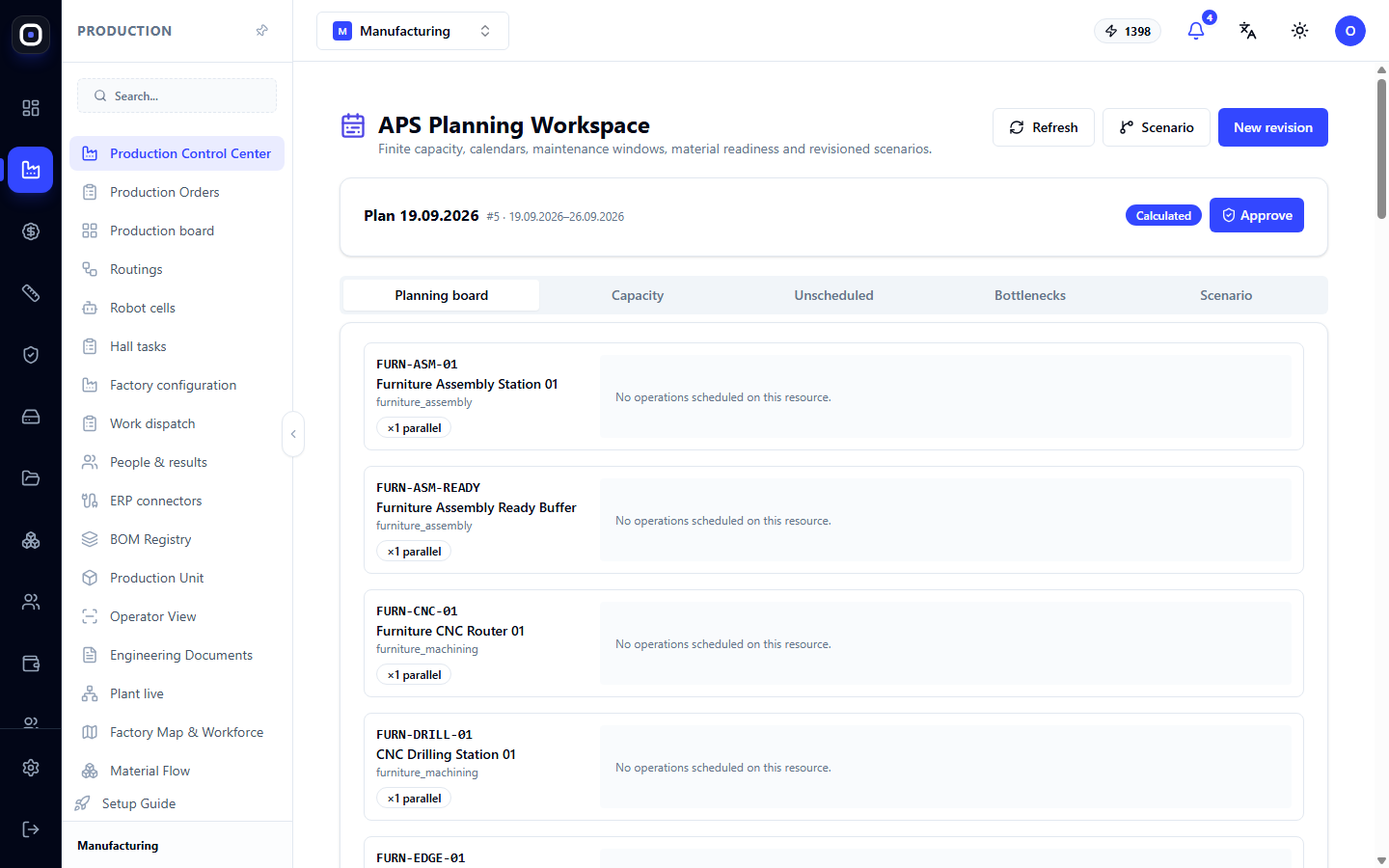
APS Planning: How the System Schedules Operations Based on Machine Capacity
Automatic planning considering real capacity, calendars, and material readiness. Plan revisions, five workspace tabs, bottlenecks, and "what if" scenarios.
1 min read · 2026-10-20
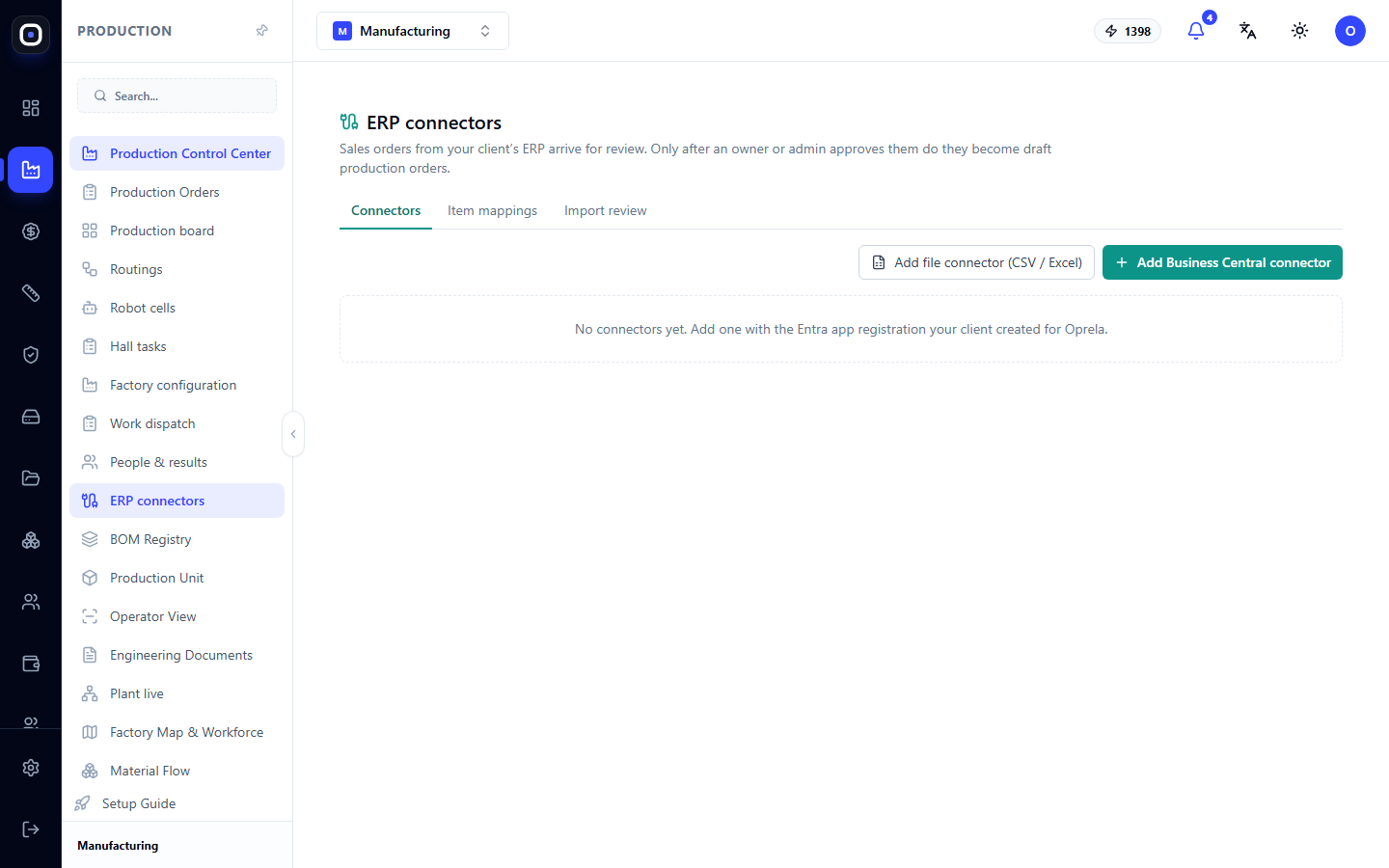
ERP Connectors: How to Import Orders from a Client's System
Orders from Business Central or CSV and Excel files are sent for review and only become production order drafts after approval. Learn how to connect a source, map items, and approve imports.
1 min read · 2026-10-20
What happens when an engineer changes a design
Design changes are a normal part of manufacturing, not an emergency. Family versioning and configuration freezing ensure that already released orders don't subtly change underfoot.
1 min read · 2026-10-20
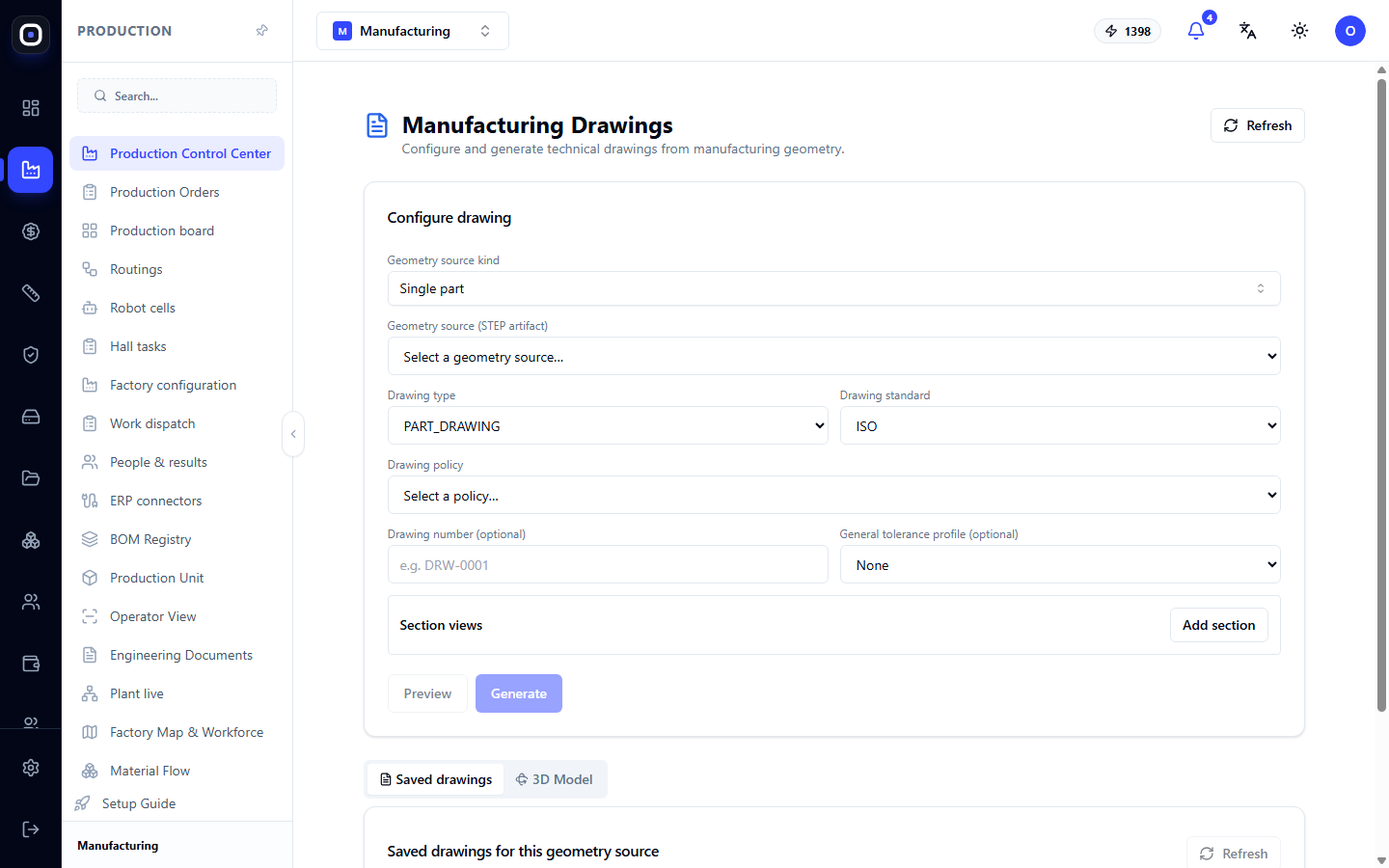
Manufacturing Drawings: How to Get a Technical Drawing from a 3D Model
The system automatically generates part or assembly drawings from manufacturing geometry. Learn how to select the source, type, and standard, add sections, preview the result, and save the drawing with a number.
1 min read · 2026-10-20
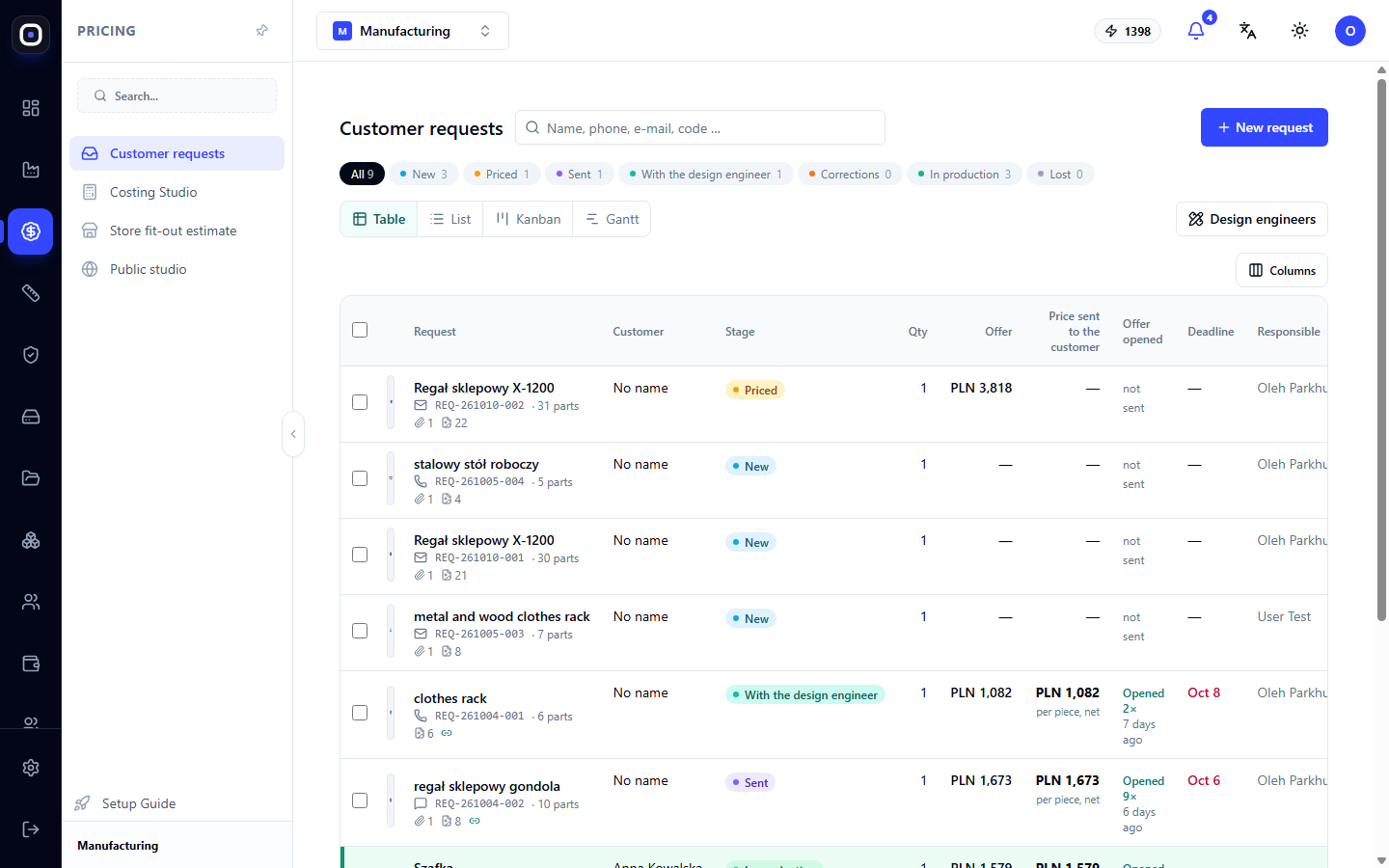
Scenario: From Customer Request to Price Quote
An end-to-end example for a sales manager: a customer sends a photo or model, you estimate the cost, check if the price and deadline are reliable, and send a quote.
1 min read · 2026-10-20
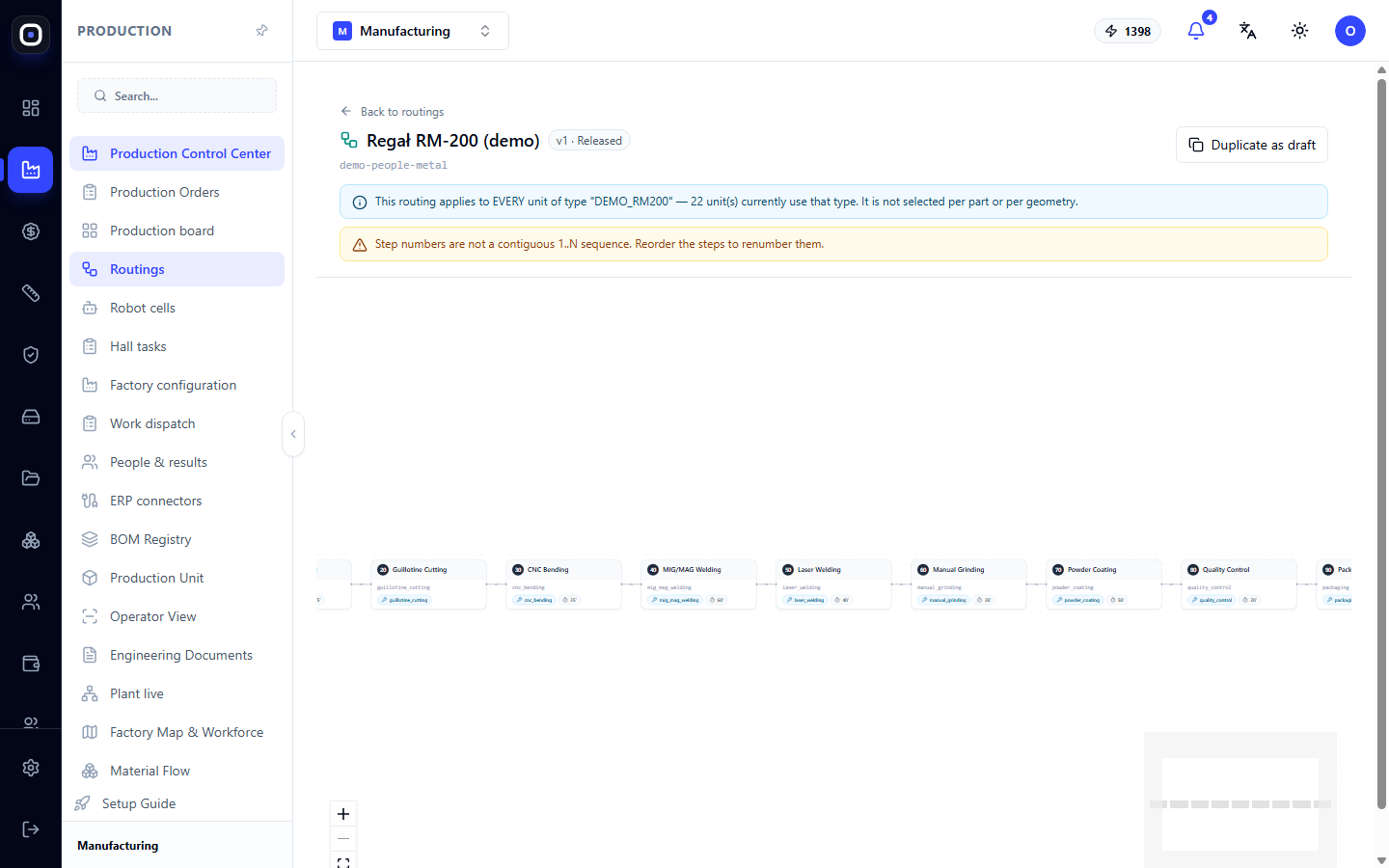
Routing Designer: How to Assemble a Workflow from Steps
Visual routing designer: steps as a diagram, properties of each step, warnings before release, duplicating as a draft, and releasing a new version.
1 min read · 2026-10-20
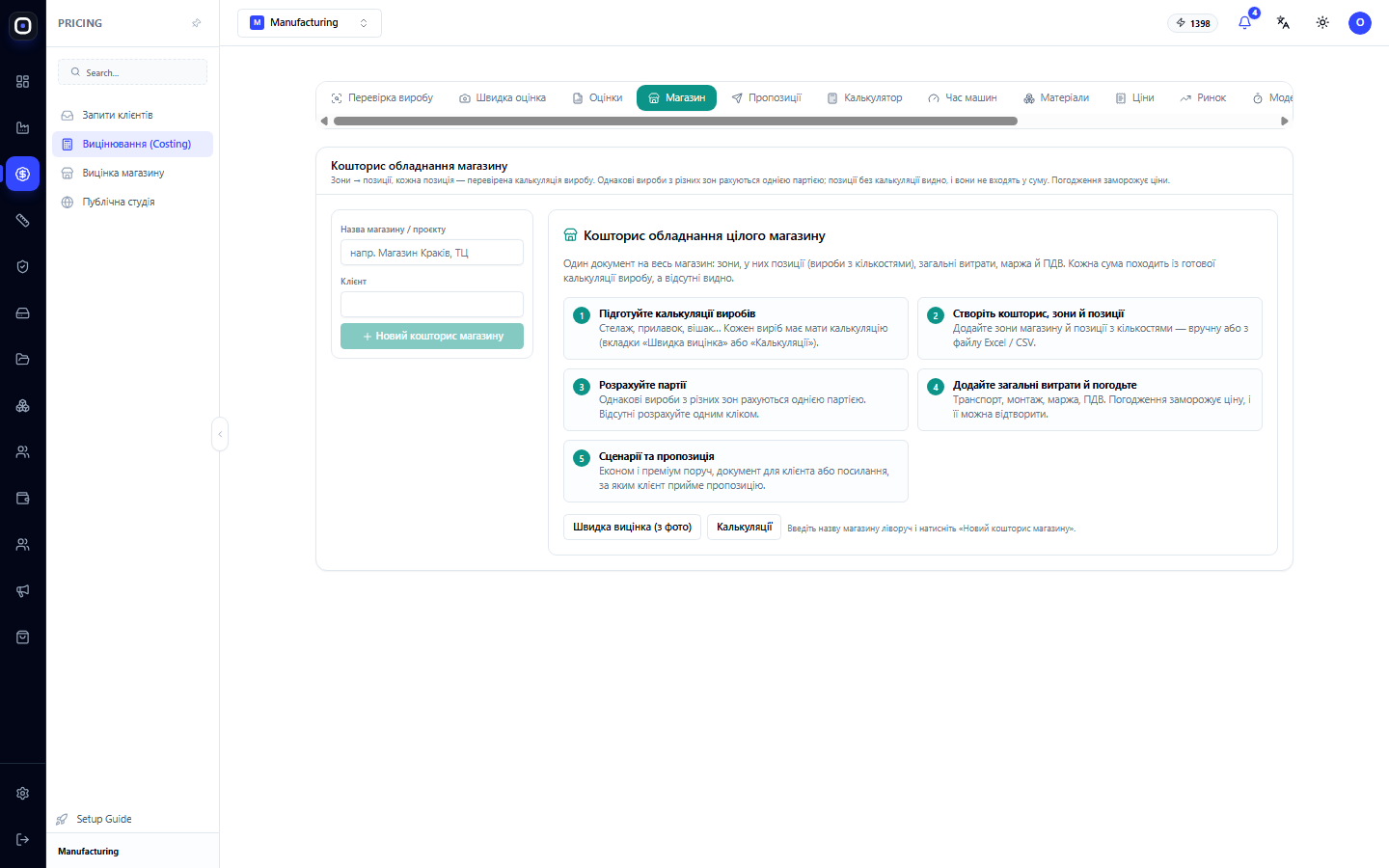
Oprela for manufacturers of retail equipment and store fit-outs
One estimate for the entire store: zones, items, shared batches of identical products, total costs, margin, versions, and approvals with price fixing. How a retail equipment manufacturer calculates and manages large projects.
1 min read · 2026-10-20
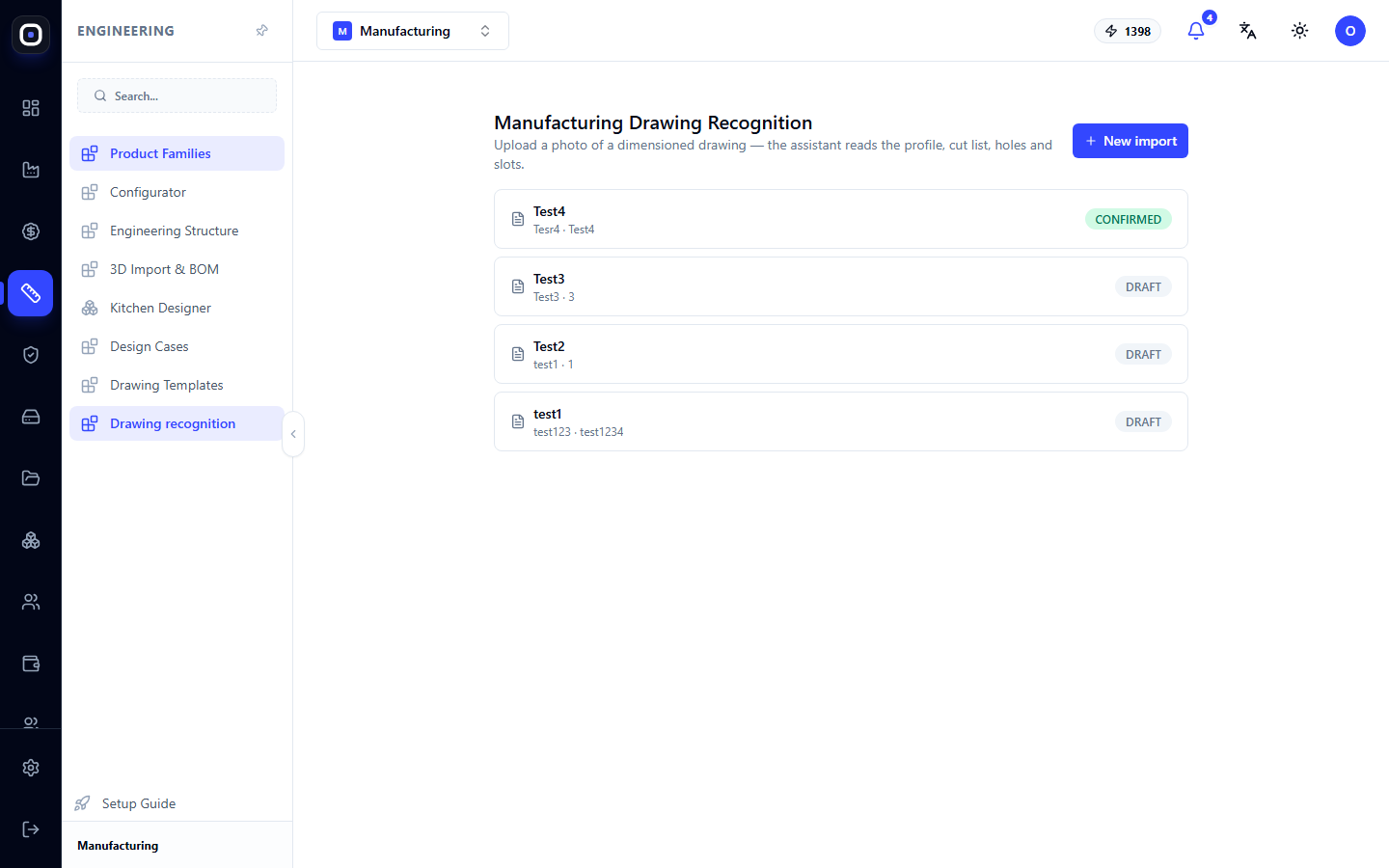
Manufacturing Drawing Recognition: From Drawing Photo to Machine Data
Upload a photo of a dimensioned drawing, and the assistant will recognize the profile, cutting length, holes, and slots. You review and confirm the result, after which the data can be used in production.
1 min read · 2026-10-20
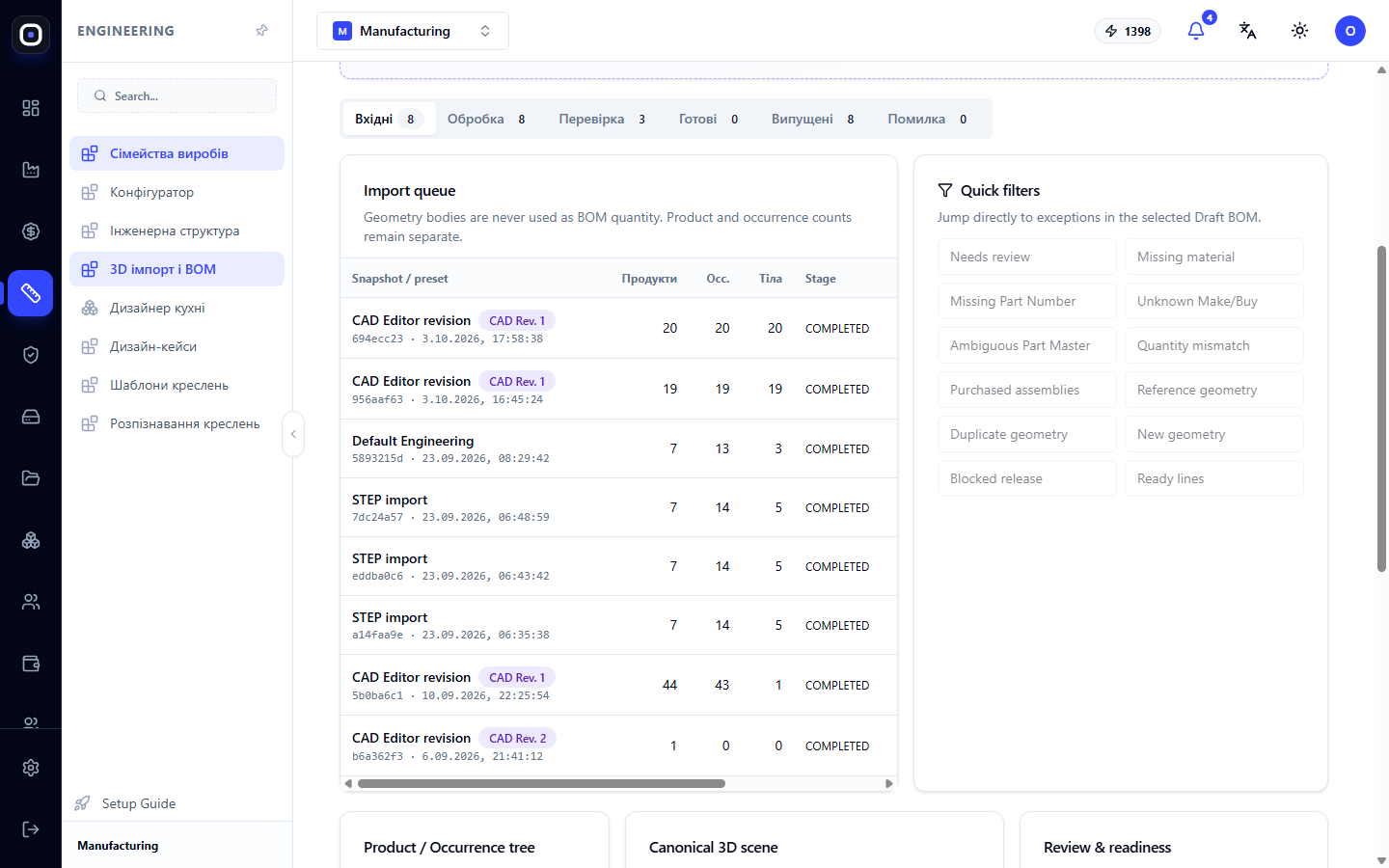
Oprela Manufacturing for Designers and Process Engineers
From STEP model to bill of materials, drawings, flat patterns, routings, and machine programs without manual re-entry. How the system frees engineers from routine tasks and preserves factory knowledge.
1 min read · 2026-10-20
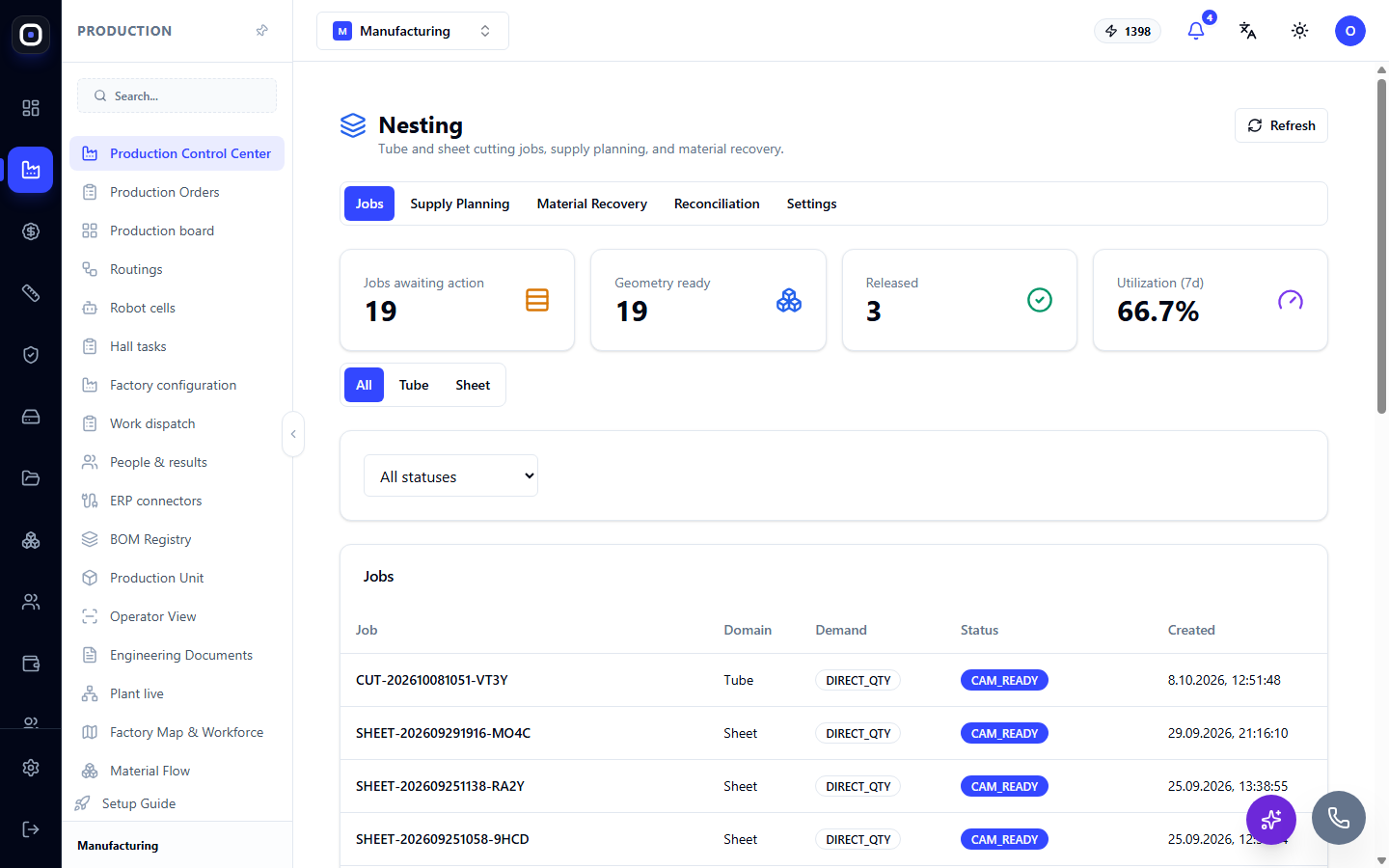
Nesting: tasks for cutting pipes and sheets, supply, and remnants
How the Nesting page works: task statuses from draft to release, supply planning considering stock, returning remnants, reconciling plan with actuals, and nesting policies.
1 min read · 2026-10-20
Example: How kitchen manufacturing works at Oprela Manufacturing
A kitchen set is a convenient example to see the entire Digital Thread of the platform applied to a familiar object: from the real Solution Pack 'kitchen' to a specific cabinet installed for a specific customer.
1 min read · 2026-10-20
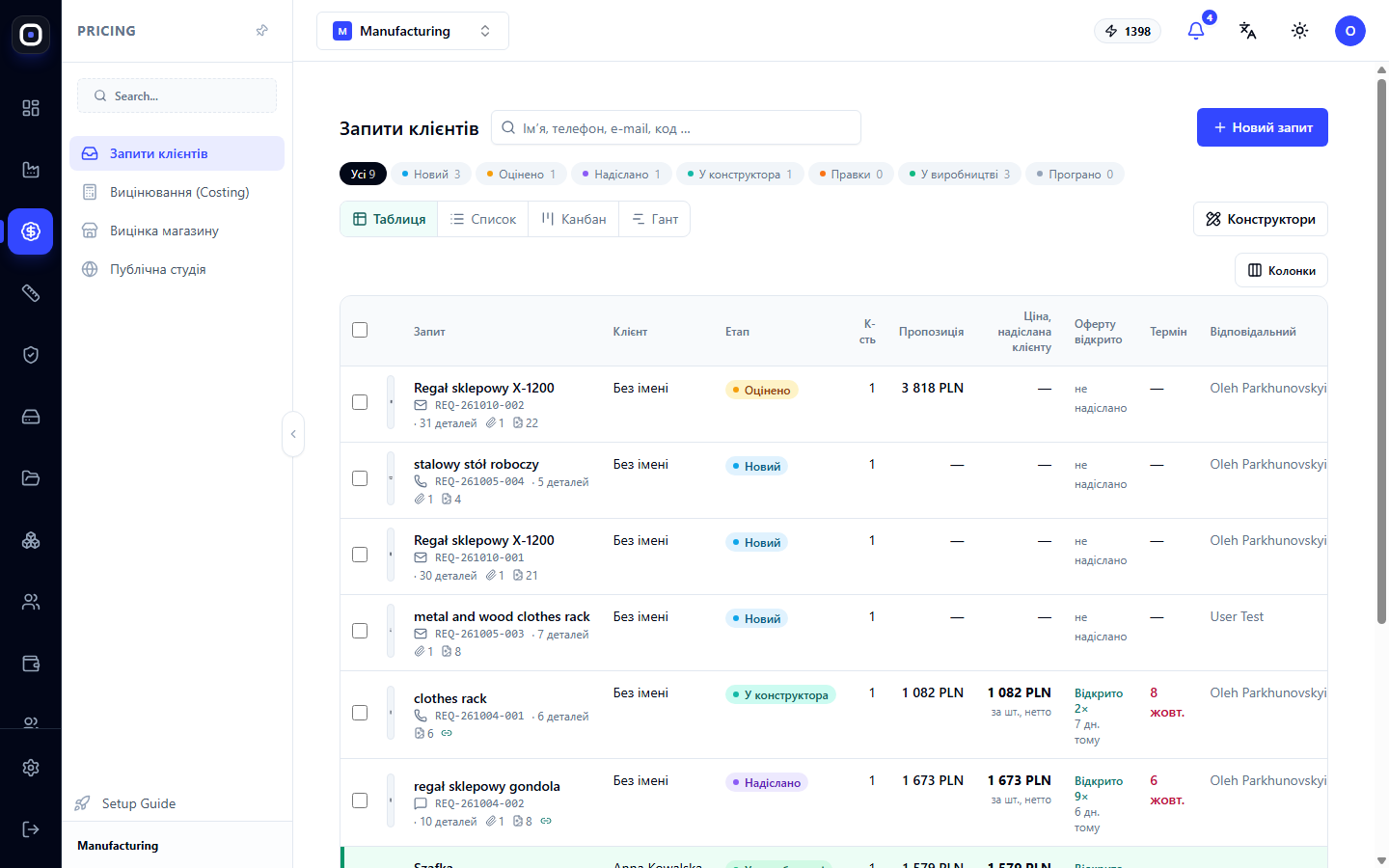
Oprela Manufacturing for the Production Sales Manager
Estimate costs from a photo, sketch, or 3D model, send proposals to clients with 3D viewing via a link, offer options and quantities, and track opening and acceptance. How a manager can respond to clients faster than competitors.
1 min read · 2026-10-20
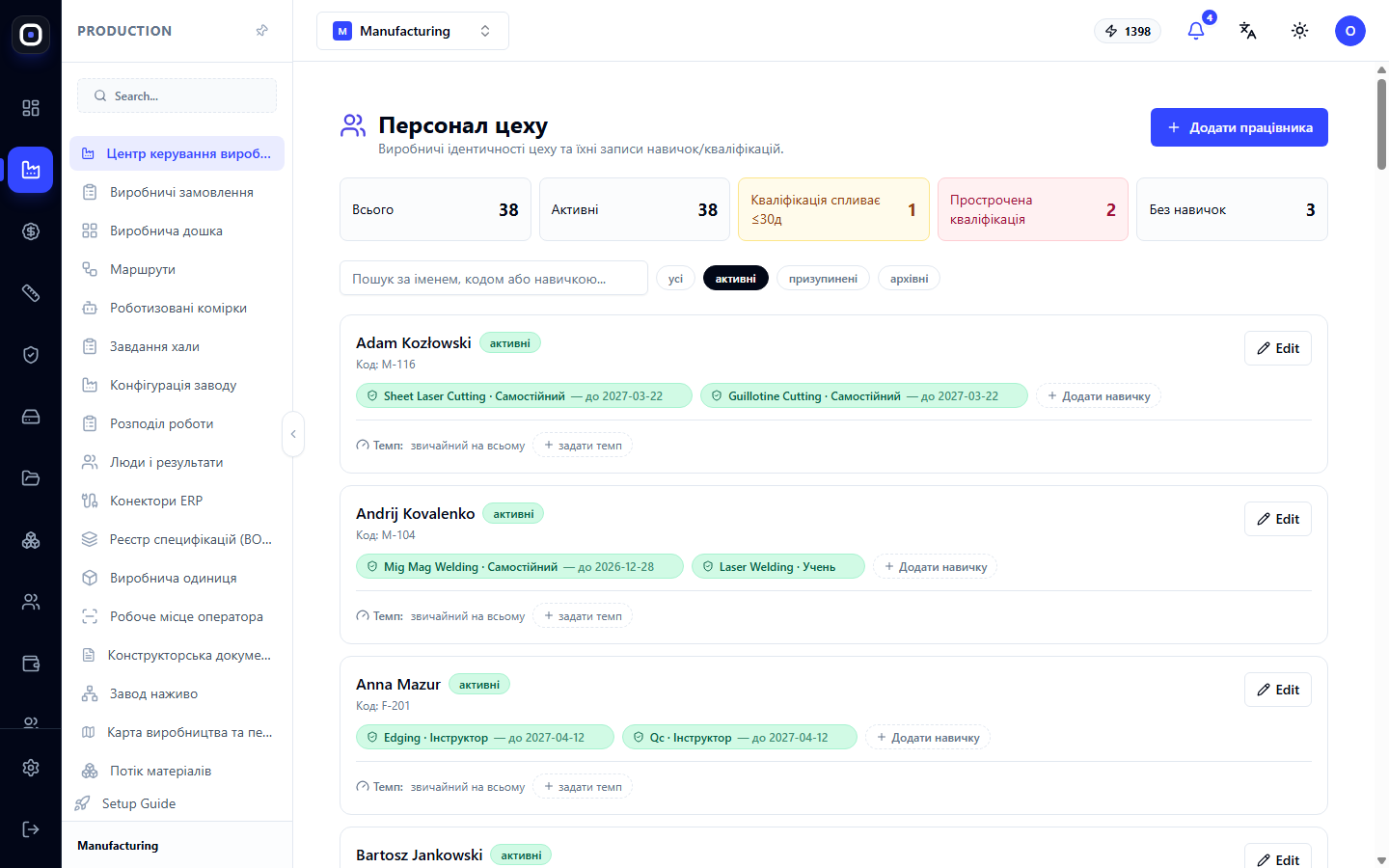
People in Manufacturing: Skills, Training, Results, and Fair Bonuses
How Oprela helps manage people on the shop floor: a register of skills and qualifications, work allocation by competence, training plans, attendance, productivity, and quality metrics, and fact-based bonuses.
1 min read · 2026-10-20
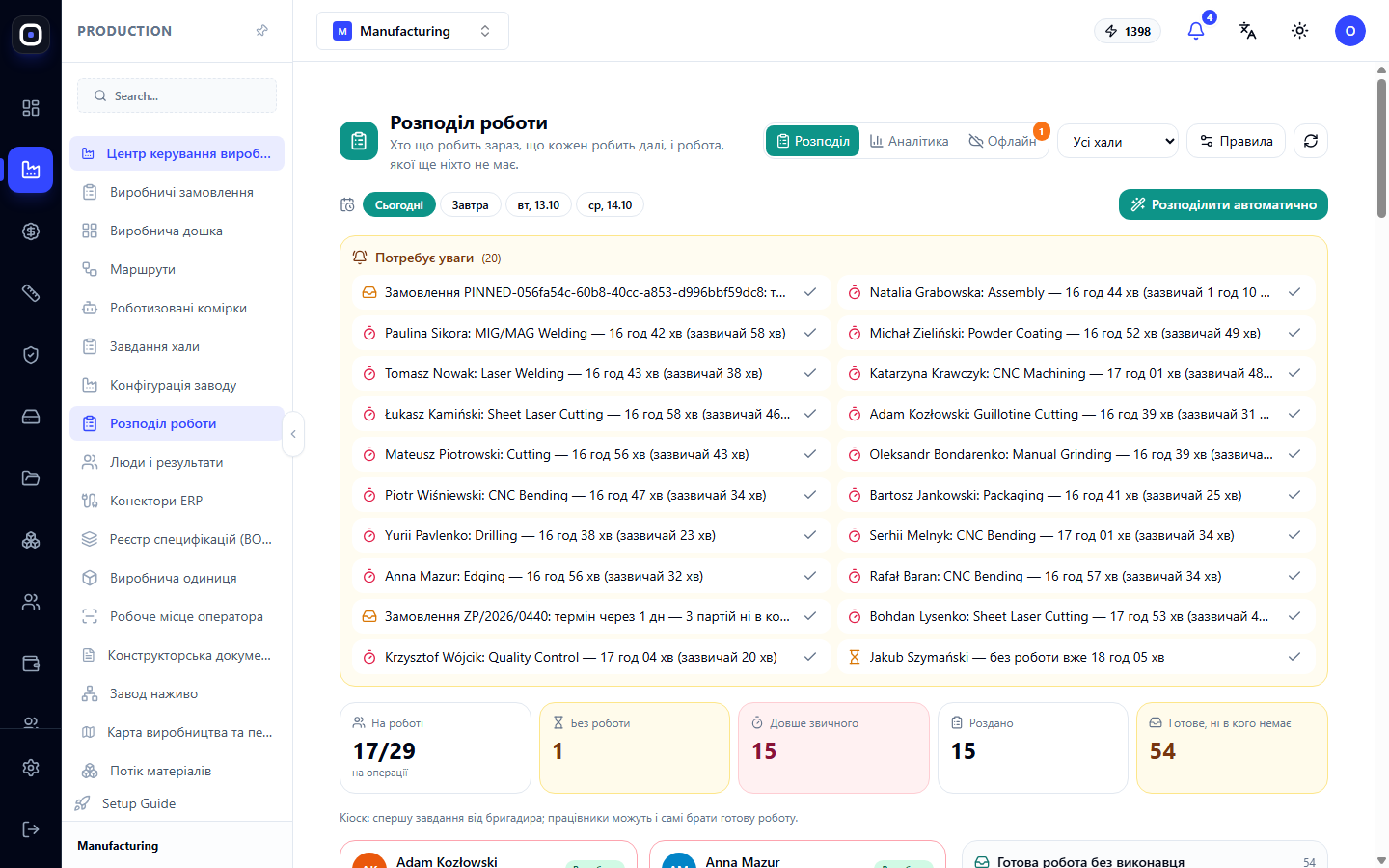
Oprela Manufacturing for Shop Floor Foreman and Team Lead
Orders on a 3D product map, work distribution from a single screen, status of each batch, delays with reasons, and on-the-fly solutions: replacing defects, changing routes, assemblies for welders. How the system frees the foreman from morning chaos.
1 min read · 2026-10-20
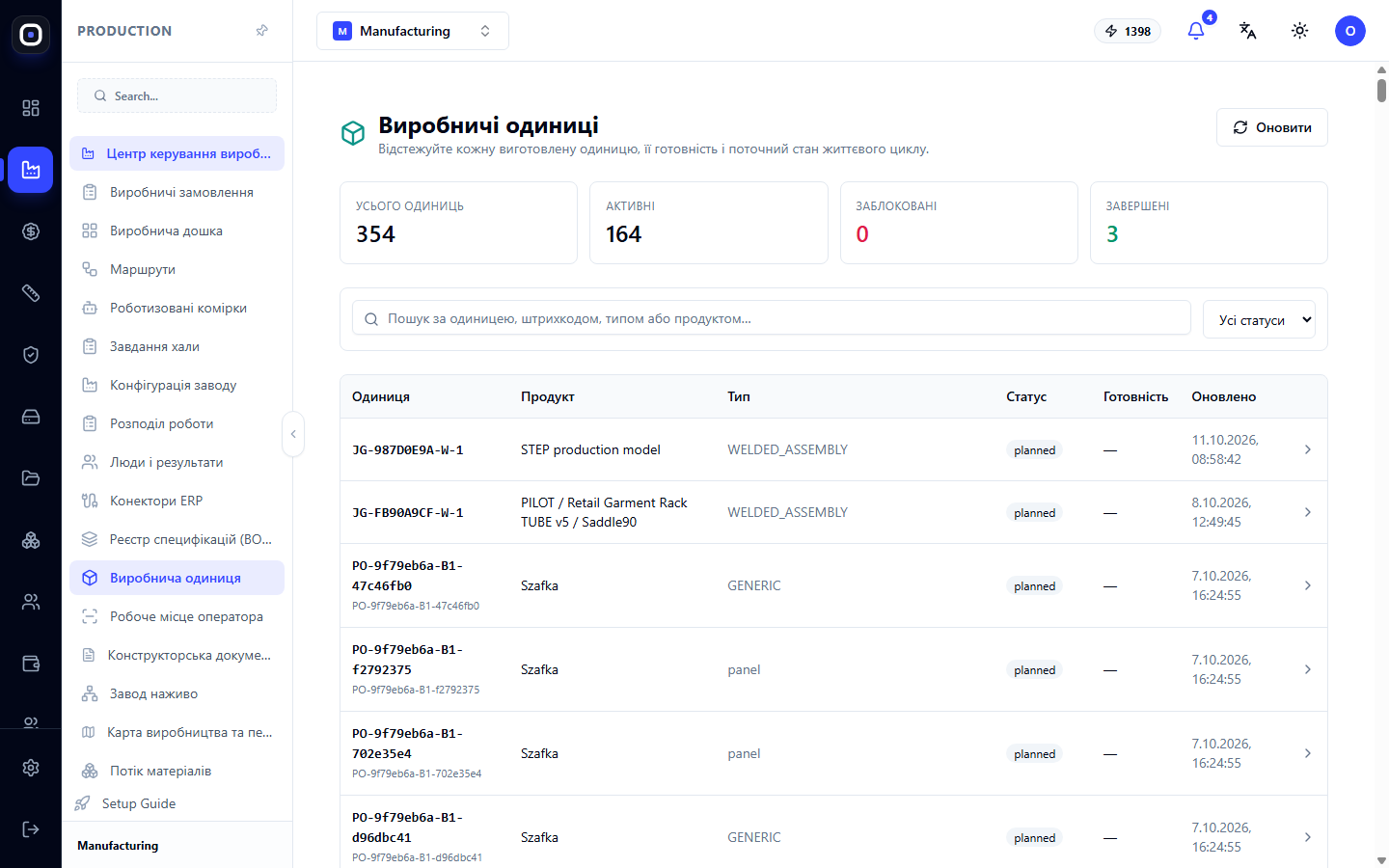
Quality and Traceability: The Story of Every Part
Inspections, defects, non-conformities, rework, and scrap linked to a specific part, operation, machine, and person. How Oprela makes quality manageable and answers the client's question, "where did this come from?".
1 min read · 2026-10-20
What is Oprela Manufacturing: From Customer File to Finished Product in One System
Oprela Manufacturing guides a product from customer request and 3D model through specification, routing, nesting, and the shop floor to quality control. We explain the problem it solves and how the order journey looks.
1 min read · 2026-10-20
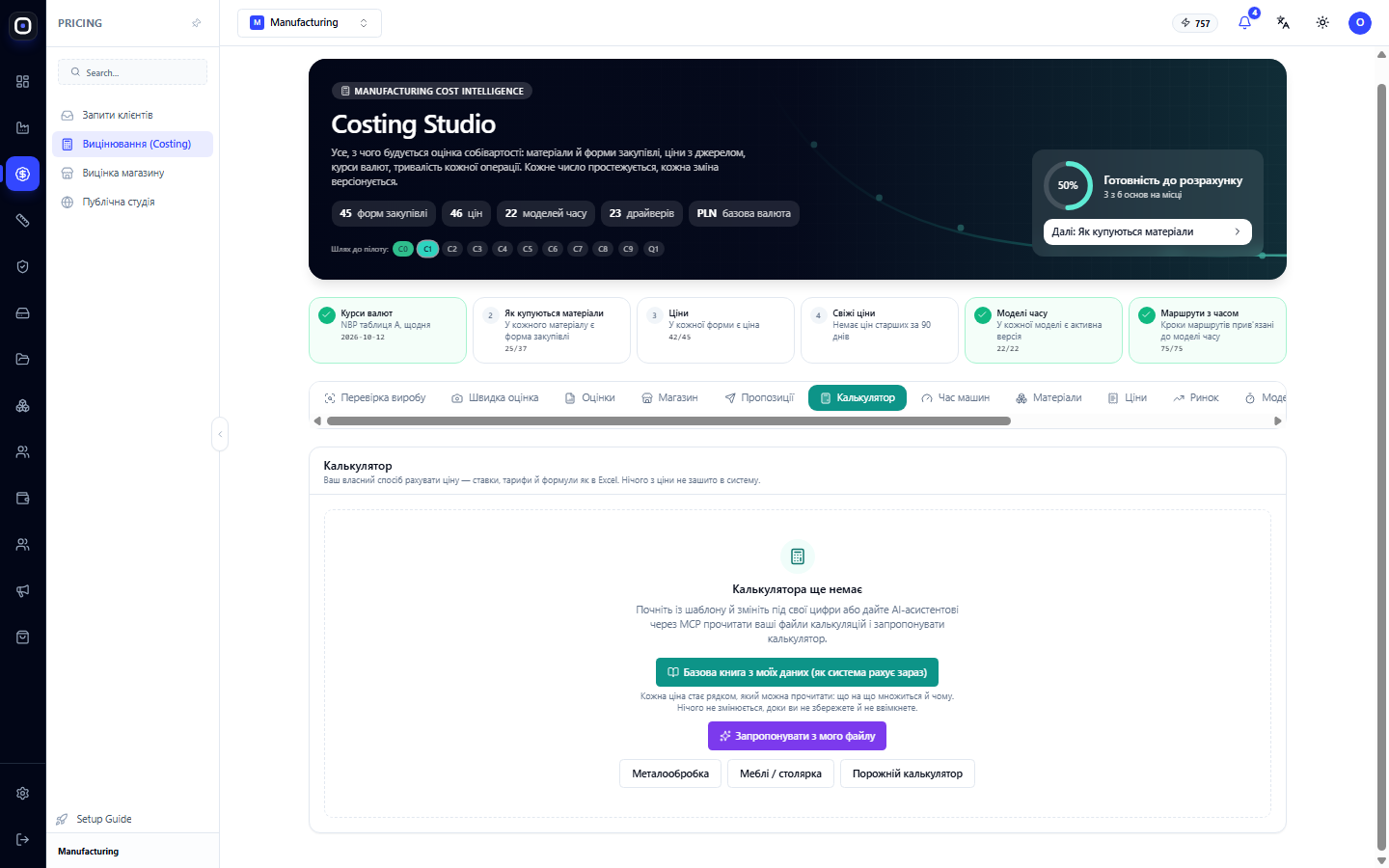
Factory Calculator: Your Own Way to Price, Just Like Your Spreadsheet
A complete guide: what the calculator consists of, how to read and write cost lines, rate tables, order questions, Excel-like formulas, checking against known prices, and safe activation.
1 min read · 2026-10-20
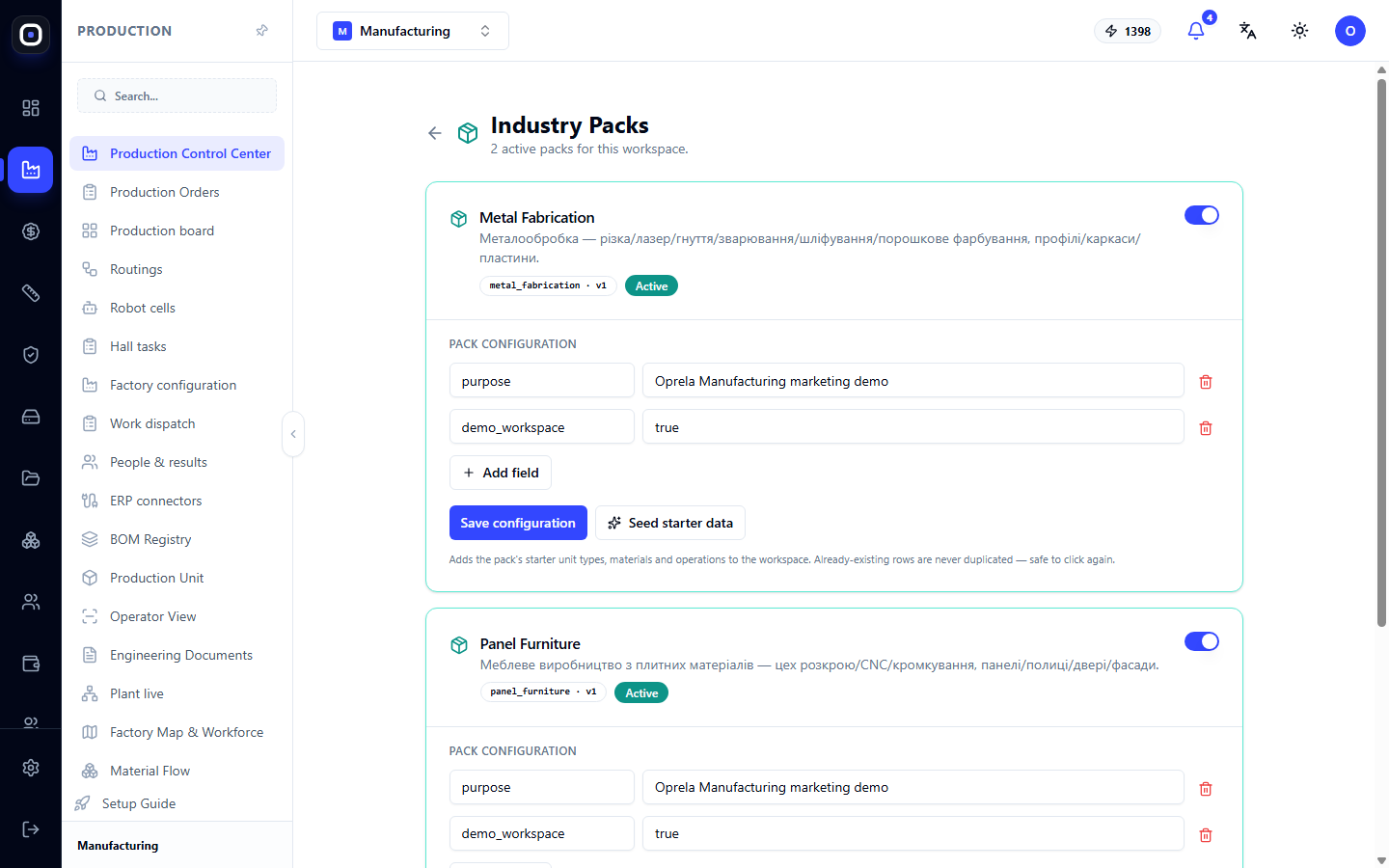
Industry Packs: How to Configure Your System for Your Type of Production
An industry pack adds unit types, materials, and operations specific to your industry. Learn how to enable a pack, populate initial data, and how industry packs differ from solution packs.
1 min read · 2026-10-20
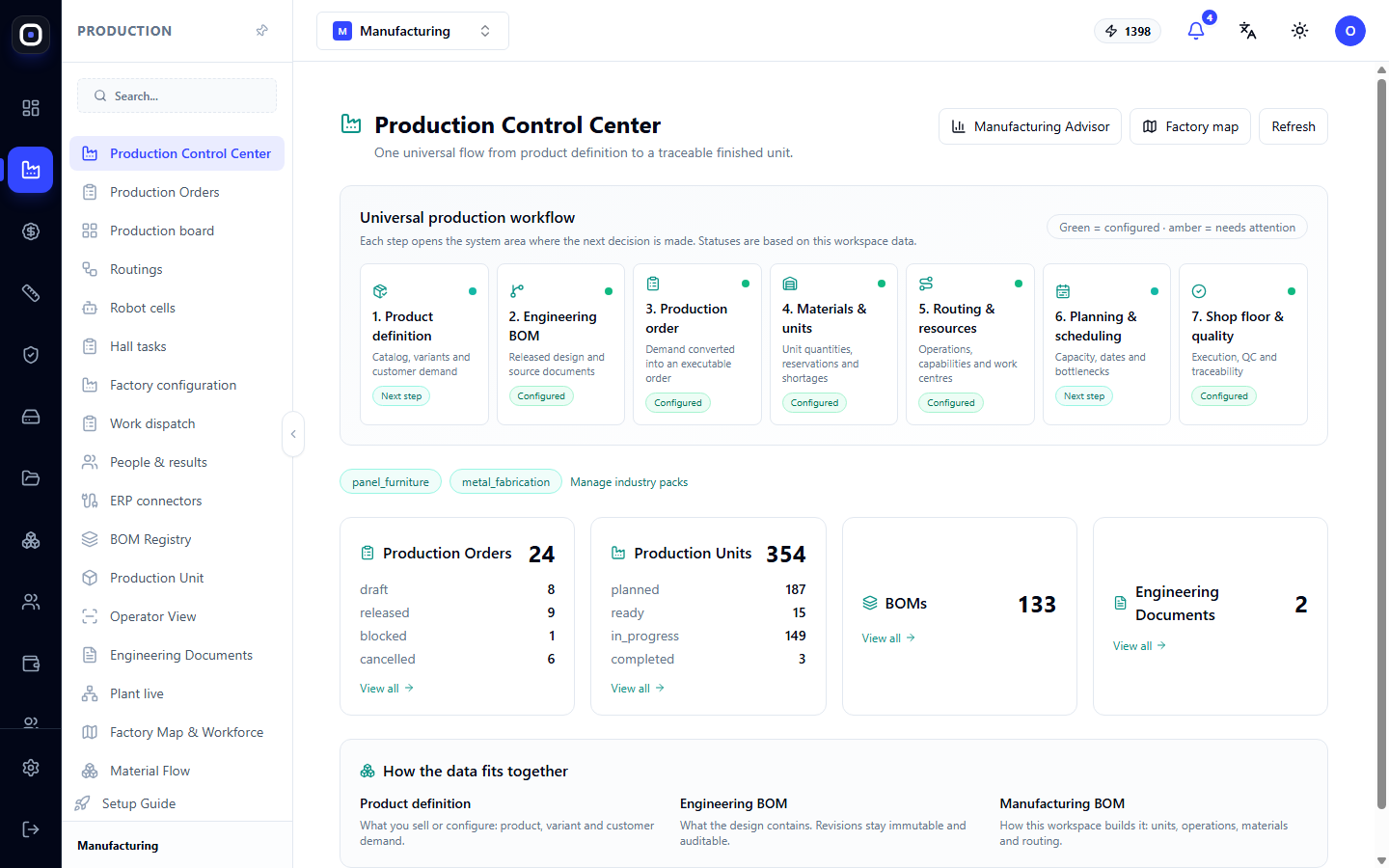
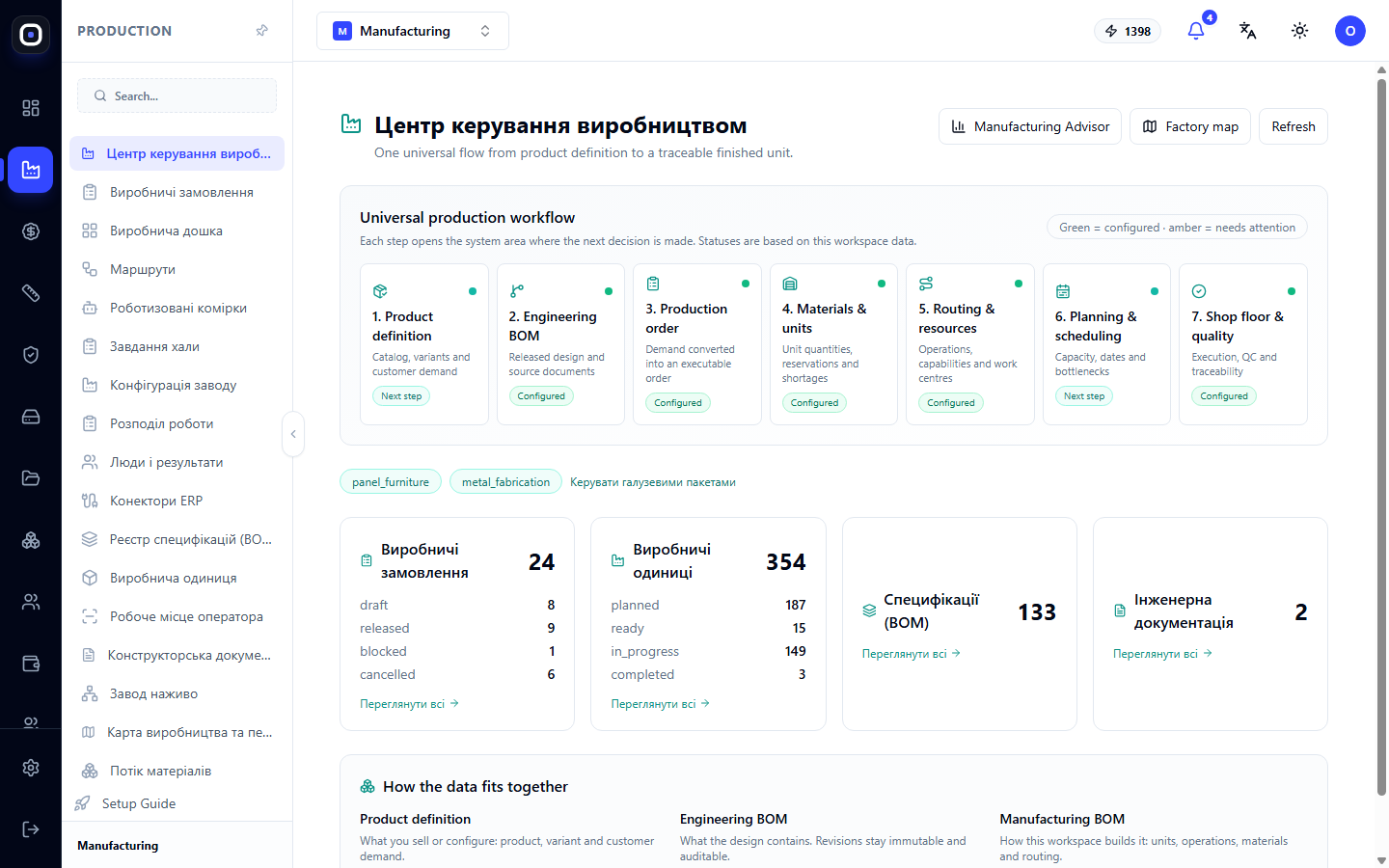
Production Control Center: Where to Start and What's Next
The production home page: seven steps from product to finished unit, order and unit counters, and quick links to the relevant sections.
1 min read · 2026-10-20
Cutting, chamfering, glue and marking with a robot
Besides welding, a cell can cut with a laser, plasma or waterjet, chamfer edges, lay glue or sealant and mark parts. How to set the recipe, the path and the signals.
1 min read · 2026-10-20
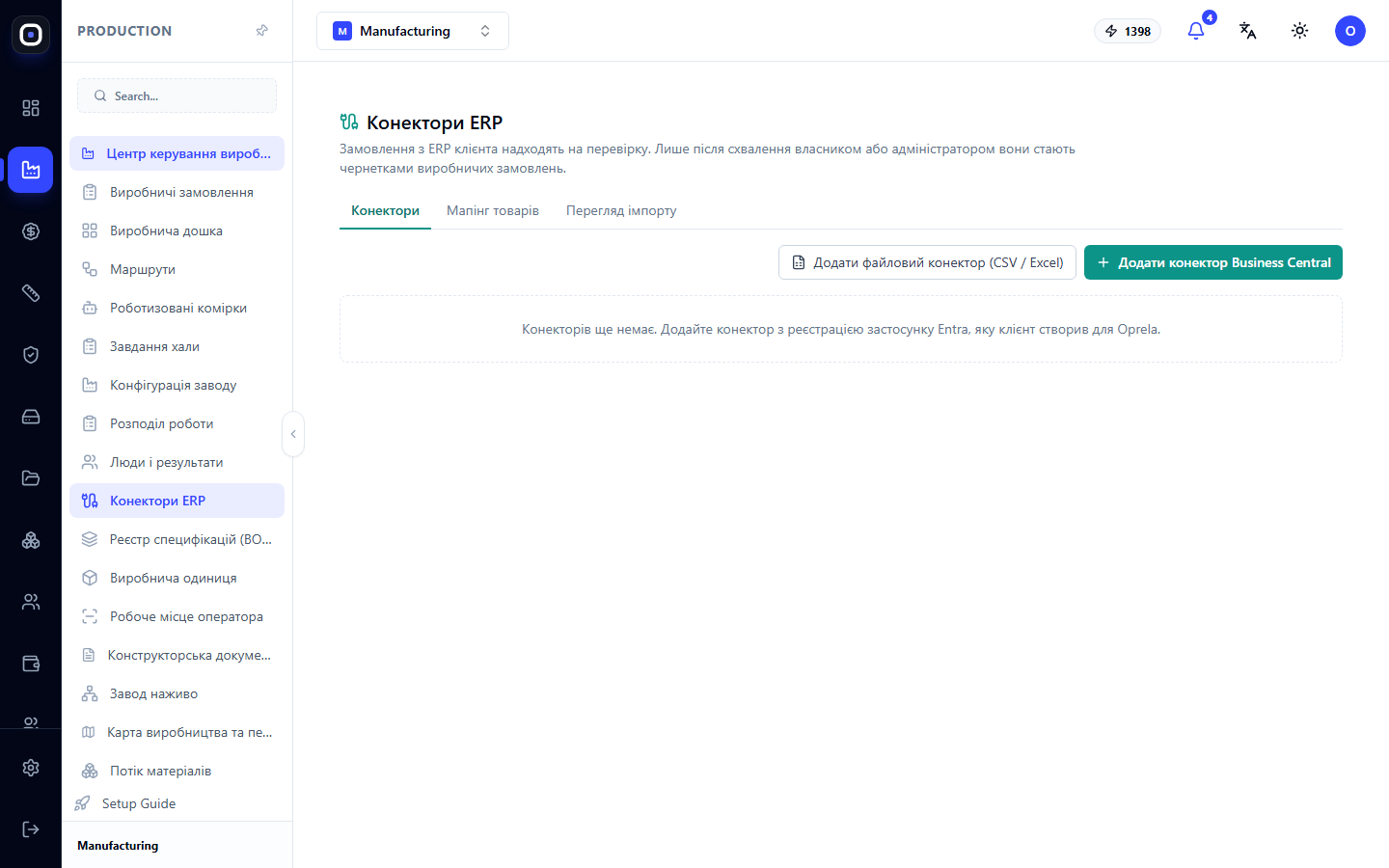
Oprela Manufacturing alongside your ERP: Complement, not replace
If accounting, sales, or inventory are already managed in another ERP, Oprela handles technology, costing, and the shop floor. How ERP connectors, CSV and Excel order imports, and pre-launch verification work.
1 min read · 2026-10-20
Oprela Floor without internet: how to work when there's no connection in the workshop
Offline mode for the workshop app: how to enable it for a hall, what to do before a shift, how actions are saved on the phone and sent automatically, and what the foreman does if something doesn't match up.
1 min read · 2026-10-20
From Request to Quote in Hours, Not Days
Why manufacturers take so long to respond to customers and how Oprela shortens this path: preliminary estimate from a photo, accurate estimate from a model, your pricing method, and a quote with 3D via a link.
1 min read · 2026-10-20
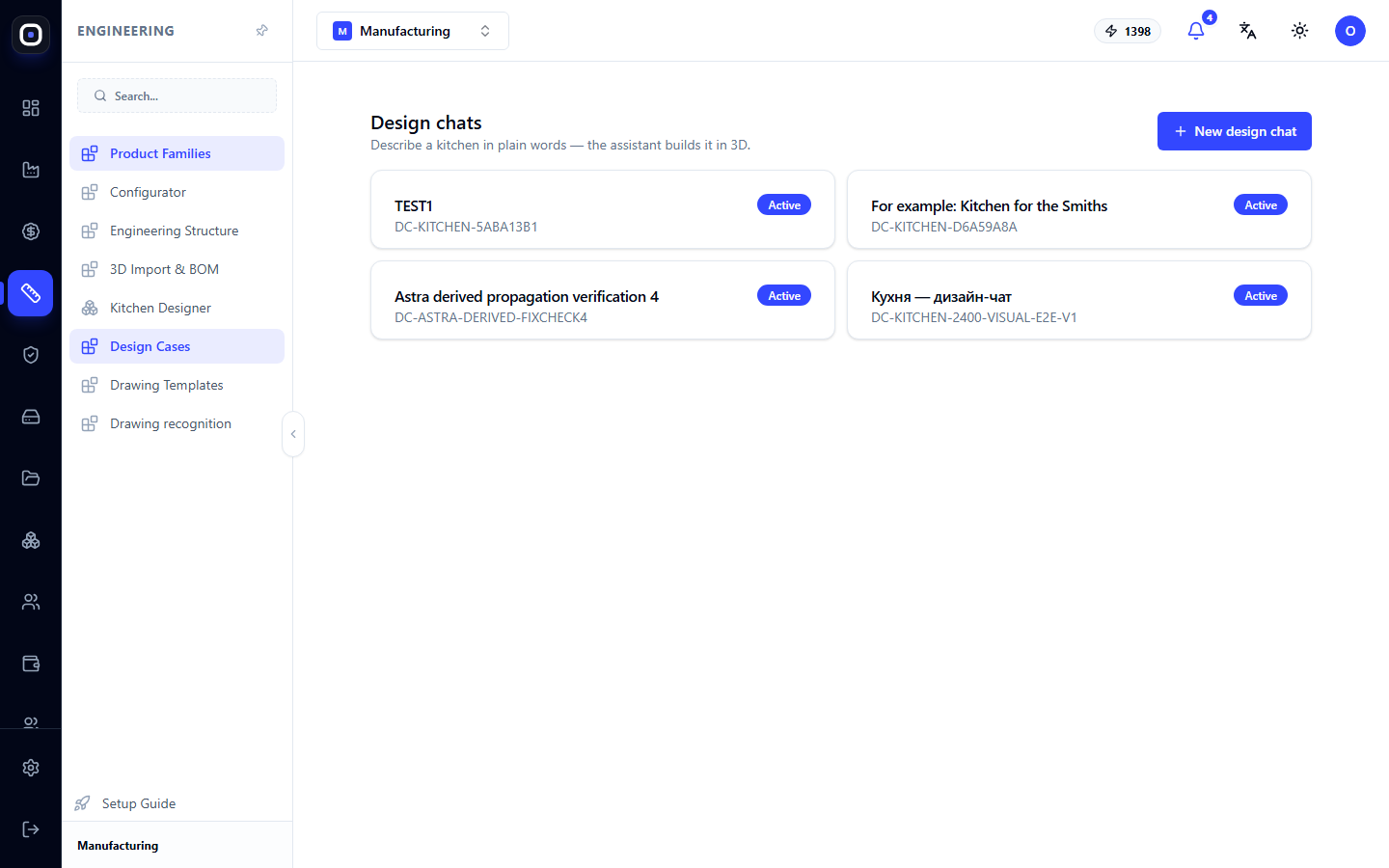
Design Chats: Describe Your Kitchen in Words, and the Assistant Builds it in 3D
A conversation with an assistant instead of a drawing: you describe the room and your wishes, it arranges modules, shows the result in 3D, and prepares the project for production.
1 min read · 2026-10-20
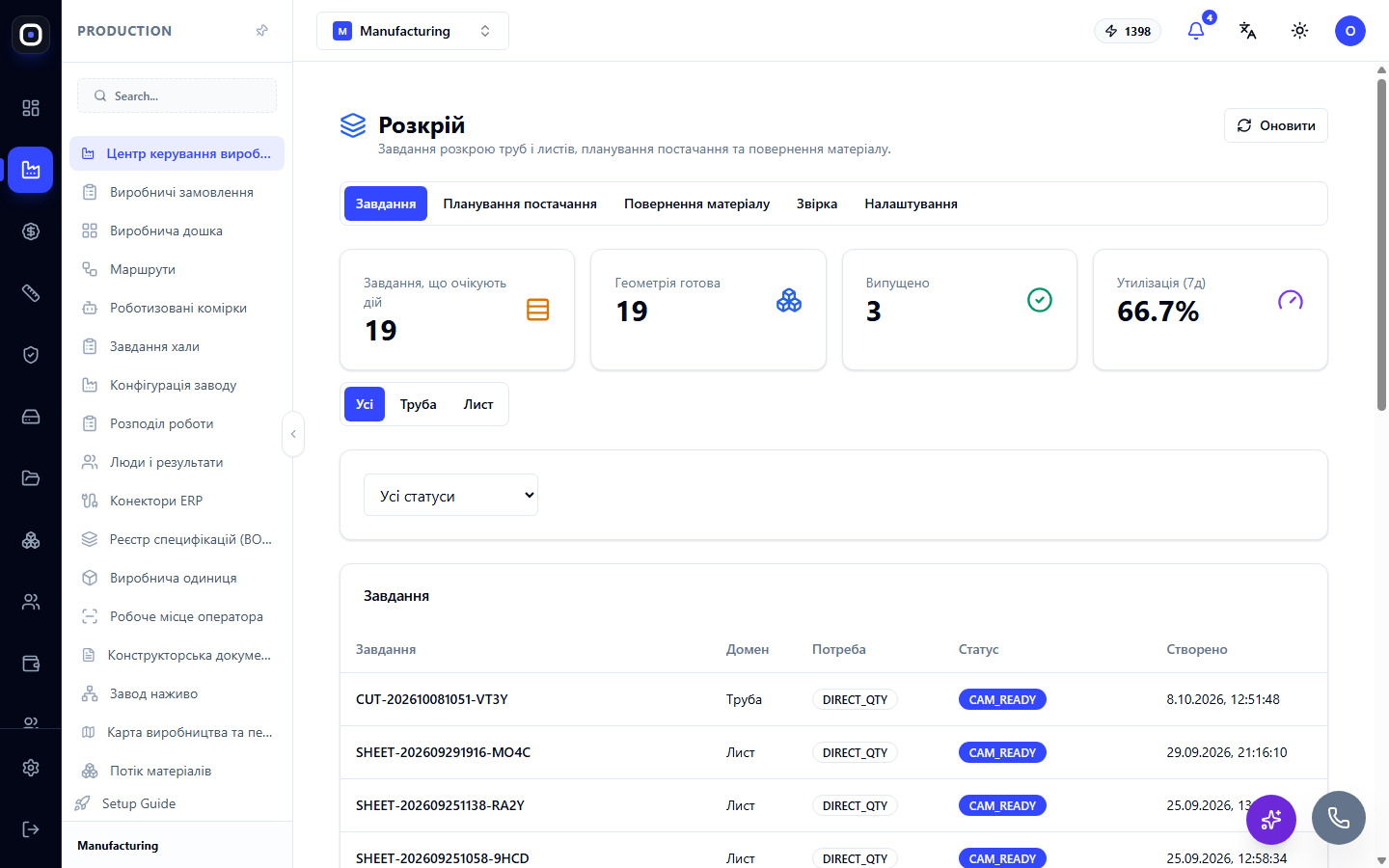
Oprela for Metal Fabrication
Sheet and tube, laser cutting, bending, welding, painting, and assembly: how Oprela guides a metal product from a STEP model through nesting, flat patterns, weldments, and robotic cells to a finished structure.
1 min read · 2026-10-20
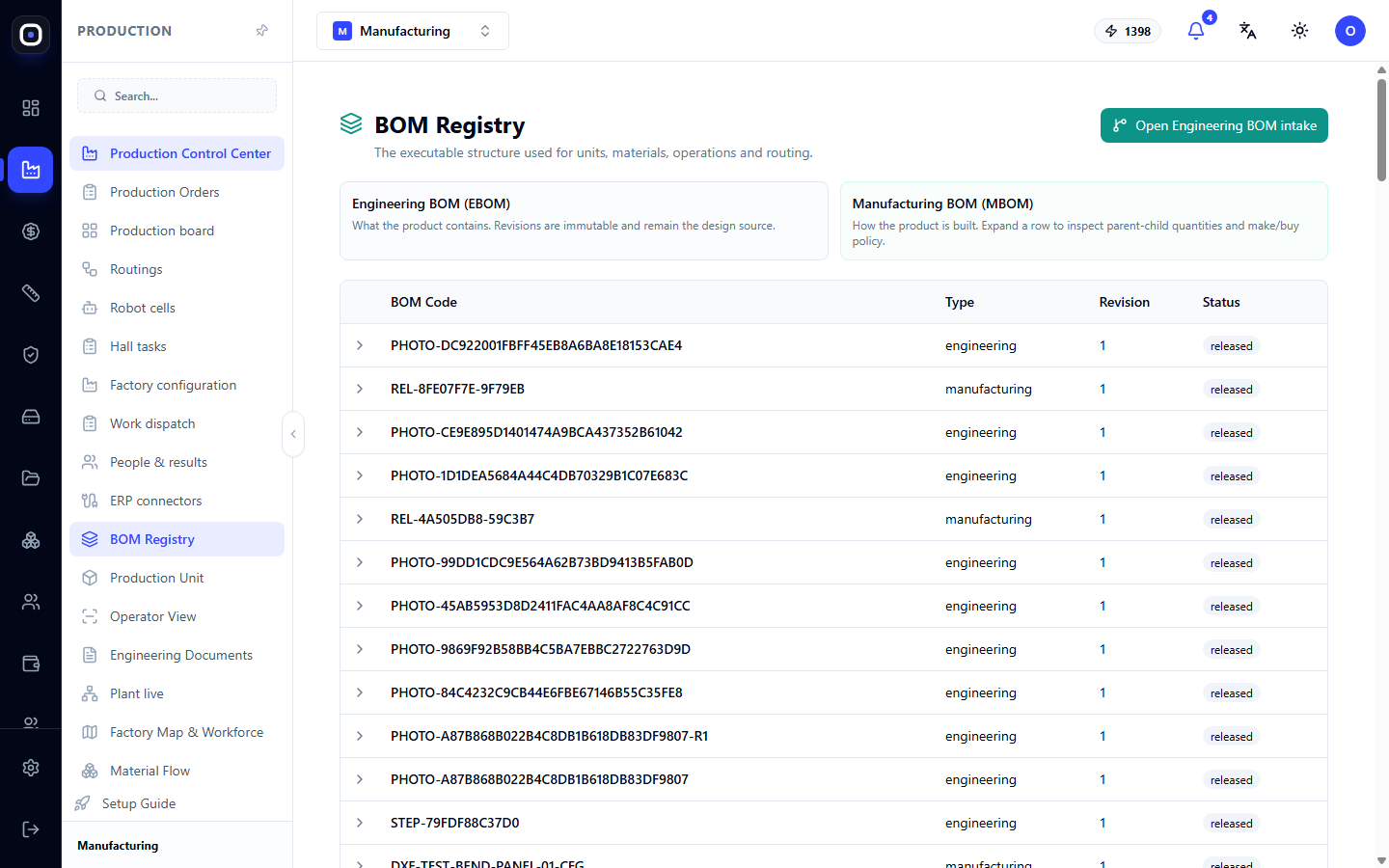
Bill of Materials (BOM) Registry: What a Product Consists of and How It's Made
All workspace BOMs in one list: how an engineering BOM differs from a manufacturing BOM, what type, revision, and status mean, and how to view the composition.
1 min read · 2026-10-20
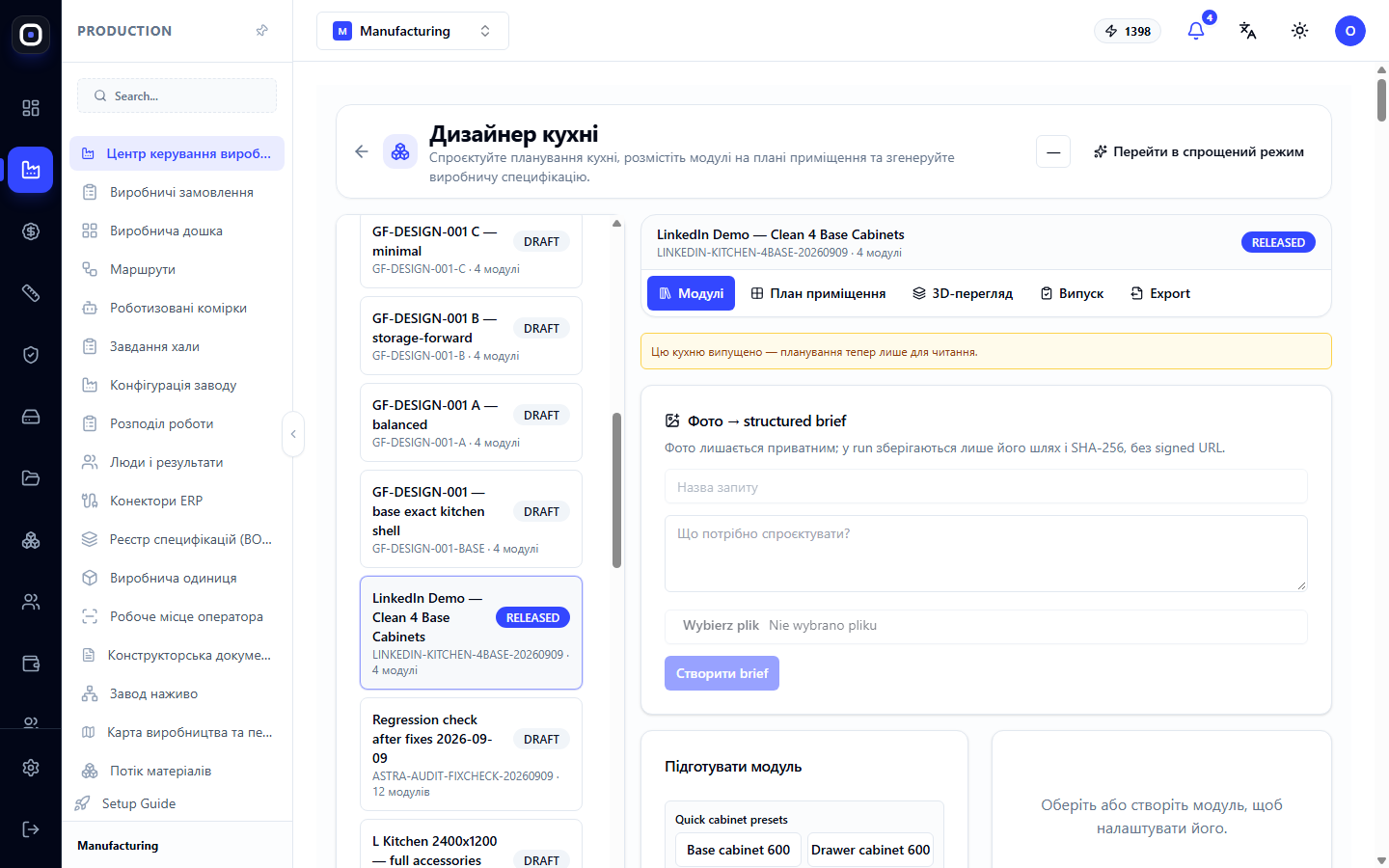
Oprela for Furniture Manufacturing and Custom Kitchens
From room plan and client wishes to production specification: kitchen designer, parametric modules, facades and materials, 3D for the client, panel cutting, and handover to production.
1 min read · 2026-10-20
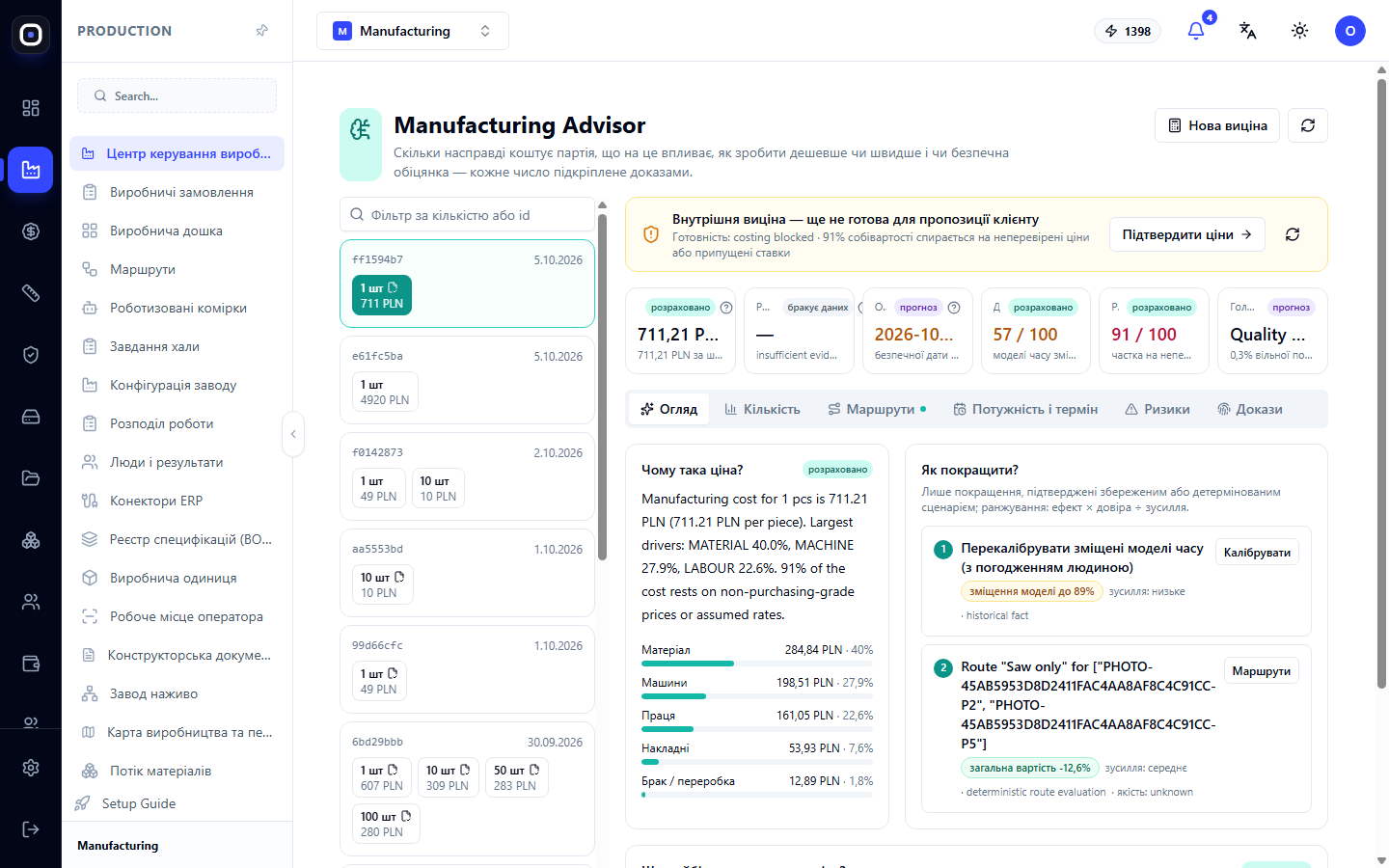
Oprela Manufacturing for the Plant Owner: Where are the Money, Time, and Risks?
What the owner and director gain from the system: real cost of each order, workshop load, reasons for delays, employee productivity, and decisions based on facts, not feelings.
1 min read · 2026-10-20
System Map: How All Production Pages Are Connected
An overview of the "Production" vertical from customer request to finished product: six stages, which pages are responsible for each, and where to find the necessary instructions.
1 min read · 2026-10-20

Shop Floor Workforce: Employees, Skills, Qualification Levels, and Pace
A register of people working on the shop floor: employee code, skills with levels and validity periods, alerts for expired qualifications, and individual work pace.
1 min read · 2026-10-20
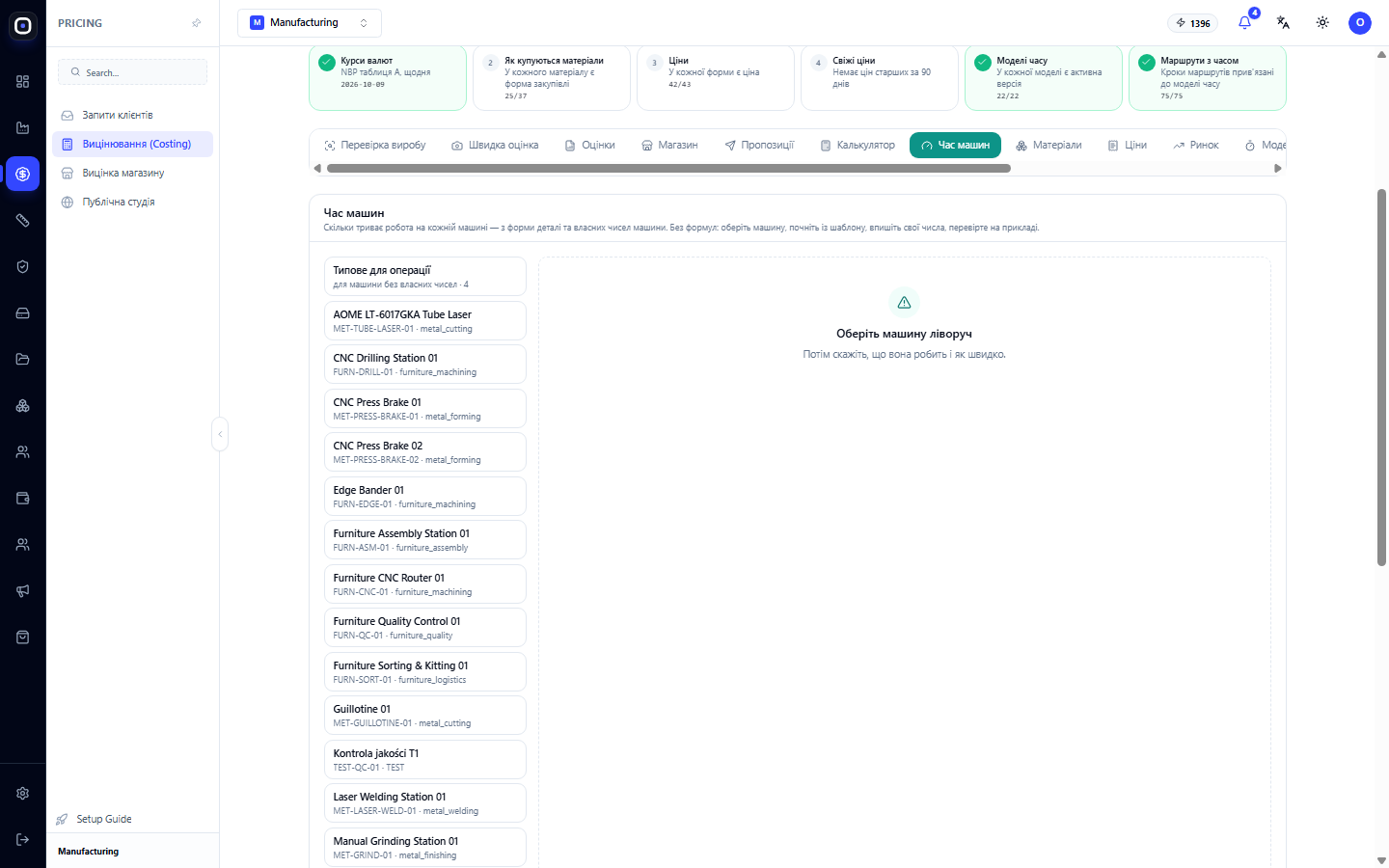
How Oprela calculates operation time: geometry, machine, and human
Operation time in Oprela is not manually entered for each part. It is calculated based on the part's shape, the capabilities of a specific machine, and the worker's pace, then refined based on actual performance. We explain the model in simple terms.
1 min read · 2026-10-20
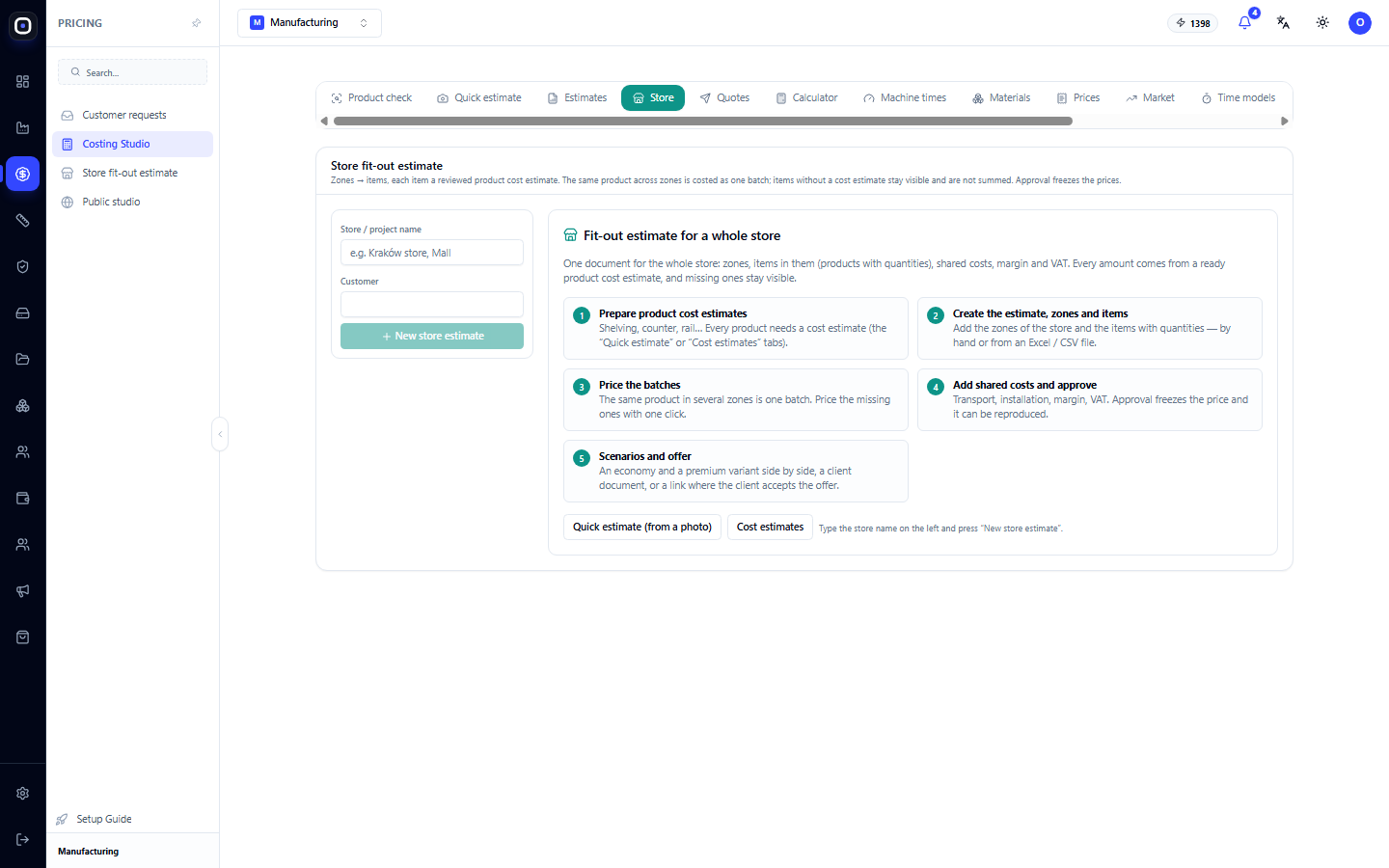
Store Fit-out Estimate: One Document for the Entire Project
How to estimate the fit-out of an entire store: zones, items with quantities, common batches for identical products, total expenses, margin, approval with price freezing, scenarios, and client proposal.
1 min read · 2026-10-20
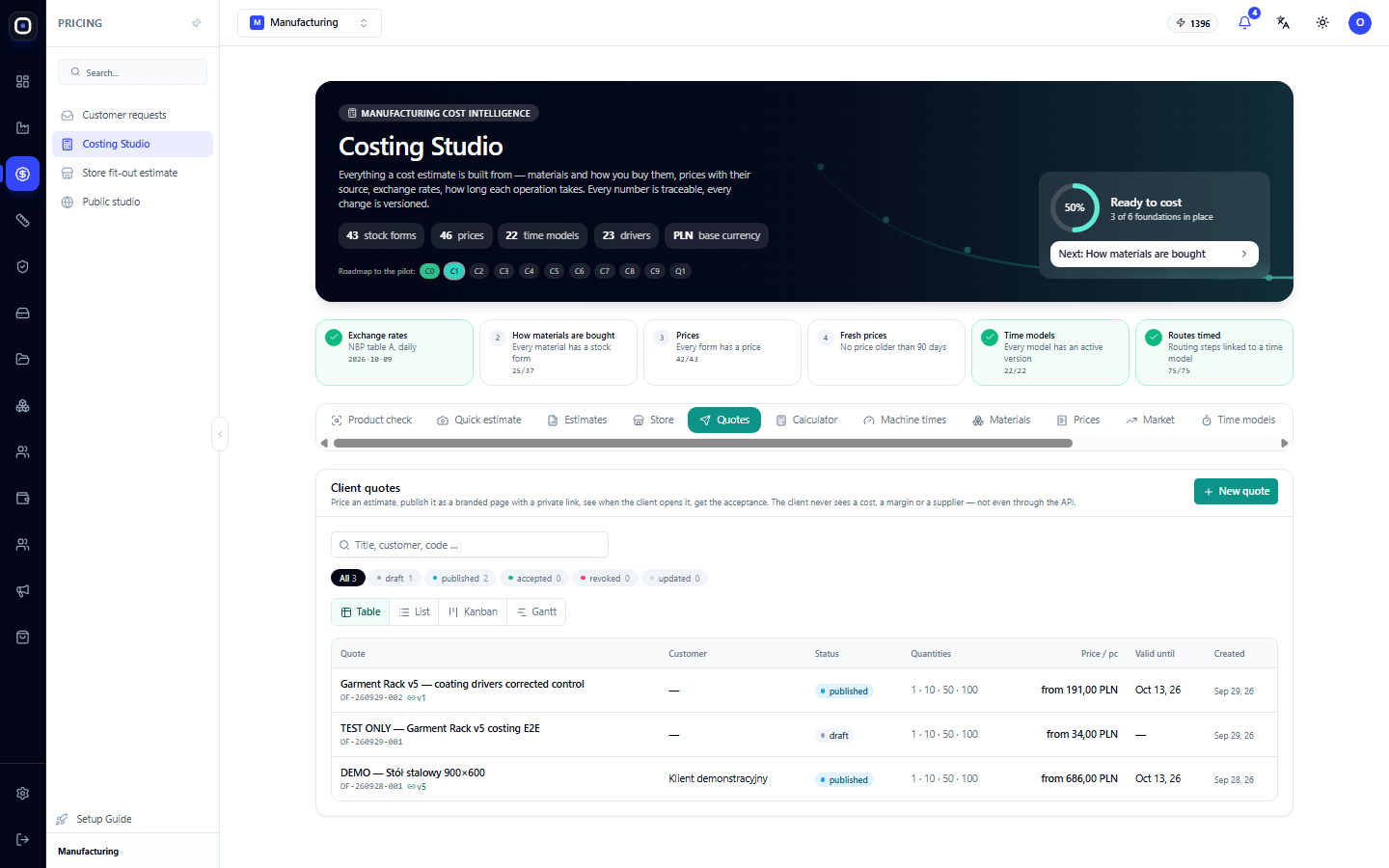
Customer Offers: Price Page Your Customer Opens via Link
How to create a quote from a cost estimate, publish it with a private link, see when the customer opens it, and get acceptance. And what the customer sees on their page.
1 min read · 2026-10-20
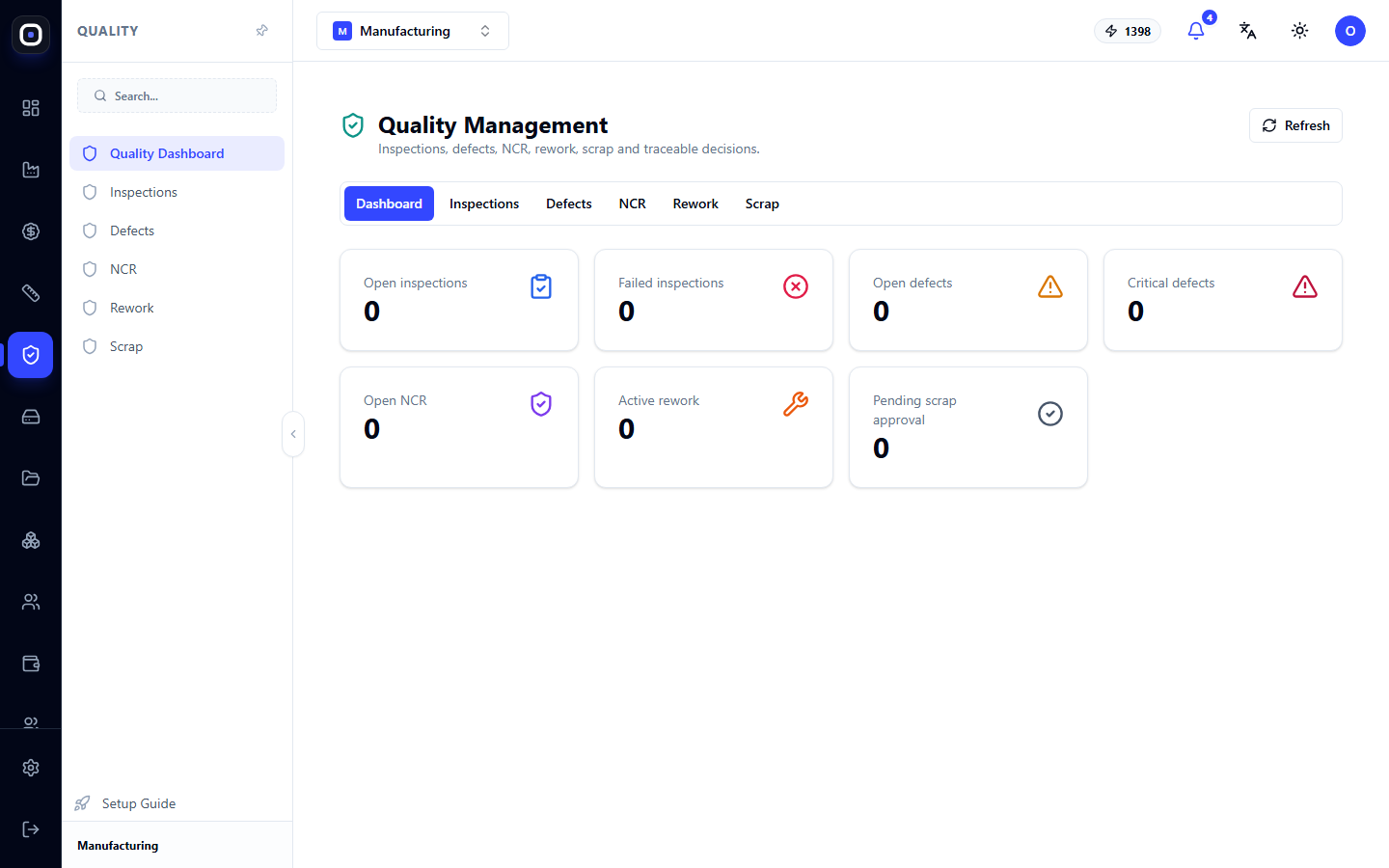
Quality Management: Inspections, Defects, Non-conformities, Rework, and Scrap
One section for everything related to quality: seven dashboard metrics, inspections, defect log, non-conformities with resolutions, rework, and scrap with approval.
1 min read · 2026-10-20
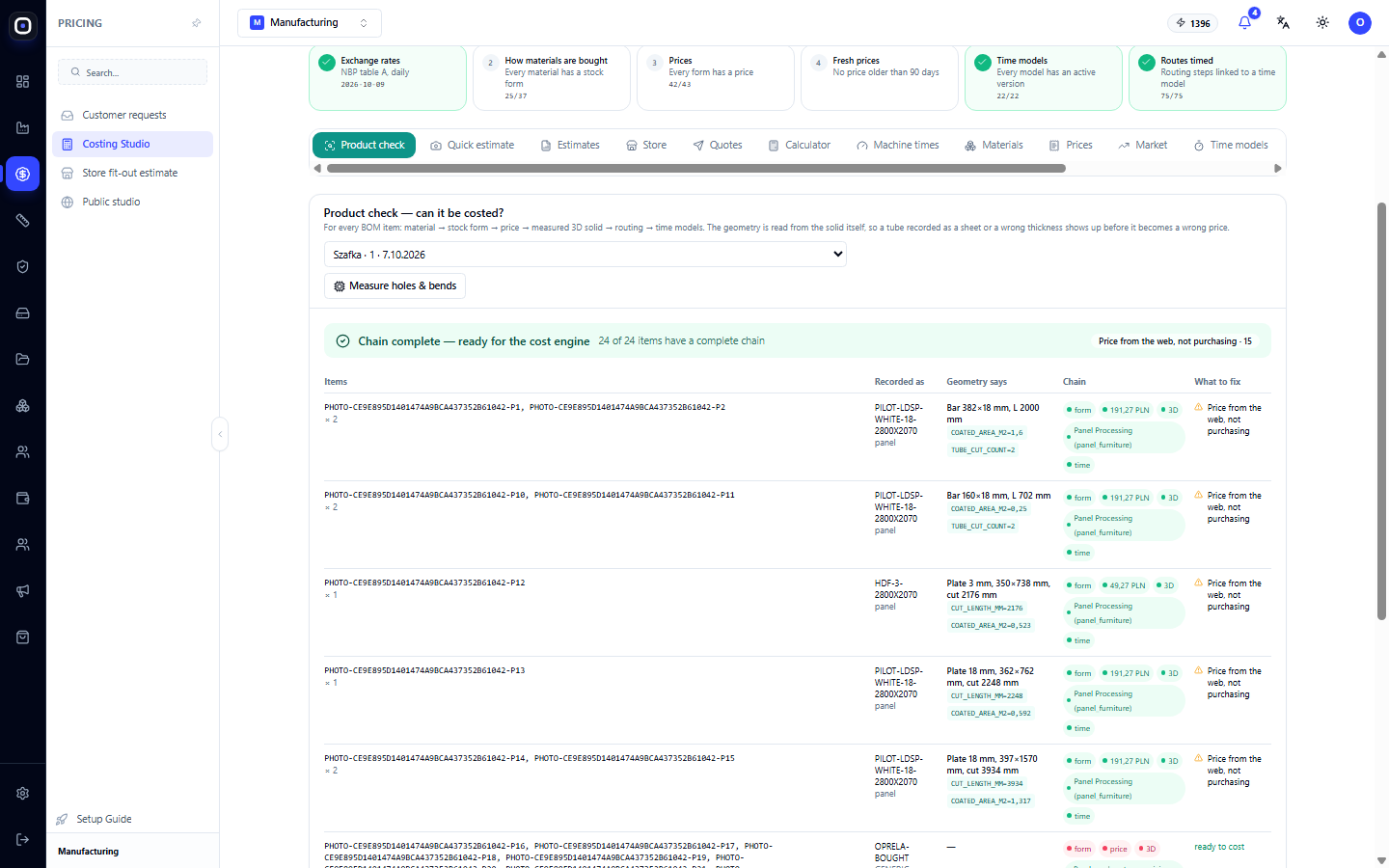
Product Check: Can it be costed and where is the data error?
Before calculating the price, the system checks a chain for each item: material, purchase form, price, measured geometry, routing, and time models. How to read the table and what to fix.
1 min read · 2026-10-20
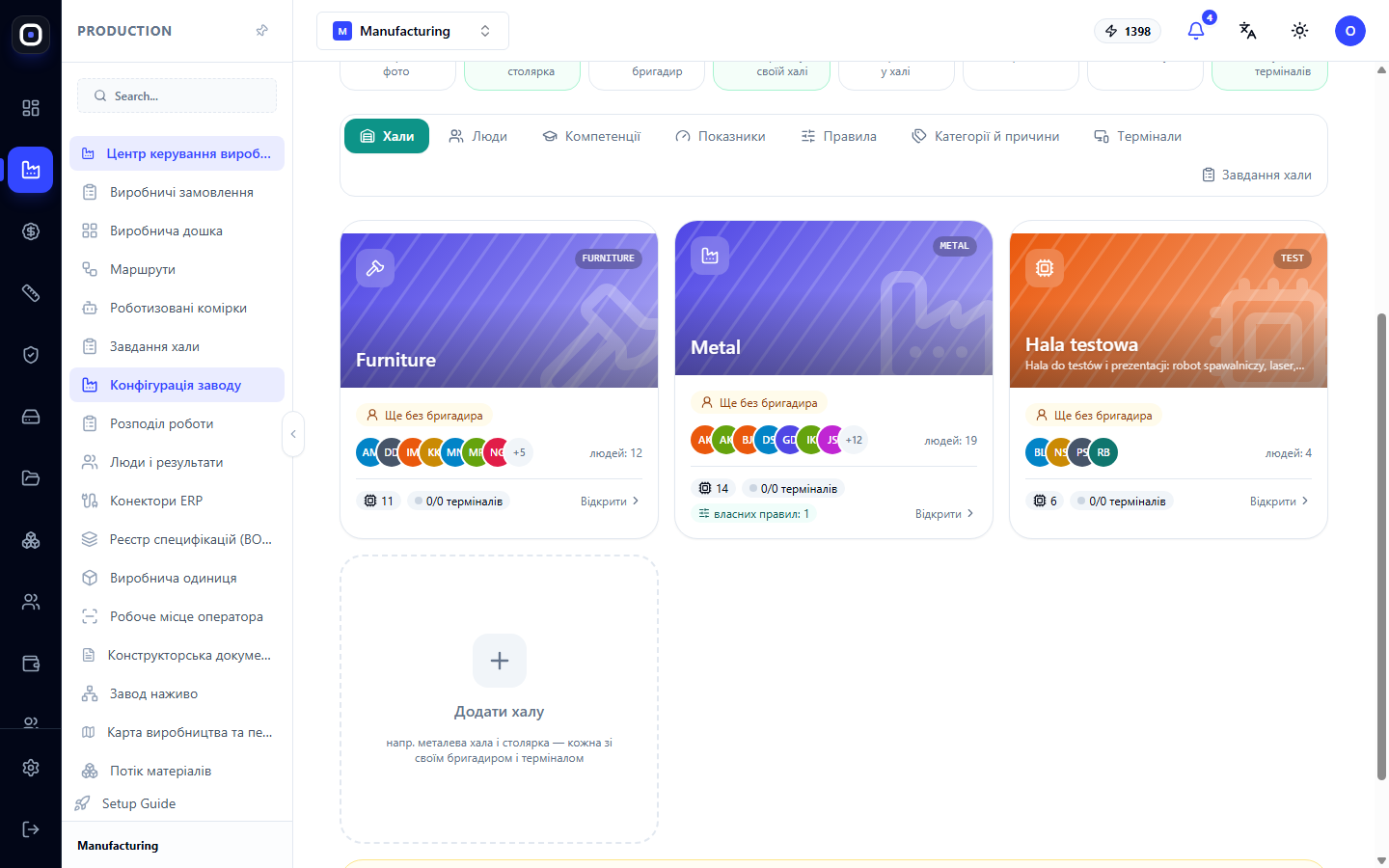
How to Implement Oprela Manufacturing in a Month
A realistic four-week implementation plan: industry package and factory configuration, pricing and machines, routings, a pilot order from model to finished product, and expansion to the entire shop floor.
1 min read · 2026-10-20
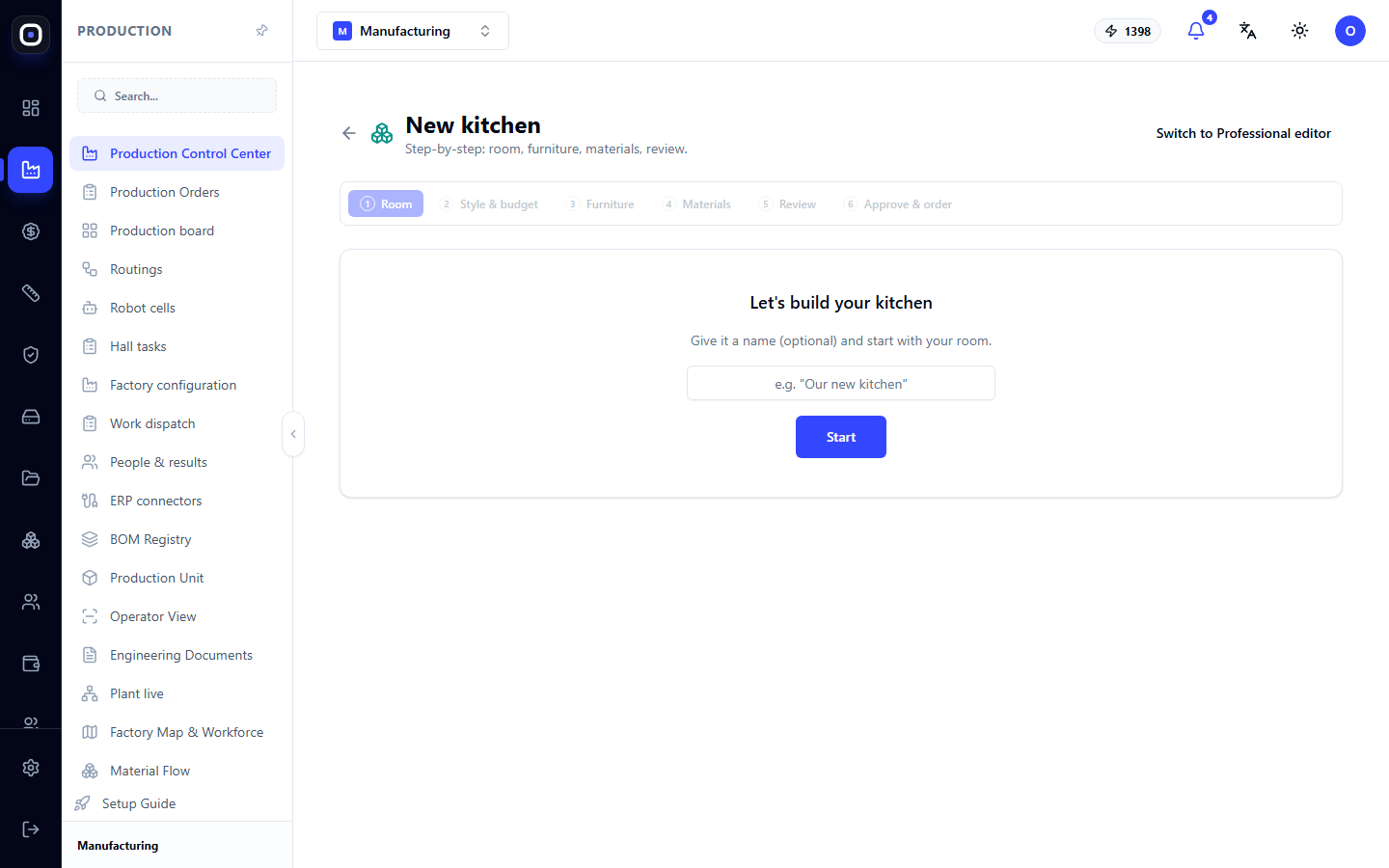
Kitchen Designer: From Room Plan to Production Specification
Two kitchen design modes: a six-step wizard and a professional editor with modules, room plan, 3D view, and production release.
1 min read · 2026-10-20
Who Oprela Manufacturing is for, and who it isn't
The profile of a factory that will benefit most from the system: custom manufacturing, small batches, complex products made of sheet metal, pipes, and plates. Signs that it's time to switch, and cases where a different solution is needed.
1 min read · 2026-10-20
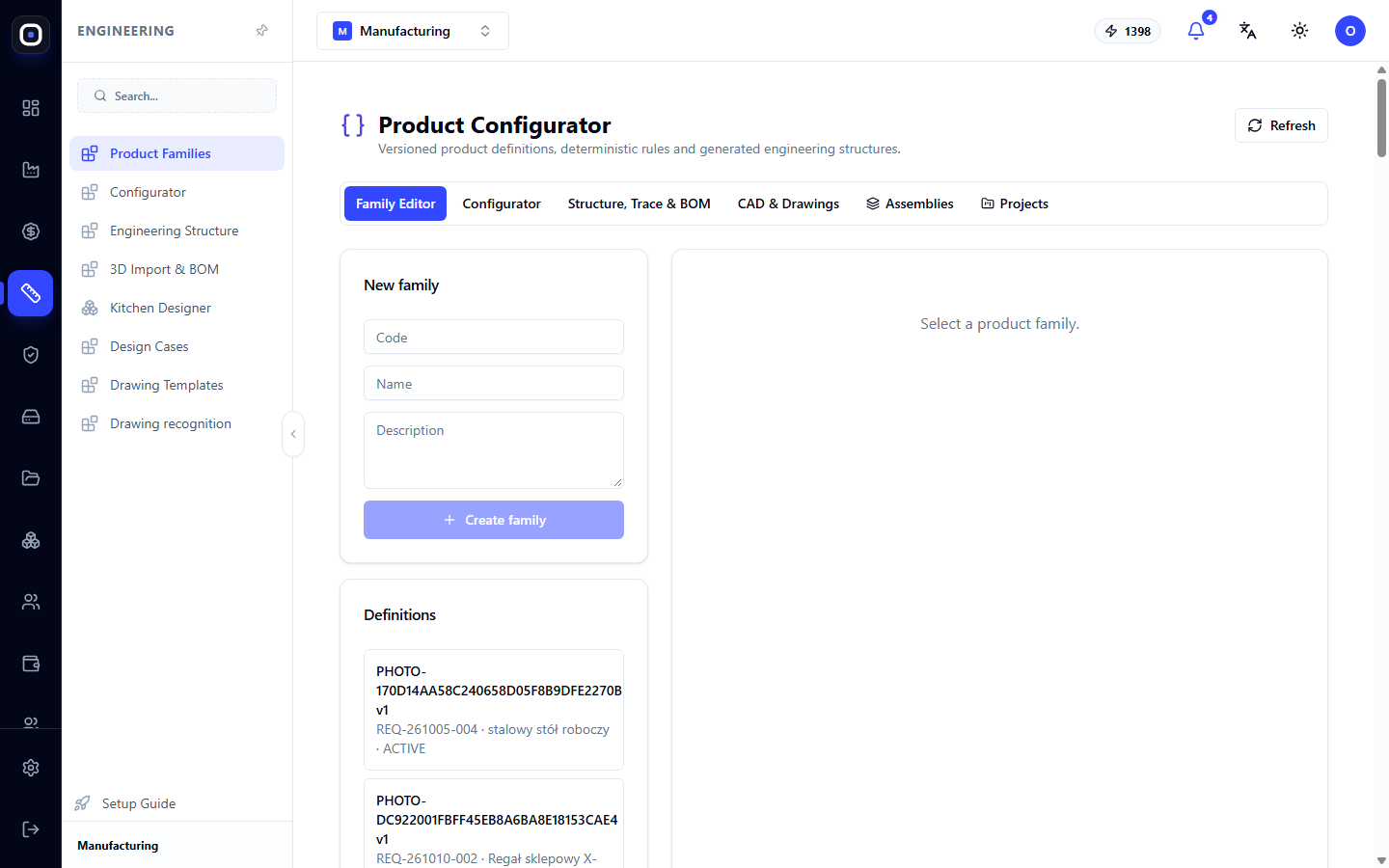
Product Configurator: Product Families, Rules, and Variants Without New Drawings
Describe a product family once with parameters and rules, then get any variant with a ready-made structure, bill of materials, and model. Six configurator workspaces.
1 min read · 2026-10-20
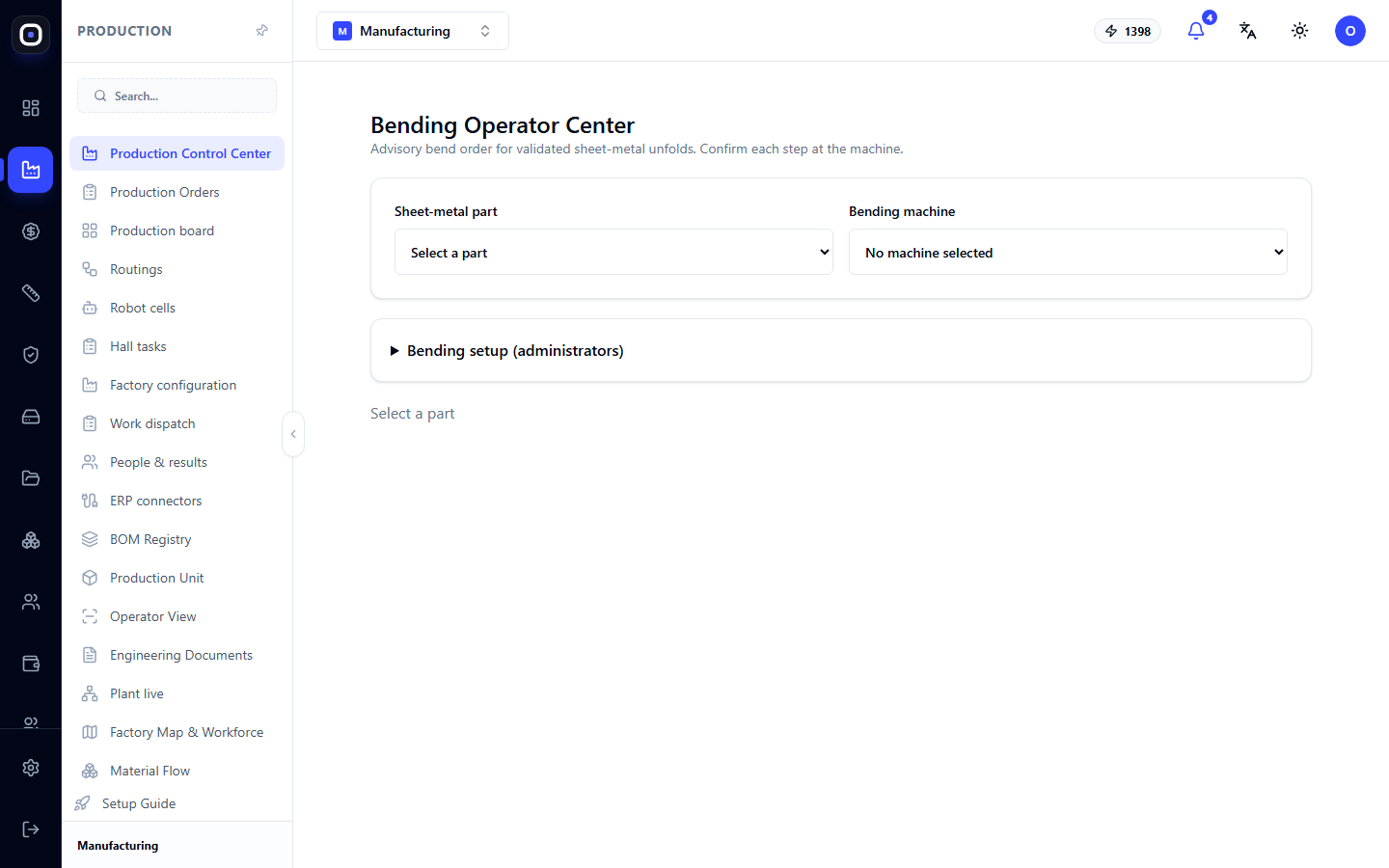
Bending Operator Center: Bend Sequence for a Sheet Metal Part
Screen for the sheet metal bending machine operator: part and machine selection, recommended bend sequence for a validated flat pattern, flat pattern file, and confirmation of each step.
1 min read · 2026-10-20
Shop Floor Access: Kiosks, Cards, PINs, and Access Profiles
How to give shop floor employees access without an account: kiosk registration, login methods, page access profiles, issuing cards and PINs, and security rules.
1 min read · 2026-10-20
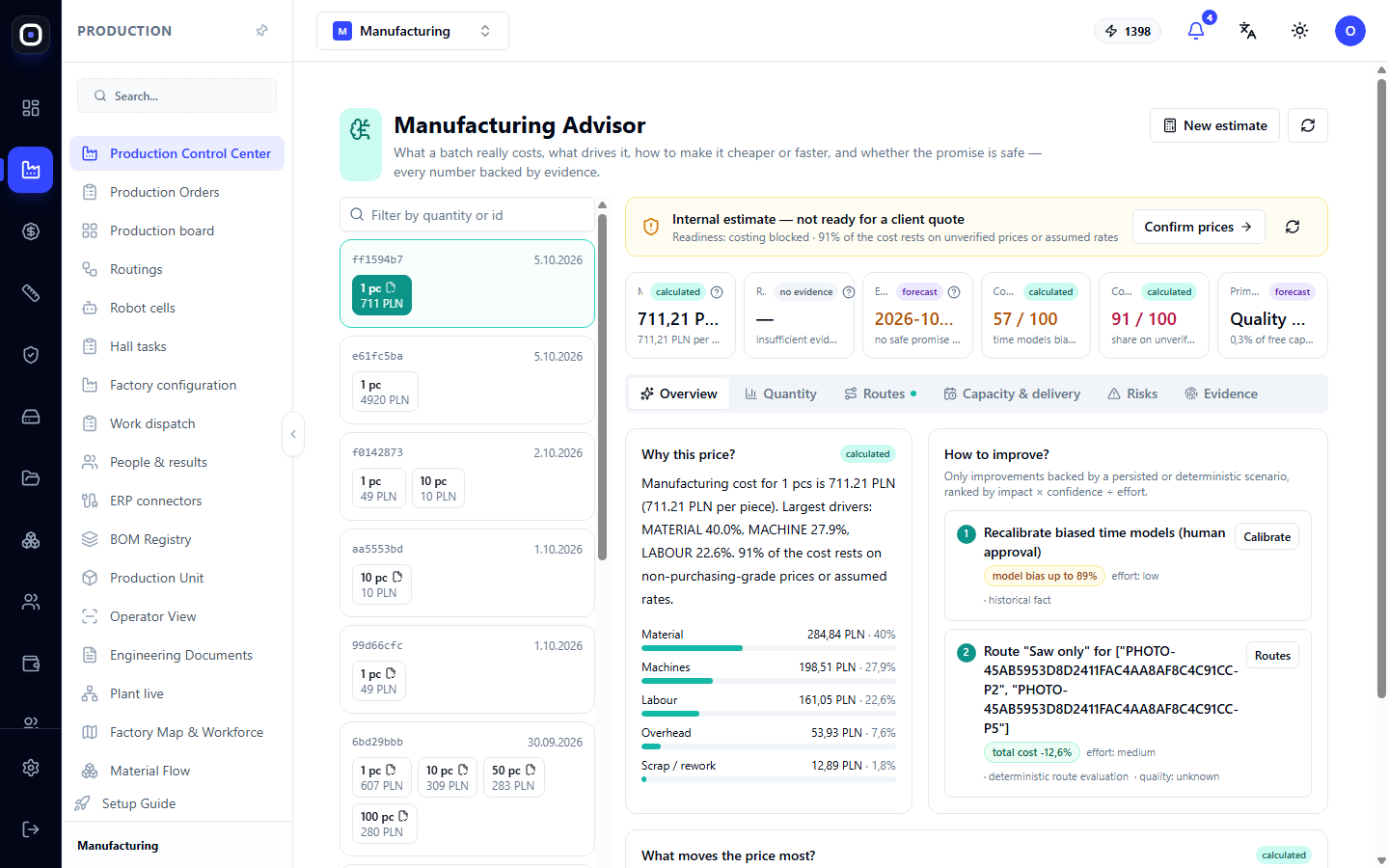
Manufacturing Advisor: What a Batch Really Costs and How to Make it Cheaper
The Advisor breaks down the cost into material, machines, labor, and overhead, shows what most affects the price, suggests cheaper routes, and assesses whether it's safe to promise a delivery date to a client.
1 min read · 2026-10-20
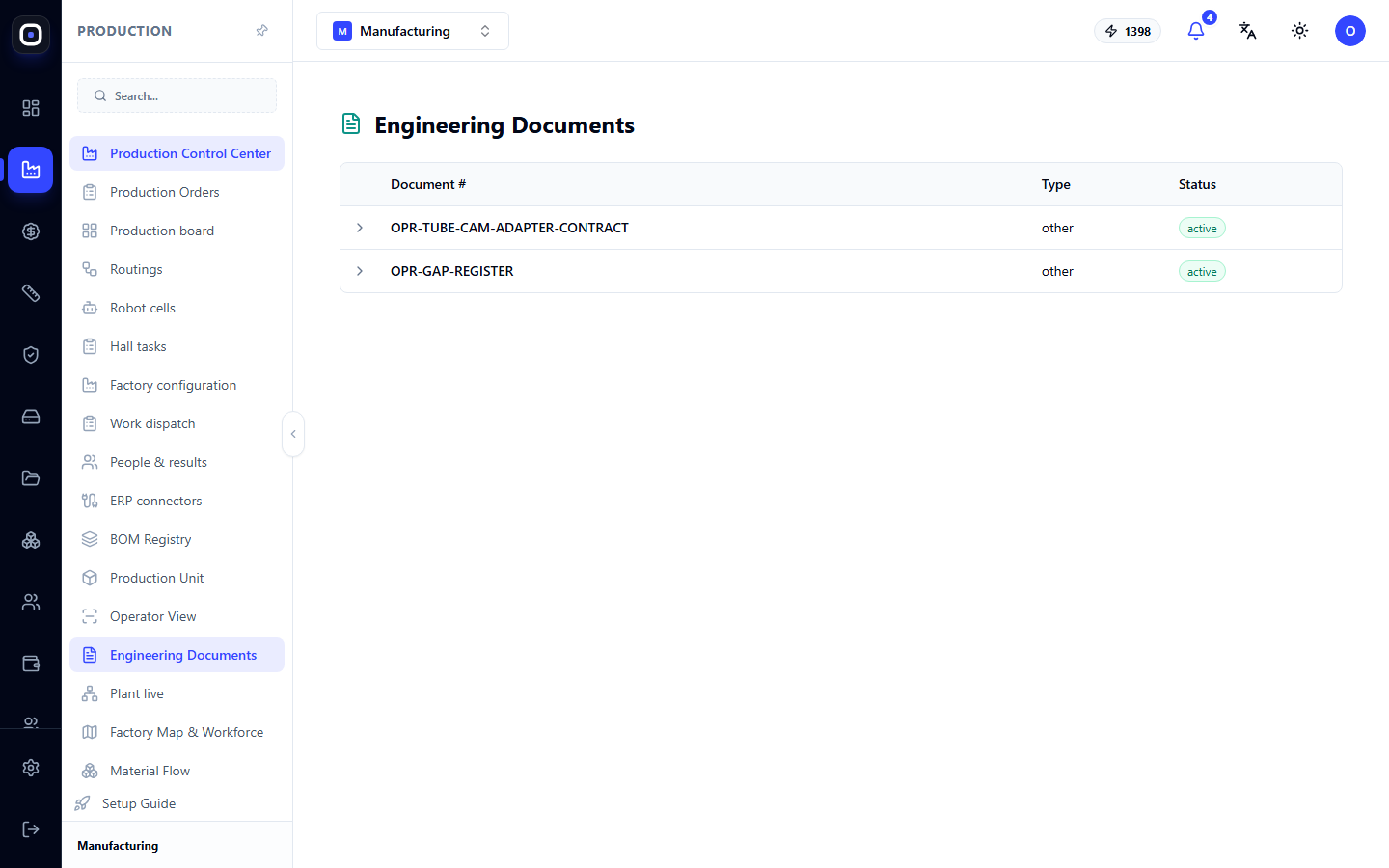
Engineering Documentation: Production Document Register
A list of engineering documents in the workspace with their number, type, and status. Learn what the register is for, how documents relate to routings, and where to find part drawings.
1 min read · 2026-10-20
Customer Requests: From First Contact to Production Launch
Sales manager's workspace: all requests on one screen, seven stages, estimation, proposal with a link for the client, tracking whether the client opened it, and transfer to production.
1 min read · 2026-10-20
Troubleshooting Production: What to Do When Something Isn't Working
The most common situations in the manufacturing vertical with causes and solutions: order not starting, unit stalled, operator not seeing work, nesting stuck, numbers not adding up.
1 min read · 2026-10-20
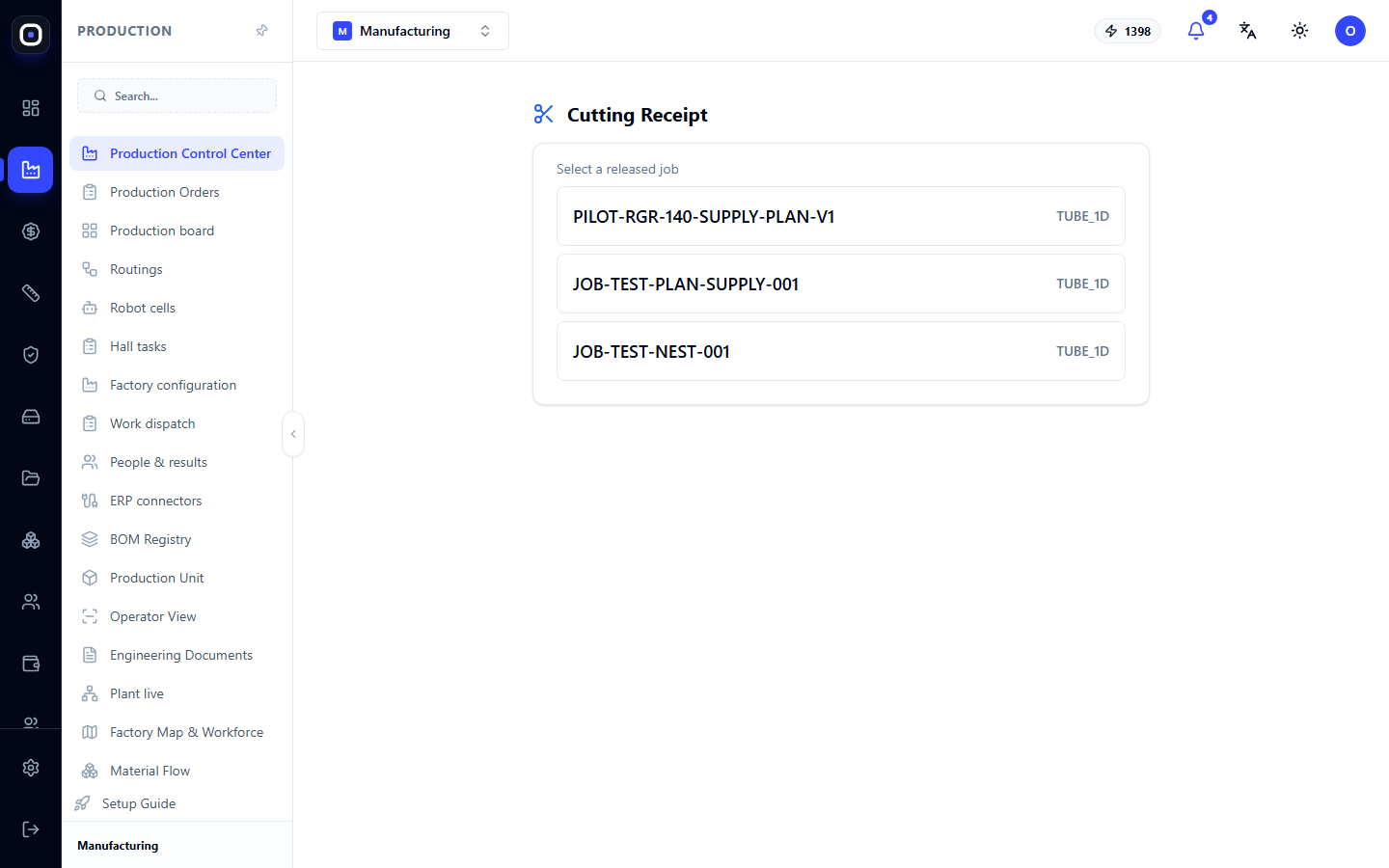
Receiving After Cutting: How to Report Cut Parts
A simple screen for the cutting operator: select a released job, specify the cut blank, and confirm what was obtained from it. This is crucial for reconciliation and inventory accounting.
1 min read · 2026-10-20
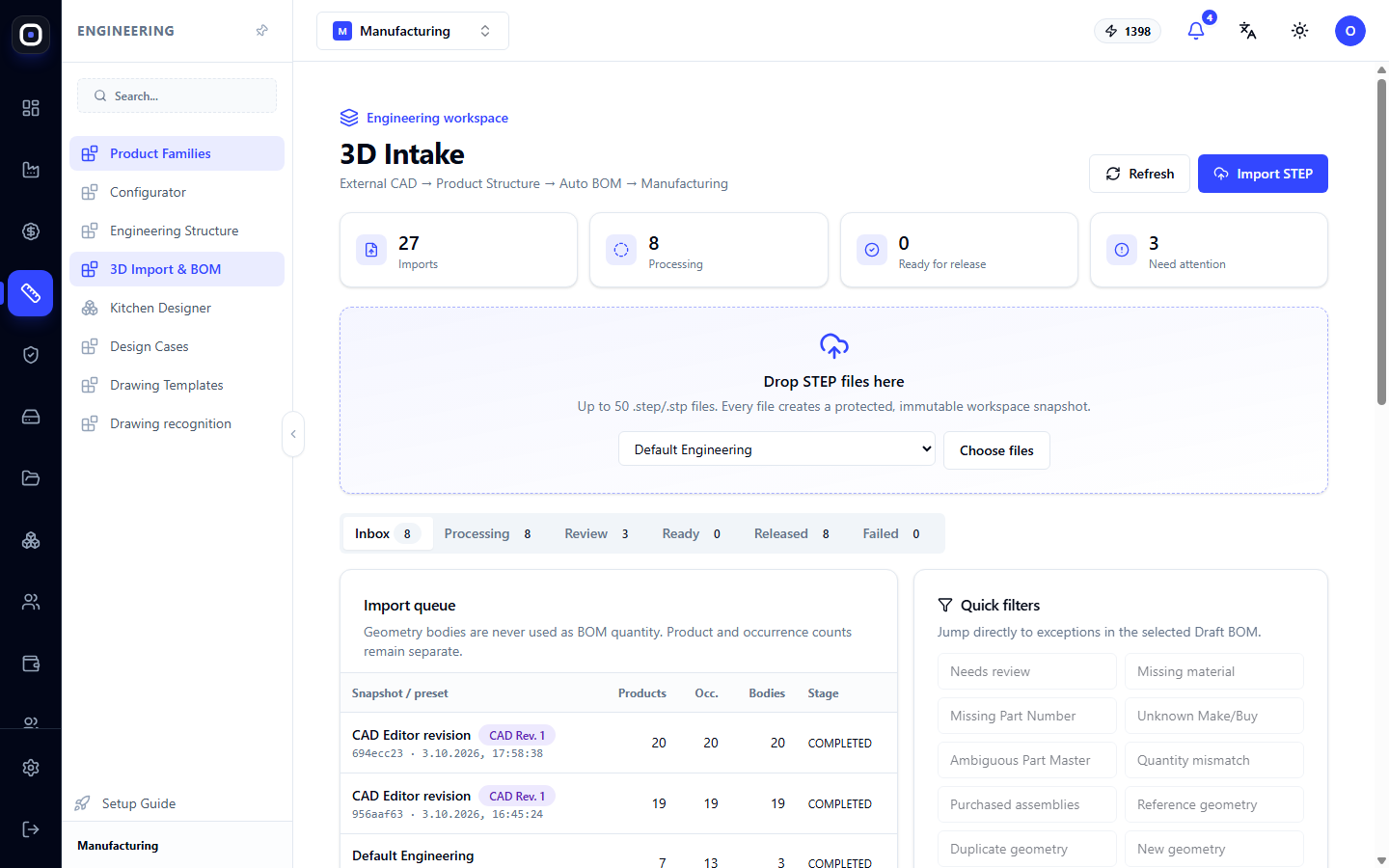
3D Import: How to Get a Specification for Production from a STEP Model
You upload a model from the designer, and the system breaks it down into assemblies and parts, counts quantities, and prepares a draft specification. Import stages, quick problem filters, and pre-release checks.
1 min read · 2026-10-20