How to Implement Oprela Manufacturing in a Month
A realistic four-week implementation plan: industry package and factory configuration, pricing and machines, routings, a pilot order from model to finished product, and expansion to the entire shop floor.
Implementing manufacturing systems has a bad reputation: months of setup, consultants, and in the end—a system nobody uses. Oprela Manufacturing is implemented differently: on one real order, with gradual expansion. Here's a plan that works for a factory with a few dozen people.
Week 1. Factory in the System
Goal: The system knows what you have.
- Industry Package. Enable the package for your type of production (metal, furniture, etc.). It will populate initial directories: operation types, materials, units.
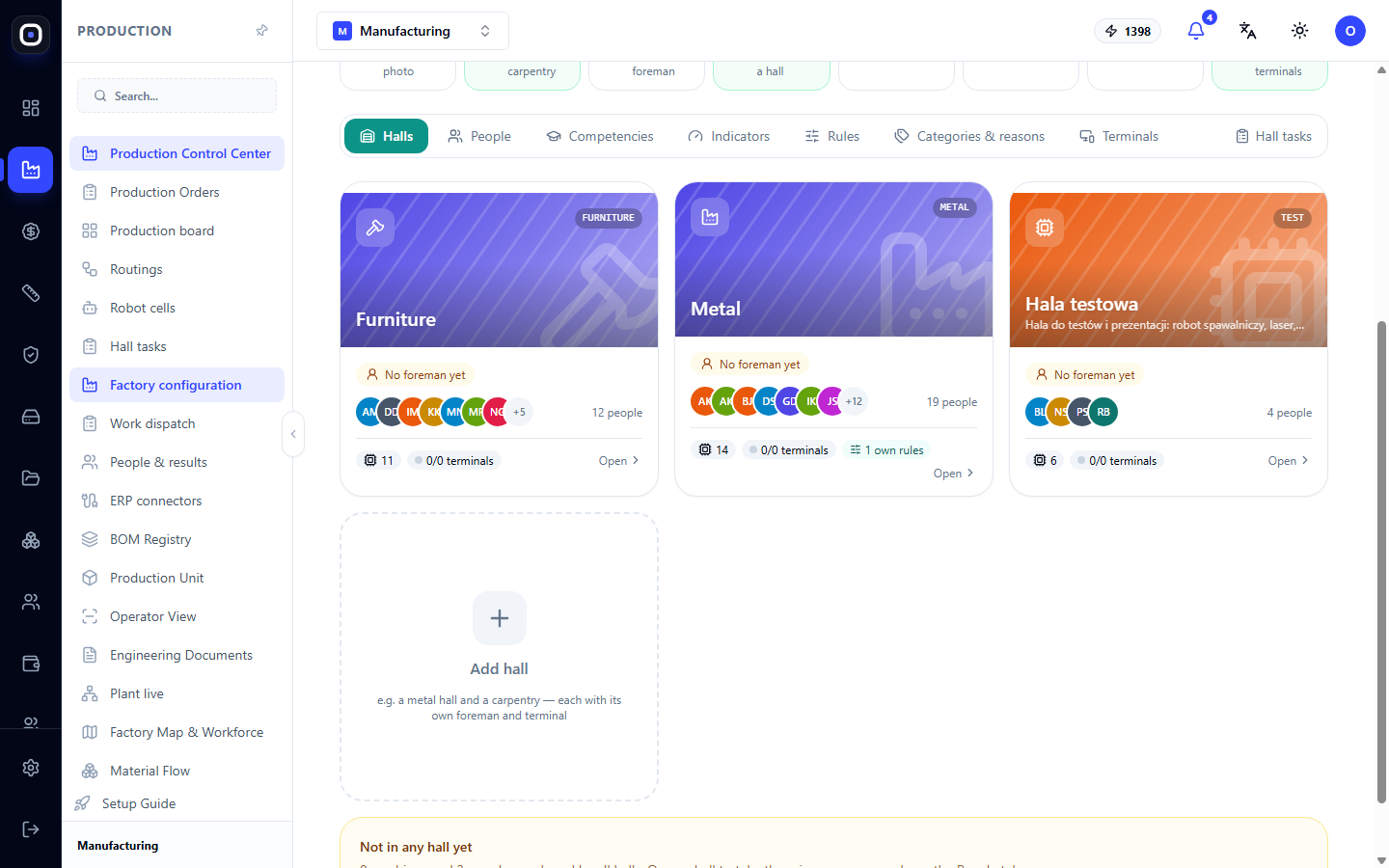
- Factory Configuration. Describe halls, sections, and machines.
- People. Enter employees, their skills, and qualification levels.
- Roles. Define who is the owner, technologist, foreman, operator, and what each sees.
Week 2. Money and Time
Goal: The system calculates a price you trust.
- Costing Studio. Prices of main materials in purchase form, machine and labor rates, overheads, margin.
- Machine Time. Profiles of 3–5 key machines.
- Routings. Describe routings for main part types.
- Verification. Calculate 3–5 products whose prices you know well and compare. Discrepancies will indicate missing data.
Week 3. Pilot Order
Goal: One real order goes through the entire process.
- Upload the STEP model and check the bill of materials.
- Launch a production order.
- Plan nesting and check material.
- The foreman distributes work through the system.
- Employees of the pilot section mark operations in Oprela Floor.
- The controller records inspections.
Anything that seems inconvenient at this stage is a signal to fine-tune routings, permissions, or directories.
Week 4. Entire Shop Floor
Goal: The system becomes a daily tool.
- New orders are launched only through Oprela.
- Kiosks in all sections, cards or PINs for all employees.
- Foremen work with work distribution, not with a whiteboard.
- Managers send quotes to clients from the system.
After the First Month
- Month 2: First comparisons of estimate vs. actual, machine time calibration, analysis of delay causes.
- Month 3: APS (Advanced Planning and Scheduling) by capacity, data-driven bonuses, connector with your ERP if needed.
Common Implementation Mistakes
- Setting up everything at once. Start with one order and one section.
- Waiting for perfect data. Prices and norms are refined with experience. The system shows where data is weak.
- Running the old system in parallel "just in case." Two sources of truth are worse than one imperfect one.
- Not involving foremen. The shop floor adopts the system when the foreman sees that it saves them time.
Who Can Help
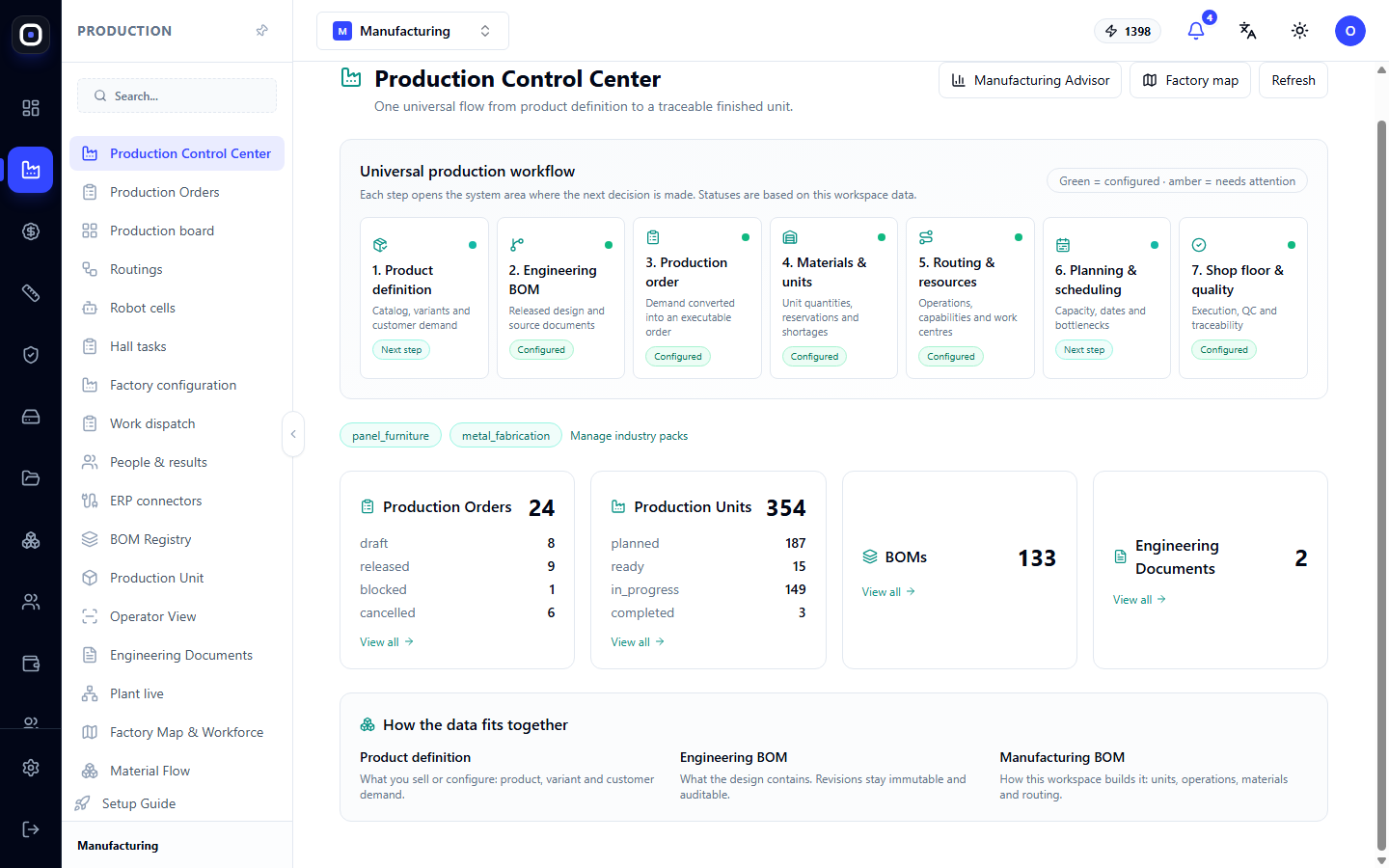
The AI assistant knows the system and will tell you where to set things up. The Production Dashboard shows which setup steps have not yet been completed. And the Oprela team will help with the pilot.