Inventory Master
The main register of products: creating product cards, prices, photos, condition, and publishing to the store and marketplaces.
Inventory Master is the main register of all products in your workspace. From here, products are sent to your store, marketplaces, and documents.
Where to find it
Products & Inventory module → Inventory Master (…/erp/inventory).
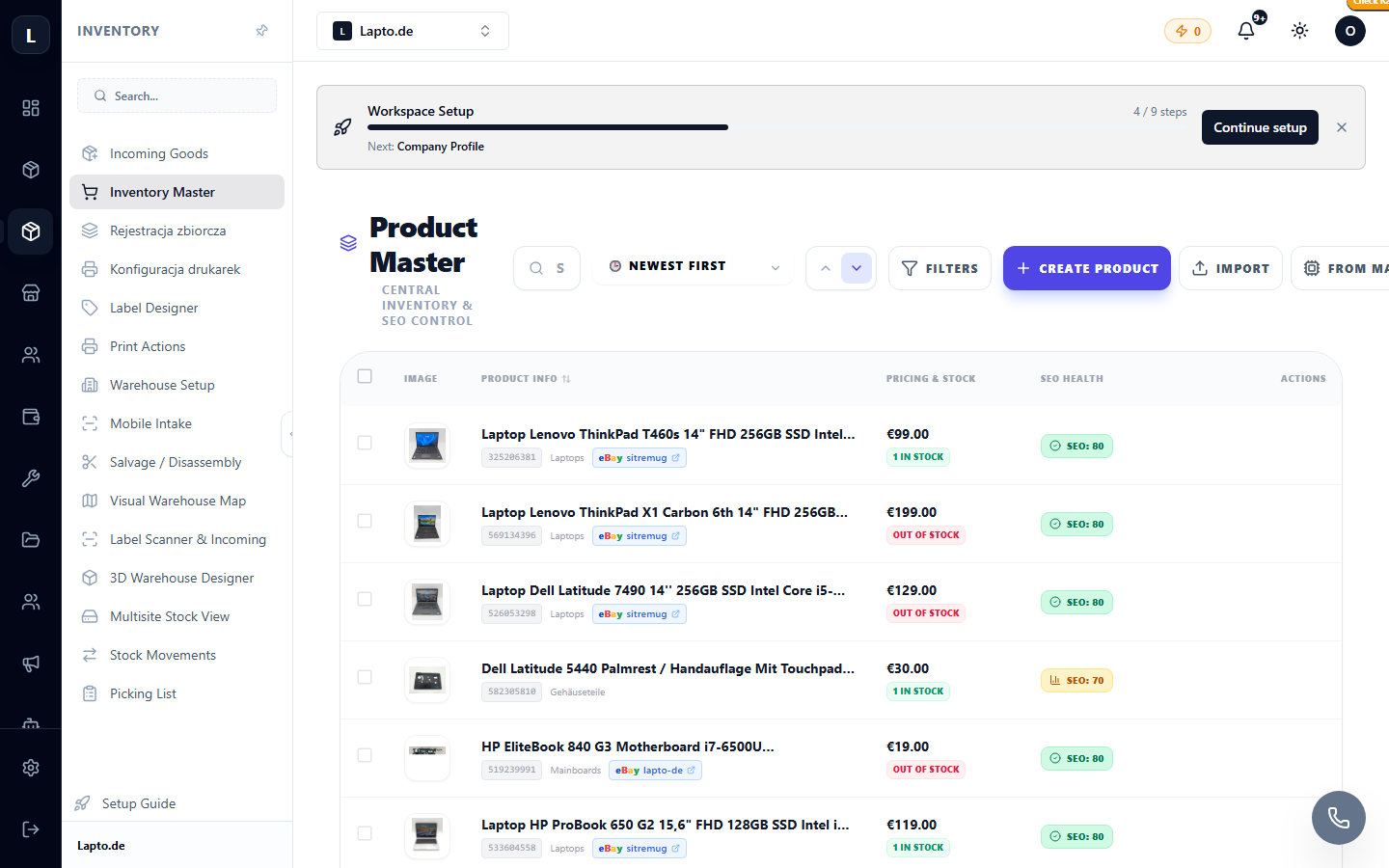
Creating a product
- Click Add product.
- Fill in the product card:
- Save. The product will appear in the list with its status and quantity.
Working with the list
- Filters by category, condition, warehouse, and availability;
- Bulk actions: changing prices, categories, publishing;
- Quick search by name, SKU, or serial number.
Publishing
Manage visibility from the product card: online store (categories and SEO), eBay (listings), Allegro (offers), and other channels.
Active product limit
The number of active products depends on your plan — see Plans & Billing.