Label Designer
Create label templates: barcodes, QR codes, prices, product fields — tailored to your media size.
Label Designer — a visual label editor: place a barcode, name, price on the canvas — and print for any product.
Where to find it
Products & Inventory module → Label Designer (…/erp/labels); editing a specific template — …/erp/labels/{template}.
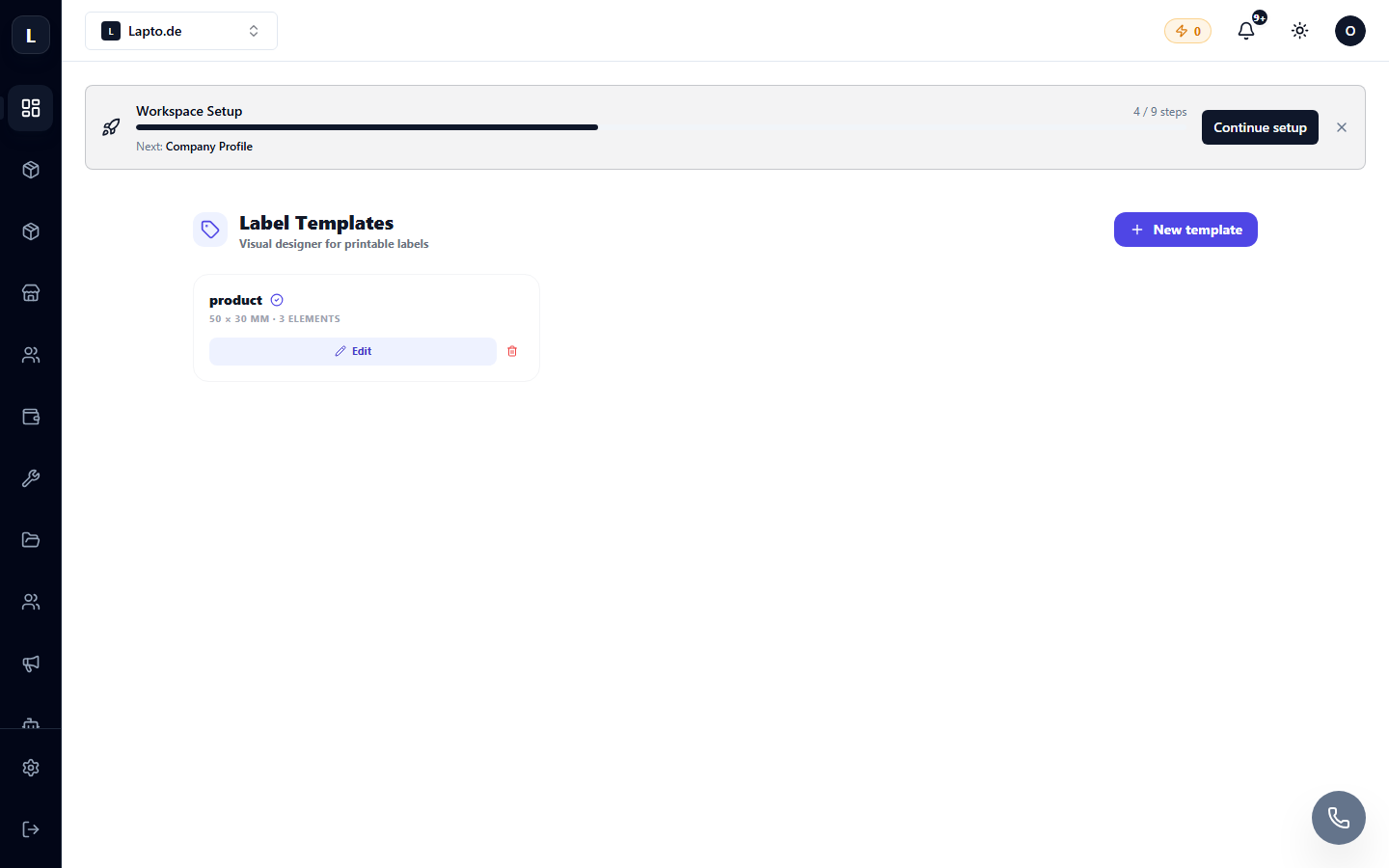
Creating a template
- New template → label size (for your printer/media).
- Add elements: barcode/QR (from SKU or serial number), text fields with product variables (name, price, condition), logo.
- Save — the template will be available when printing from the product card, during receiving, and for bulk actions.
Printing
- From the product card — "Print label";
- in bulk — Print Actions;
- without browser dialogs — via Cloud Printing.