Allegro: Creating and Managing Offers
Publishing products on Allegro from the catalog, offer manager, and links to products.
Where to find it
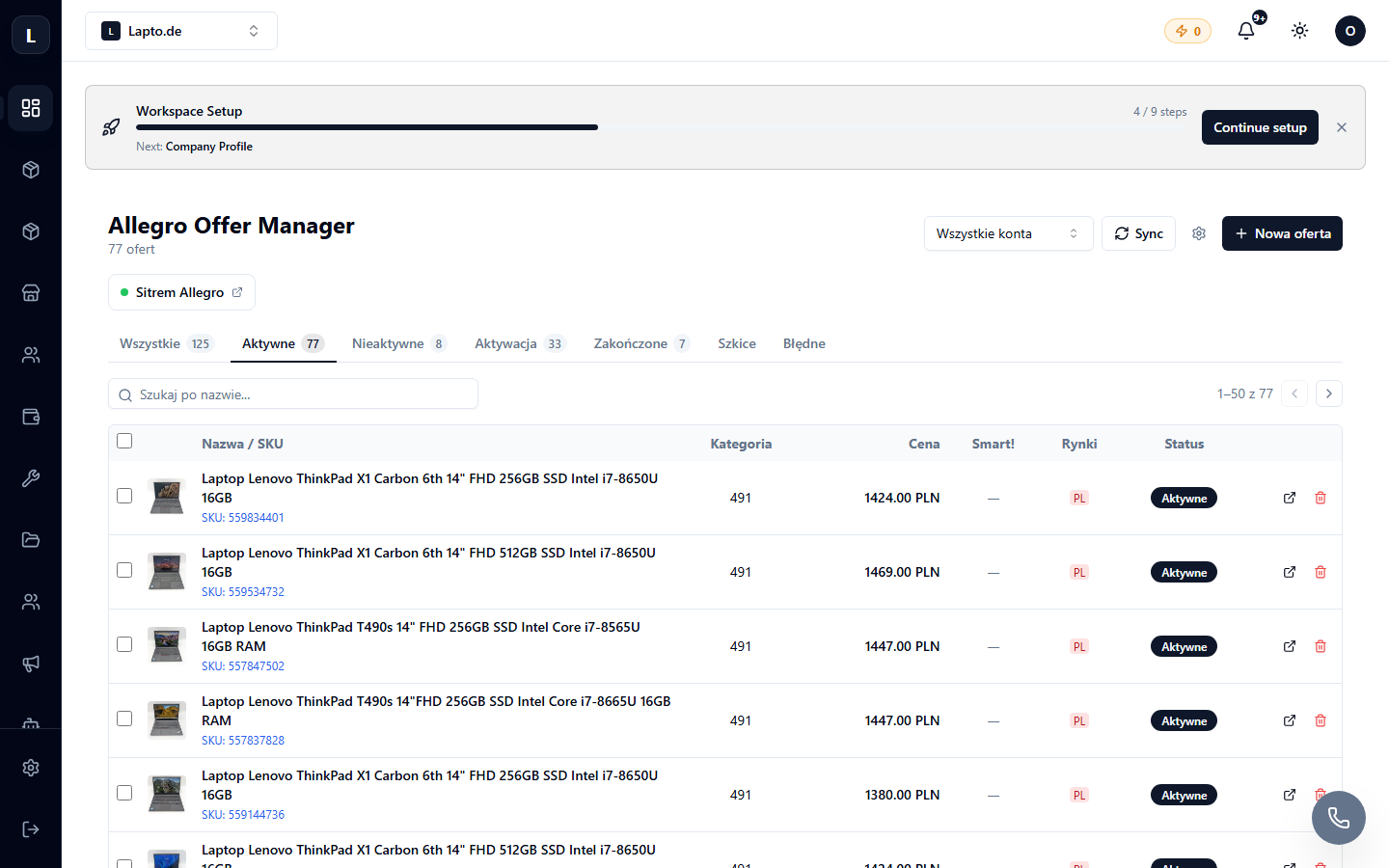
The Orders & Sales → Allegro module (…/erp/allegro) is the offer manager; Offer form (…/erp/allegro/offer-form) is the publication form.
Creating an offer
- New offer → select a product from the catalog.
- The system will pre-fill the name, photo, and price; select the Allegro category (it's automatically pre-filled from the mapping).
- Fill in the category parameters — required Allegro parameters are highlighted; parameter rules can fill them automatically.
- Select the description template and policies.
- Publish.
Offer manager
- All offers with prices, stock levels, and statuses;
- bulk actions: prices, ending, renewing;
- Links — linking existing offers to catalog products (for stores migrating to Oprela from manual management).
Orders
Orders from Allegro automatically appear in the shared order list with a channel tag.