Bulk Registration of Products
Quickly create dozens of product cards at once — for large shipments of used equipment.
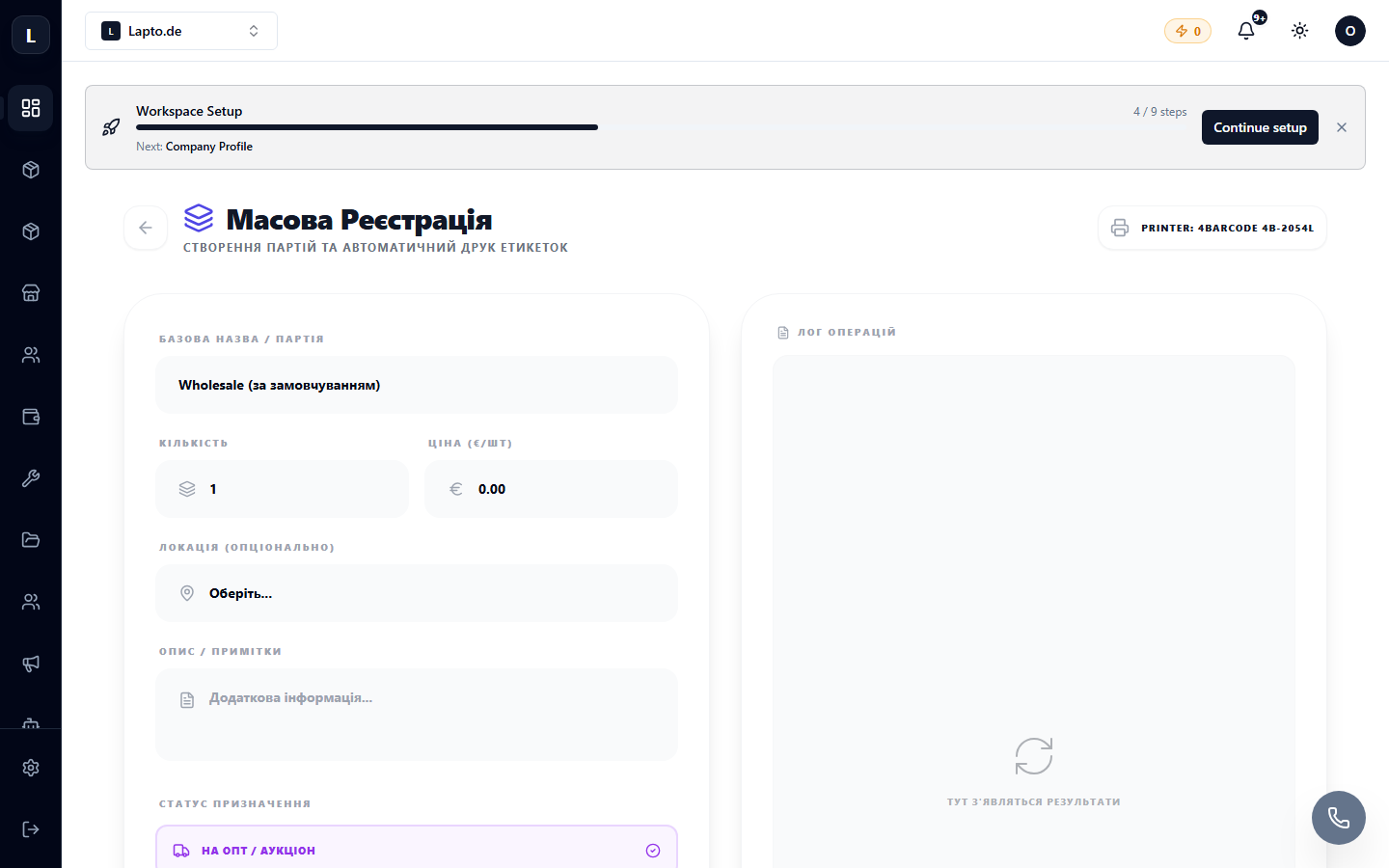
When a batch of 50 laptops arrives, creating cards one by one is too time-consuming. Bulk Registration allows you to register products in an assembly line fashion.
Where to find it
Products & Inventory module → Bulk Registration (…/erp/bulk-registration).
How it works
- Set common parameters for the batch: category, manufacturer, warehouse, condition.
- Next — the assembly line: for each unit, you only enter what is different (serial number, configuration, defects).
- After each entry, the system immediately suggests the next one — your hands never leave the keyboard.
- Finally — print labels for the entire batch (Print Actions).
Tips
- Prepare label templates in advance.
- For equipment with defects, record them immediately in the product card — this will be useful for Smart Grading and honest descriptions on marketplaces.