Workspace Settings: Name, Logo, Language
Where to change company name, logo, interface language, and other basic workspace settings.
Basic company parameters are configured in one place — Settings.
Where to find it
Global menu (dark panel on the left) → bottom icon Settings.
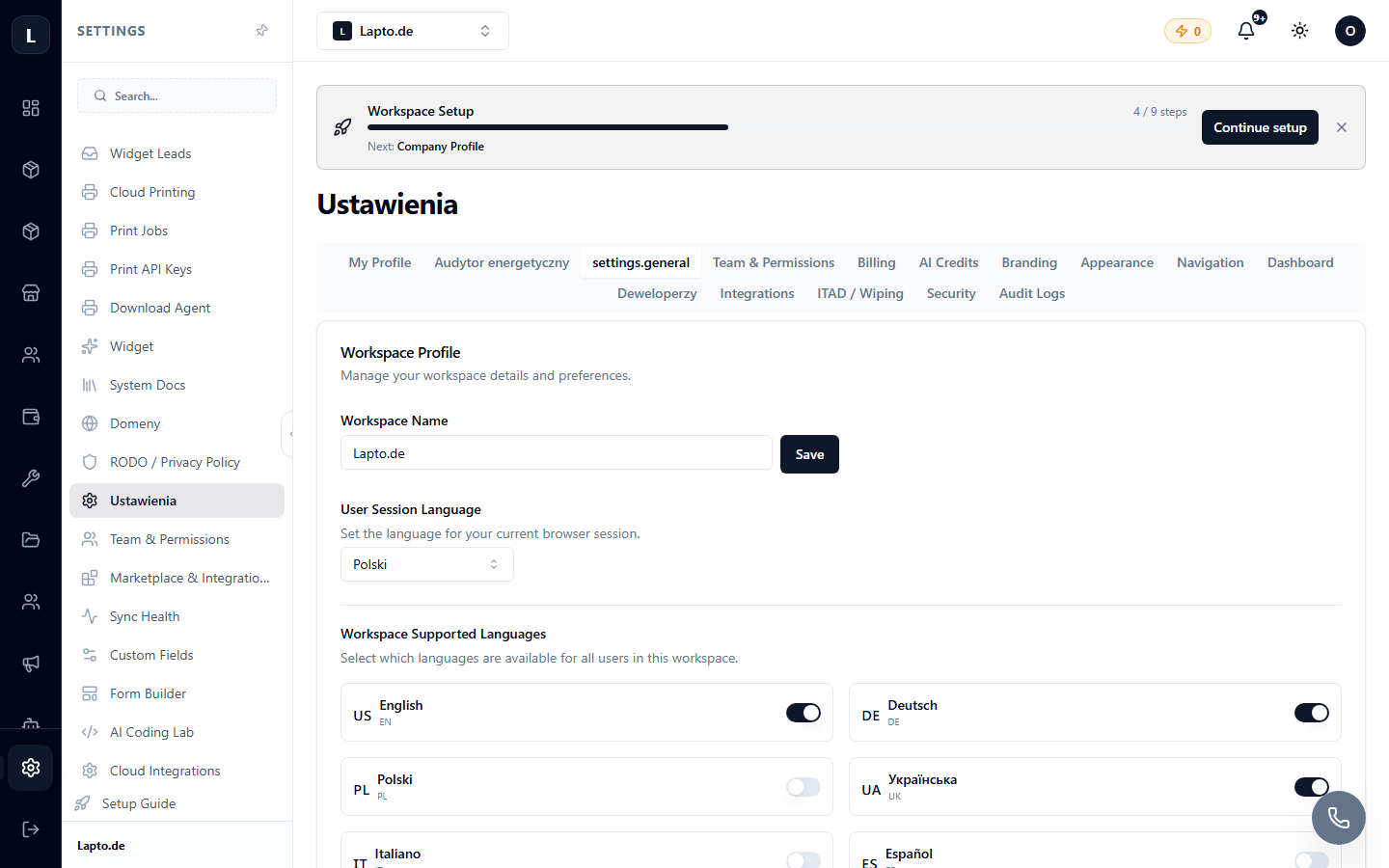
Main Sections
- Name and Logo — the logo appears in the corner of the global menu, in documents, and on store pages.
- Interface Language — language switcher for your workspace (Ukrainian/Polish/English/German and others). Customers choose the public store language separately, on the website itself.
- Contact Information — address, phone, email; these are inserted into documents and invoices.
- Currency — the main currency for prices and reports.
- Sidebar Menu — the order and visibility of contextual menu items can be customized for your team.
Further Branding
- Colors and appearance of the store — Your Online Store;
- Document templates — Document Templates;
- The "Powered by Oprela" label can be removed on higher-tier plans — see Pricing Plans.