Document Templates
Template builder: receipts, acts, contracts with data auto-substitution.
Templates eliminate manual entry: a document is generated from system data with one click.
Where to find
Documents module → Document Templates (…/erp/templates).
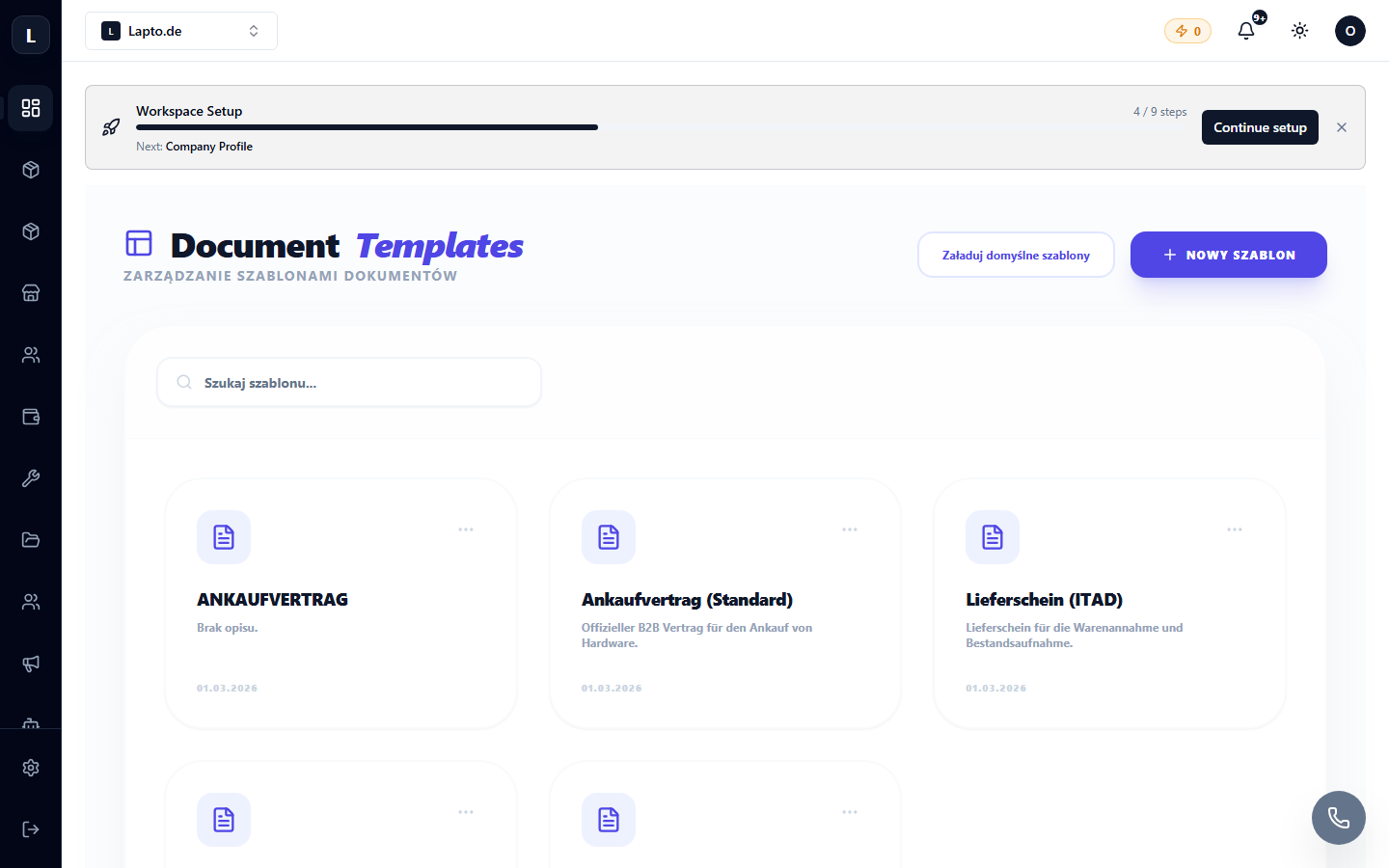
Creating a template
- New template → document type (reception receipt, act of completed works, contract…).
- Design the content in the editor; insert variables — placeholders that will be filled automatically: client name, device, amount, date.
- Add a header with a logo and details (workspace settings).
- Save — the template is available in the relevant system locations (reception, repair, order).
Tip
Keep one template for each key point of the process: reception, handover, warranty. A client with a folder of neat documents is a returning client.