Connecting your own domain
Your store on your domain: DNS settings and SSL certificate.
With your own domain (e.g., store.yourcompany.com), your store looks completely independent — no traces of the platform in the address.
Where to find it
Settings → Domains module (…/erp/domains).
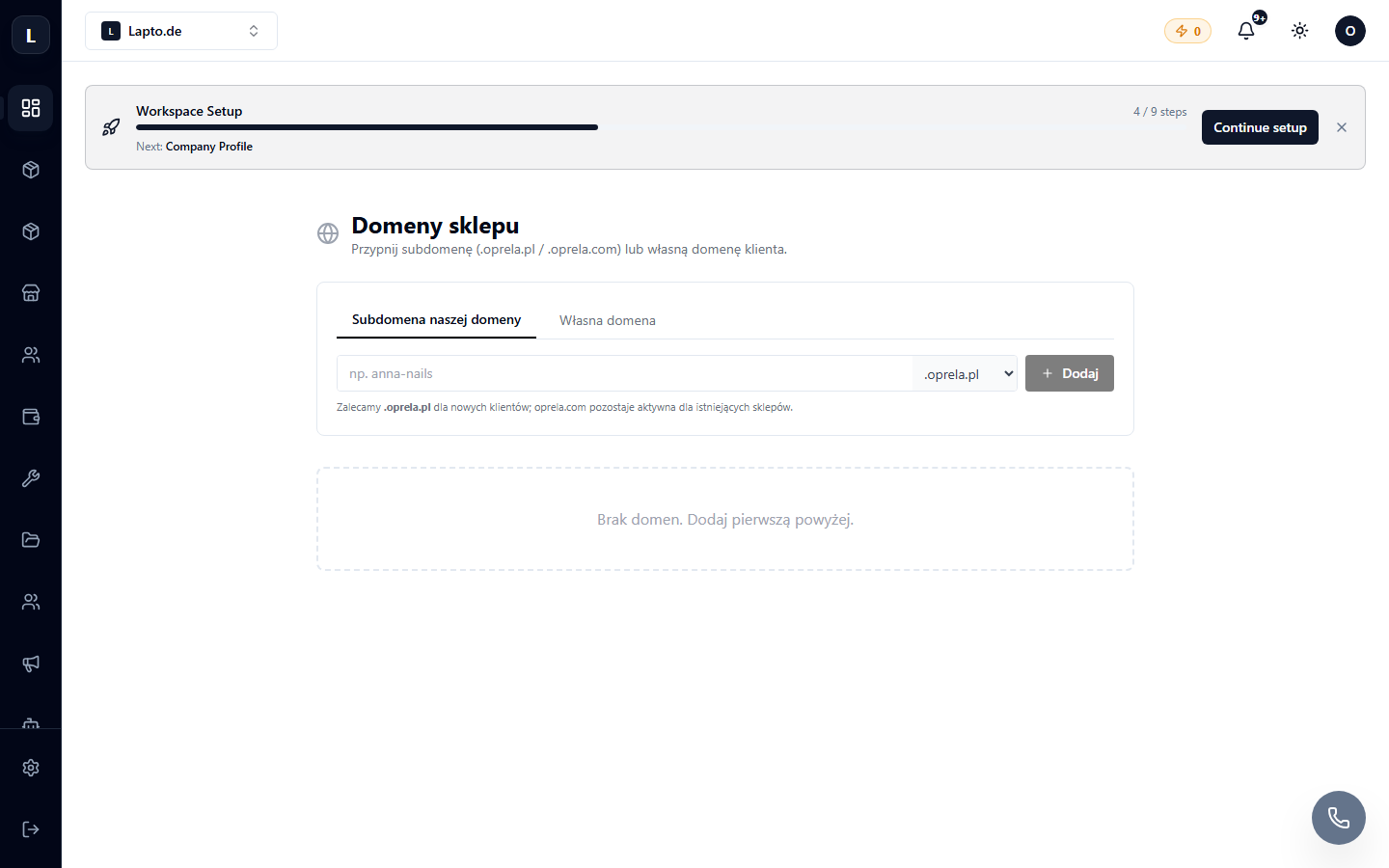
Connection
- Add domain → enter the domain (or subdomain).
- The system will show the DNS records that you need to add at your registrar (usually CNAME or A-record).
- Add the records in your registrar's panel and wait for verification (from a few minutes to several hours — depends on DNS).
- The SSL certificate is issued automatically — the store will work over HTTPS.
Common questions
Domain is not verified. Check the records using a command or an online DNS lookup tool; make sure there are no conflicting old records.
Can I have multiple domains? Yes — for example, separate domains for the store and partner storefronts. Availability depends on your plan.
Read more
- Your online store
- Publishing a website — domains for websites built with the constructor