Working with Shop Orders
Order list, order card, changing statuses, and processing from payment to shipment.
All orders from your online store and connected channels are collected in one list.
Where to find
Orders & Sales module → Shop Orders (path …/erp/storefront-orders).
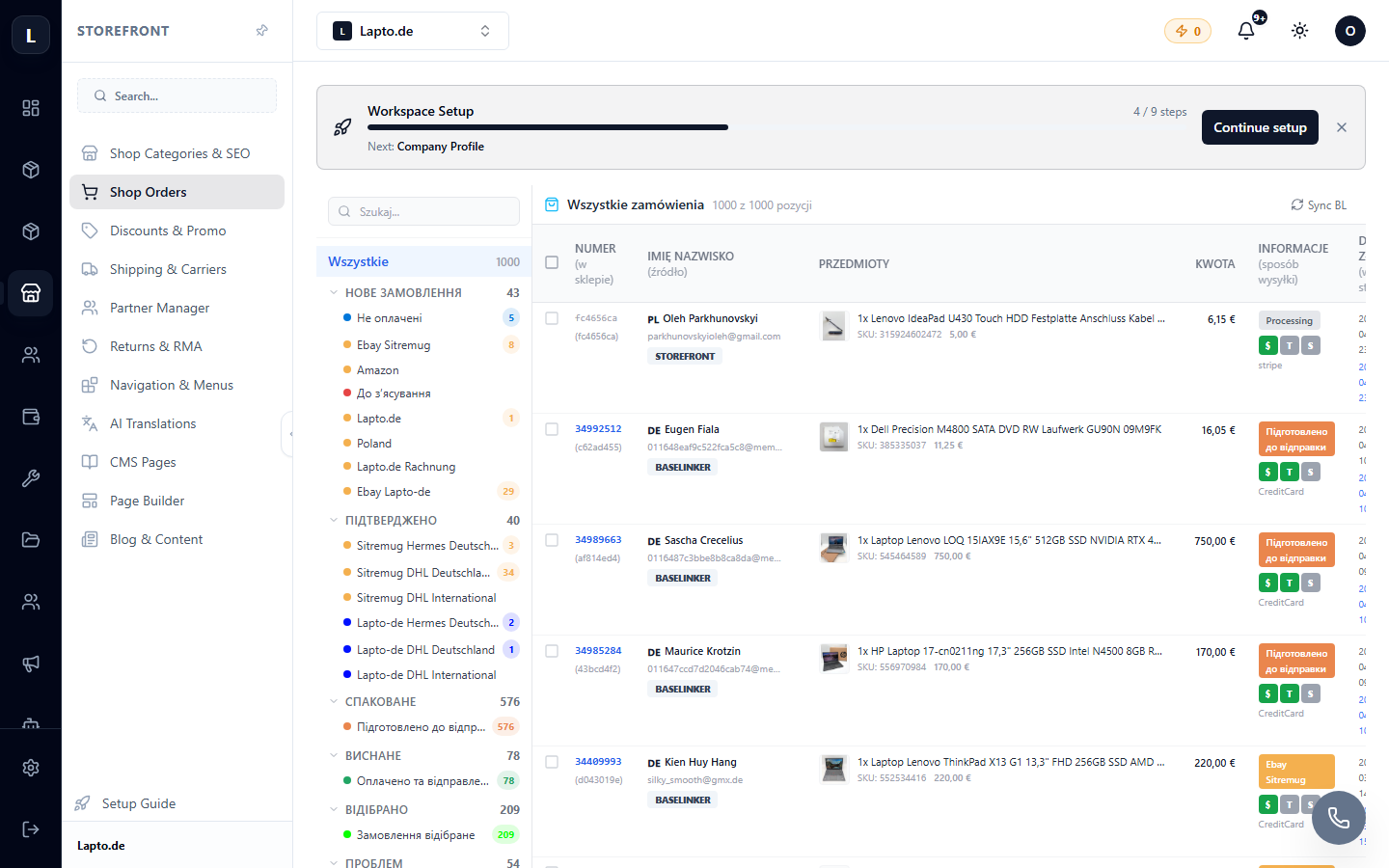
Order list
- Filters by status, date, payment method, and delivery method;
- Search by order number, customer name, email;
- Color-coded status labels for quick orientation.
Order card
Click on an order to open its details:
- Order composition (items, quantity, prices, discounts);
- Customer data and delivery address;
- Payment status and delivery method;
- History of changes;
- Internal order chat for the team — see Internal Chats.
Typical processing cycle
- New — the order has been received, awaiting payment confirmation;
- Paid — ready for fulfillment; create a shipment (Creating Shipments);
- Shipped — tracking number sent to the customer;
- Completed — delivered and closed.
The names and set of statuses can be customized to your process — see Order Statuses.