Apple Pay / Google Pay (Express Checkout)
A quick payment button on the product page — one-touch payment without filling out a form.
Express Checkout — the Apple Pay / Google Pay button located directly below "Buy," which allows you to pay for an order without going to the checkout and filling out a delivery form.
Display conditions
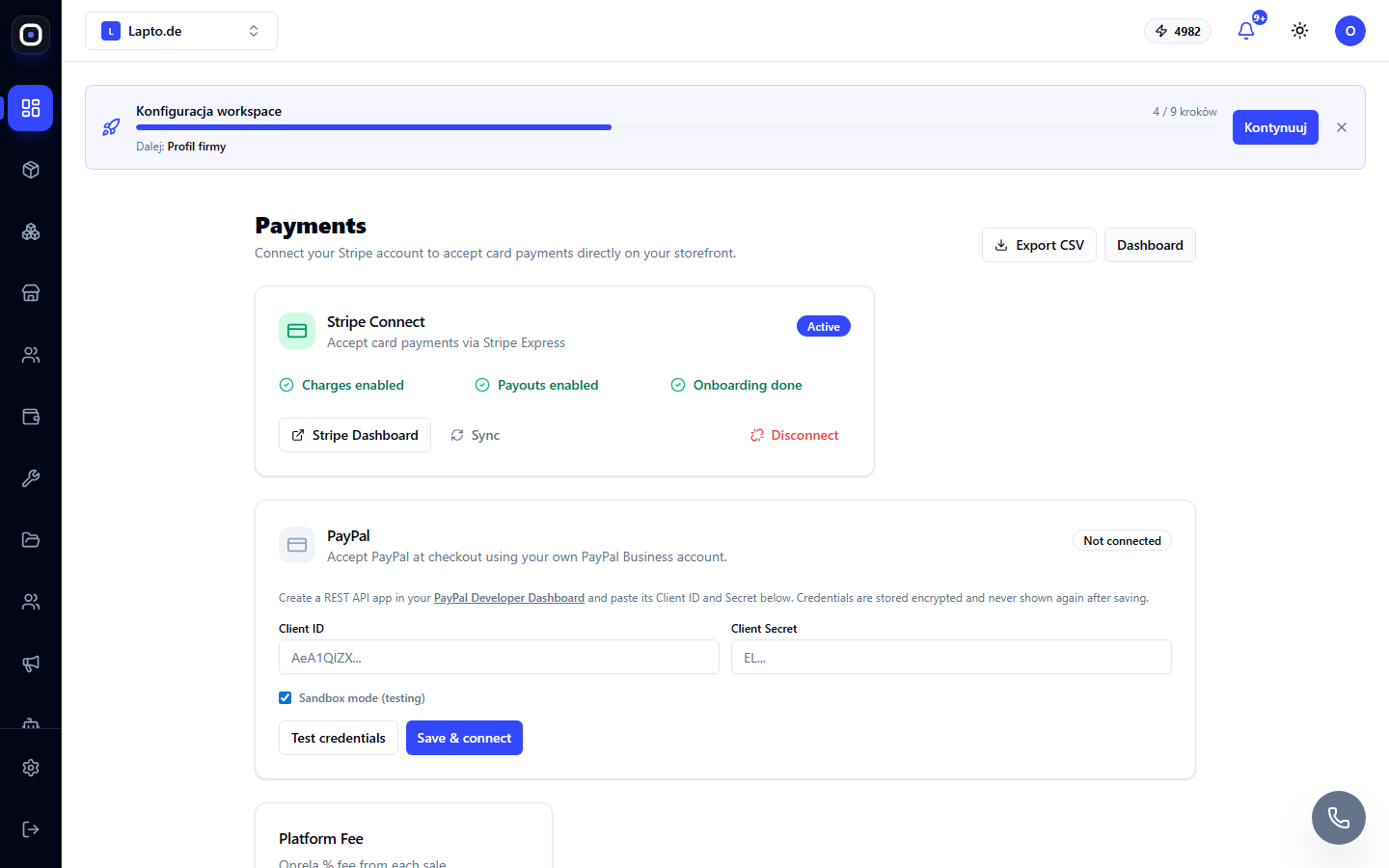
- The store has Stripe connected and active (the button will not appear without it);
- The buyer's browser/device has Apple Pay or Google Pay set up — the button hides itself if the wallet is not available;
- The Show Apple Pay / Google Pay button setting is enabled for the product page block in the Page Builder.
What the buyer sees
On the product page, a black wallet button appears below the "Add to Cart" button. One touch — and the payment is confirmed by biometrics/device PIN, with the address and payment method automatically pulled from the wallet.
Funds and commission
Payment goes through the same path as a regular card via Stripe — to your Stripe account, without Oprela's commission.