Accepting Online Payments via Stripe
Connecting your Stripe account to your store: direct online card payments to your account.
Online payments in your store are processed through Stripe — a payment system that accepts cards worldwide. Funds go directly to your Stripe account, without Oprela acting as an intermediary.
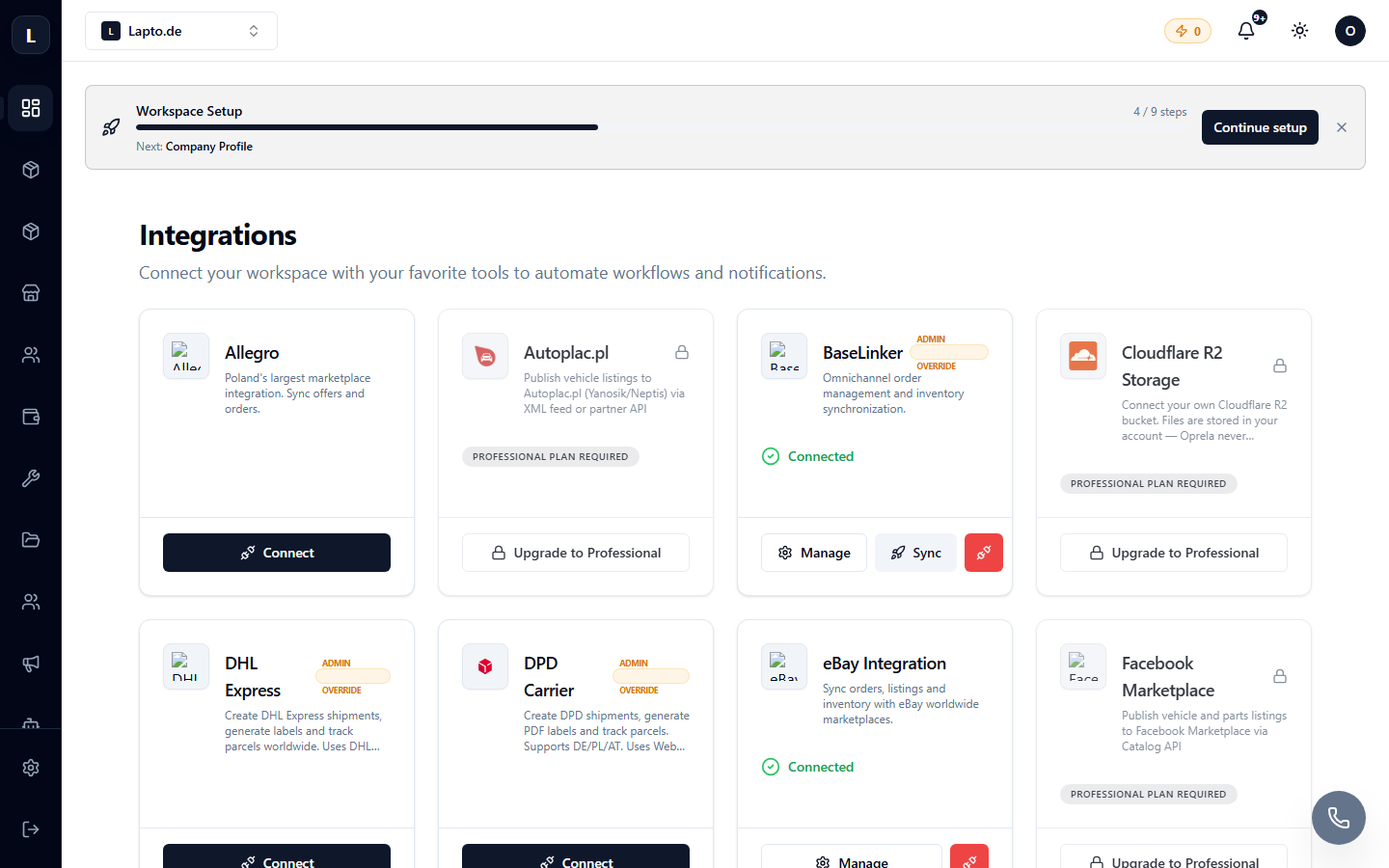
Connection
- Open Settings → Integrations (or Setup Guide → "Payments" step).
- Click Connect Stripe.
- You will be redirected to Stripe: log in to an existing account or create a new one (company details and a bank account are required).
- After completing the Stripe onboarding, you will return to Oprela — the status will change to Connected.
How it works for the customer
Card payment appears at the store's checkout. Funds are credited to your Stripe account; payouts to your bank account follow Stripe's schedule (usually daily/weekly).
Fees
Oprela does not charge commission on payments — only standard Stripe fees apply.
Refunds
Refunds can be initiated from the order card in Oprela or from the Stripe dashboard — statuses are synchronized.
Common Questions
Payment does not appear at checkout. Ensure that Stripe onboarding is fully completed (status charges enabled), and that the card payment method is enabled in your store.