Store Page Builder (Page Builder)
Building store pages from pre-made blocks: banners, product collections, texts, and forms.
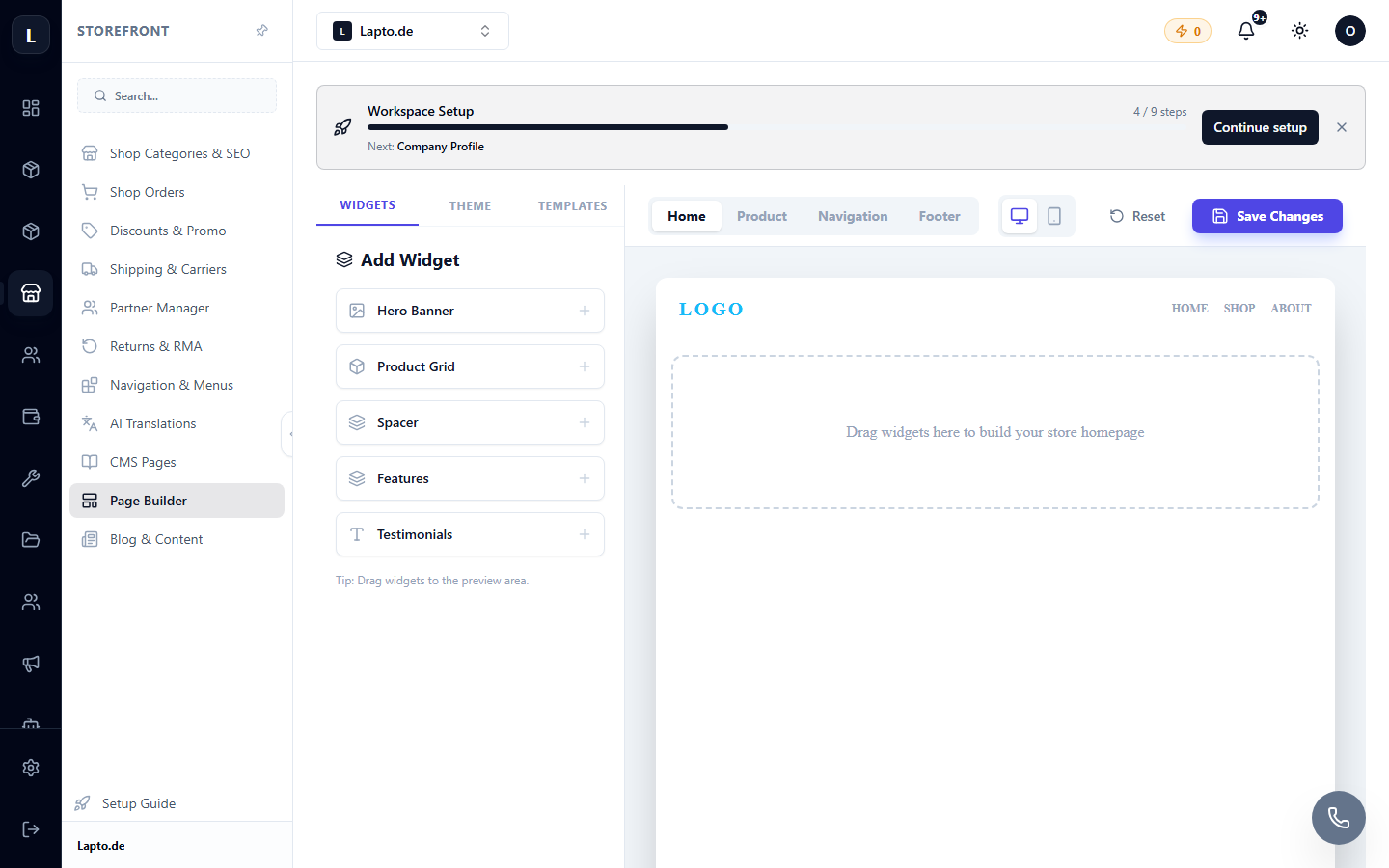
Page Builder allows you to assemble the home page and other store pages from pre-made blocks — no code required.
Where to find it
Storefront module → Page Builder (…/erp/storefront-builder).
How it works
- Select a page (e.g., the home page).
- Add blocks from the library: hero banner, product collection, categories, text+image, testimonials, FAQ, subscription form.
- Each block has settings: texts, images, which products to display.
- The order of blocks can be changed by dragging and dropping.
- Preview — to see it from a customer's perspective; Publish — to publish changes.
Tips
- A hero banner with a clear offer + a collection of bestsellers is the best combination for the home page;
- use the categories block to shorten the customer's path to the catalog;
- for completely separate websites (not stores), there is a Site Builder.