Print Actions
Bulk printing of labels: batch of products → template → printer.
Print Actions — the printing pipeline: select products, a template, and a printer — then off you go.
Where to find
Products & Inventory module → Print Actions (…/erp/labels/actions).
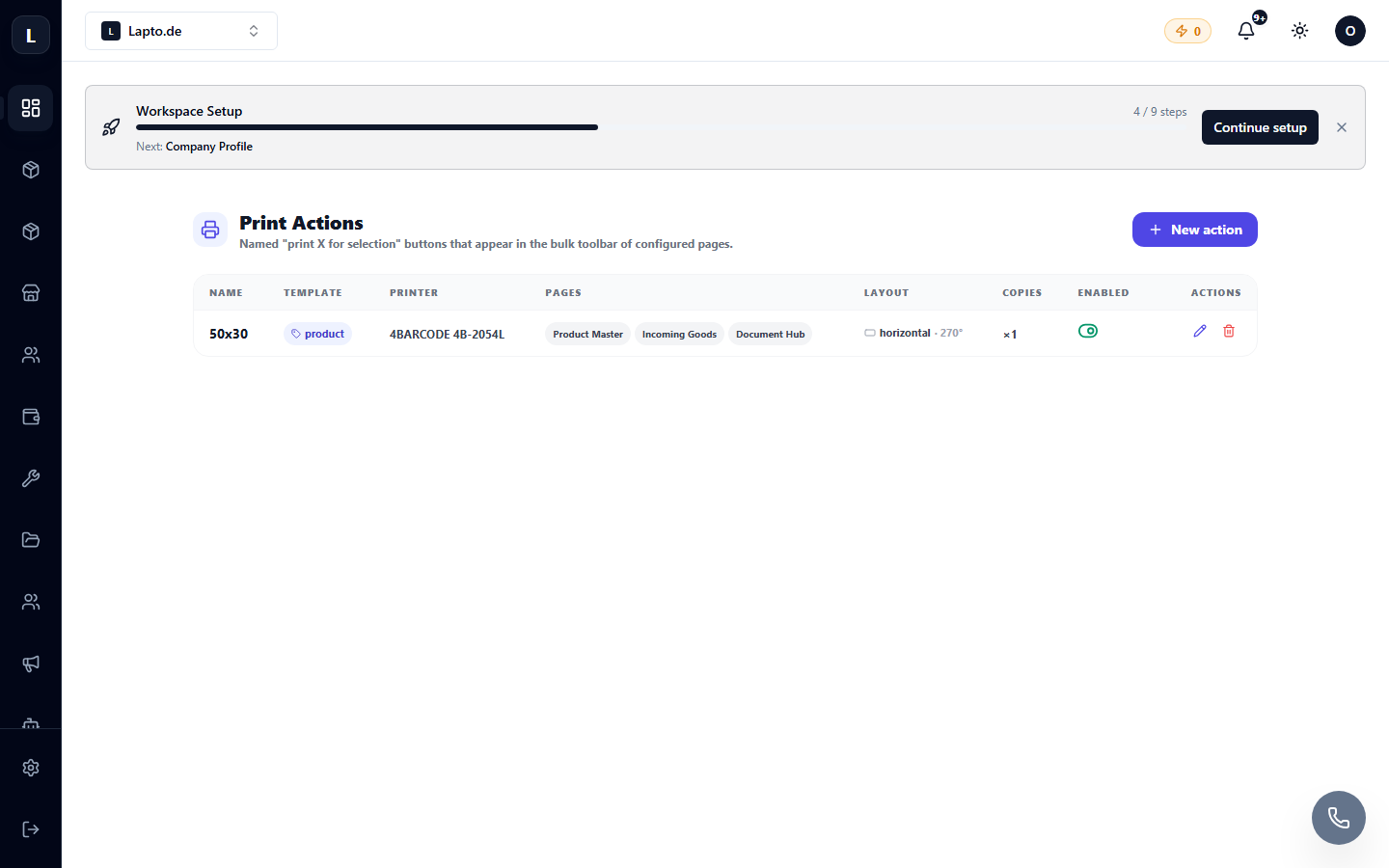
How to use
- Select products (using a filter or checkboxes — for example, all of today's delivery).
- Select a label template (designer).
- Printer: system dialog or cloud printer — in which case everything is sent directly to print.
Typical scenario
After receiving a delivery: filter "received today" → barcode template → 50 labels per minute.