Sync Health: Monitoring Synchronization
A single dashboard for the status of all integrations: queues, errors, and retries.
Sync Health is the "control panel" for all integrations: it shows whether everything is synchronizing, and what exactly broke if it isn't.
Where to find it
Settings module → Sync Health (…/erp/sync-health).
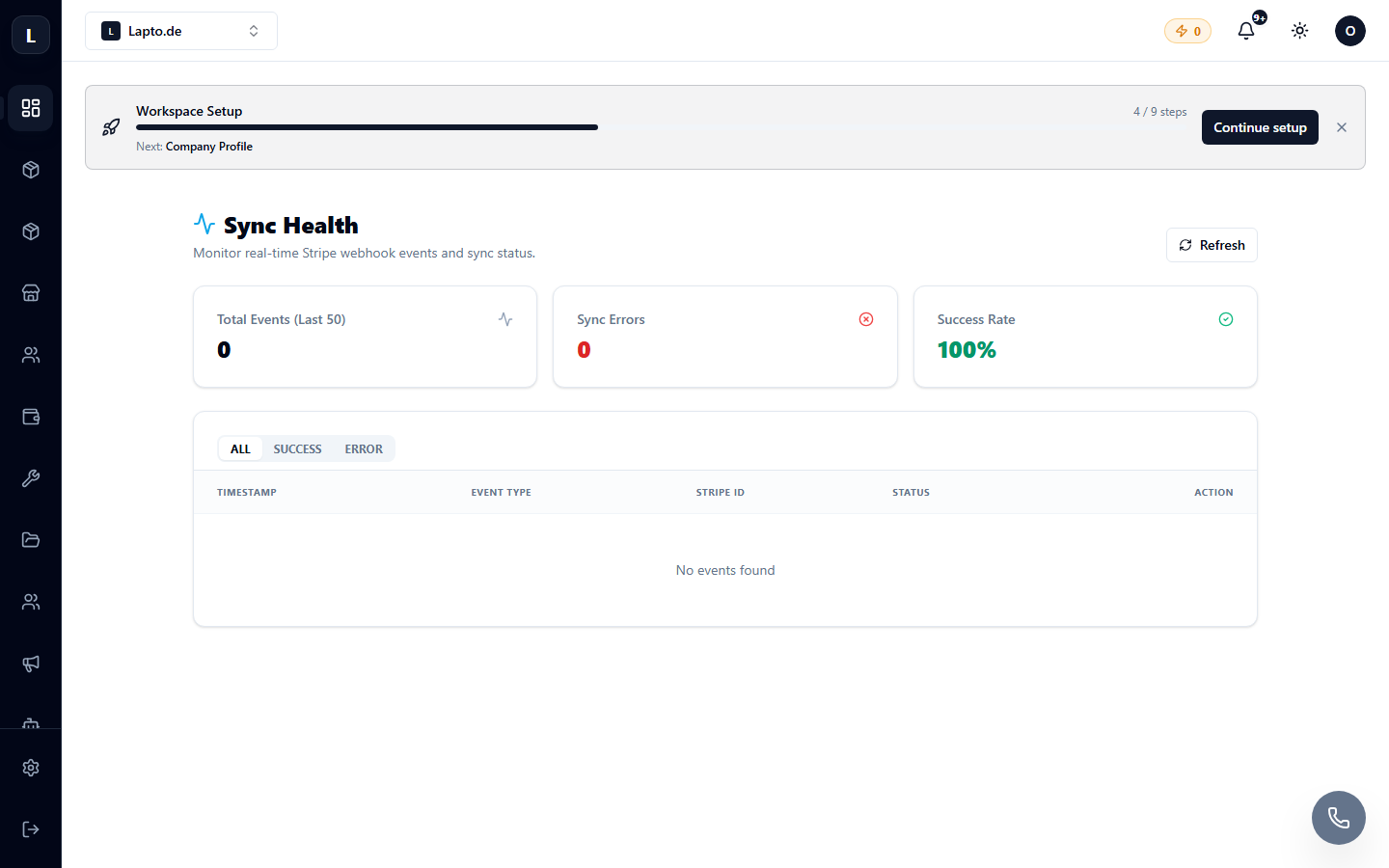
What it shows
- Synchronization Queue — how many tasks are pending, running, or have failed;
- Errors — specific messages from marketplaces with time and product/order details;
- Retries — failed tasks can be restarted with the Retry button.
When to check
- Marketplace stock doesn't match the catalog;
- An order didn't appear in Oprela;
- An offer didn't update its price.
First, check here, then — in the log of the specific integration (eBay logs, Allegro logs).