Publishing a site and domain
From draft to live site: publishing, default address, and custom domain.
Publishing
In the site editor, click Publish — the site will become available at the default address of the form oprela.com/s/site-name.
Changes made after publishing do not automatically appear on the site — if you make edits, you need to Publish again.
Custom domain
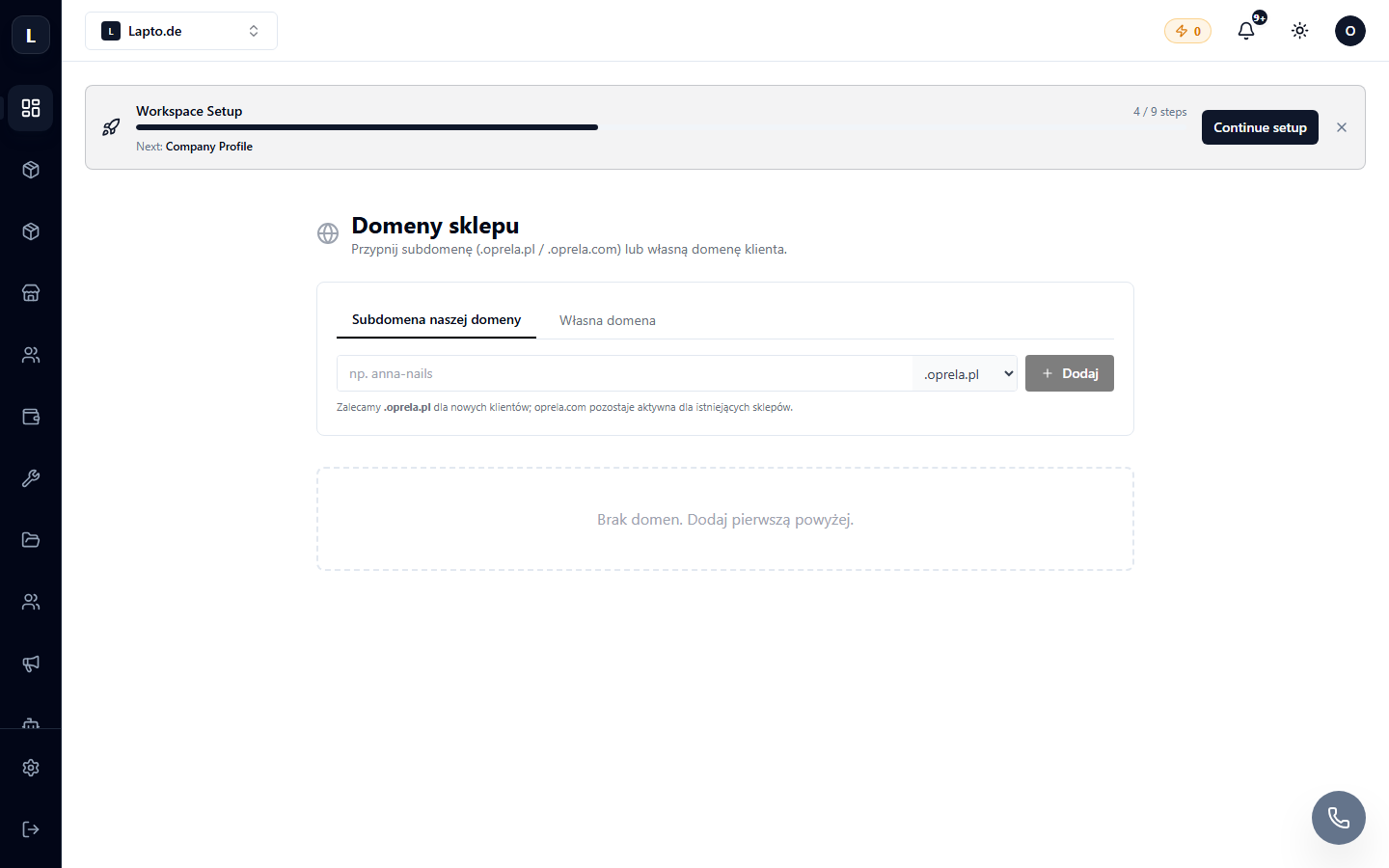
- Go to Settings → Domains (instructions) → add a domain and specify that it is for this site.
- Configure DNS with your registrar according to the system's prompts.
- After verification, the site will open on your domain with automatic SSL.
SEO
In the settings of each page, you'll find meta title/description; the site automatically generates a sitemap.