Site Editor: Blocks, Sections, Pages
How to edit your website: page structure, block library, styles, and multilingual support.
The site editor is visual: you click on an element and edit it in place.
Structure
- Pages — the tree of website pages on the left; pages are grouped into sections;
- Sections/Blocks — each page consists of blocks: hero, text+photo, gallery, prices, FAQ, form, testimonials;
- Styles — colors, fonts, and rounding are set globally for the site.
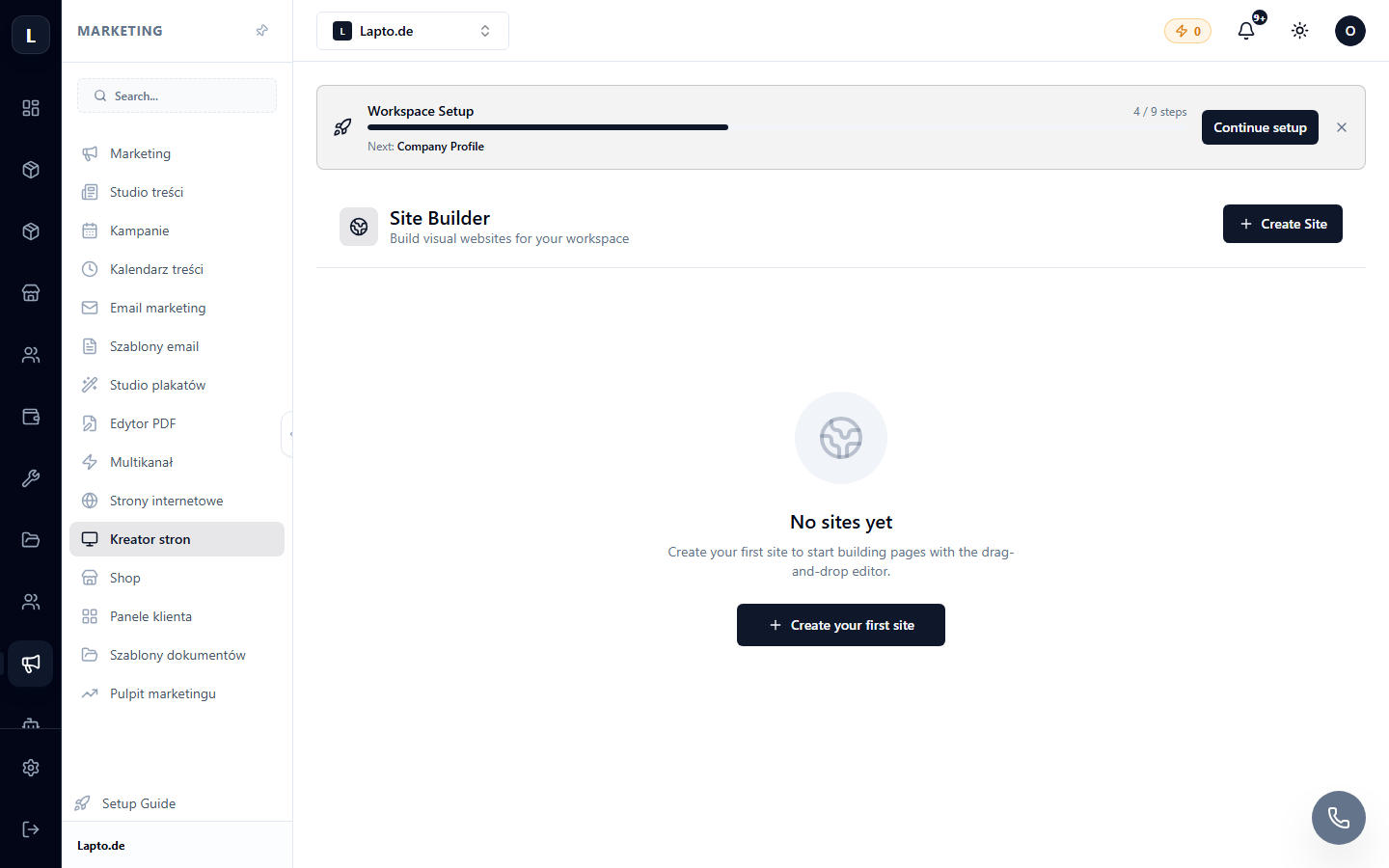
Working with Blocks
- Add section → choose a block from the library.
- Click on text — edit in place; on an image — replace or fully edit the image directly in the builder.
- Section order — by dragging; each section has settings (background, padding).
Multilingual Support
The site can have several language versions — a language switcher appears automatically; content translation can be entrusted to AI.
AI Content Generation
A page section can be generated from a description ("a section about our advantages, 4 points") — this consumes AI credits.