Website Forms and Incoming Submissions
Adding forms to your website and processing visitor submissions.
Forms convert visitors into leads: contact, booking, price inquiry.
Adding a Form
- In the Site Editor, add a Form block.
- Configure the fields: name, phone, email, message — or create your own set.
- Set the text displayed after submission ("Thank you, we will call you back").
Incoming Submissions
Site Builder → select site → Forms Inbox (…/site-builder/{site}/forms).
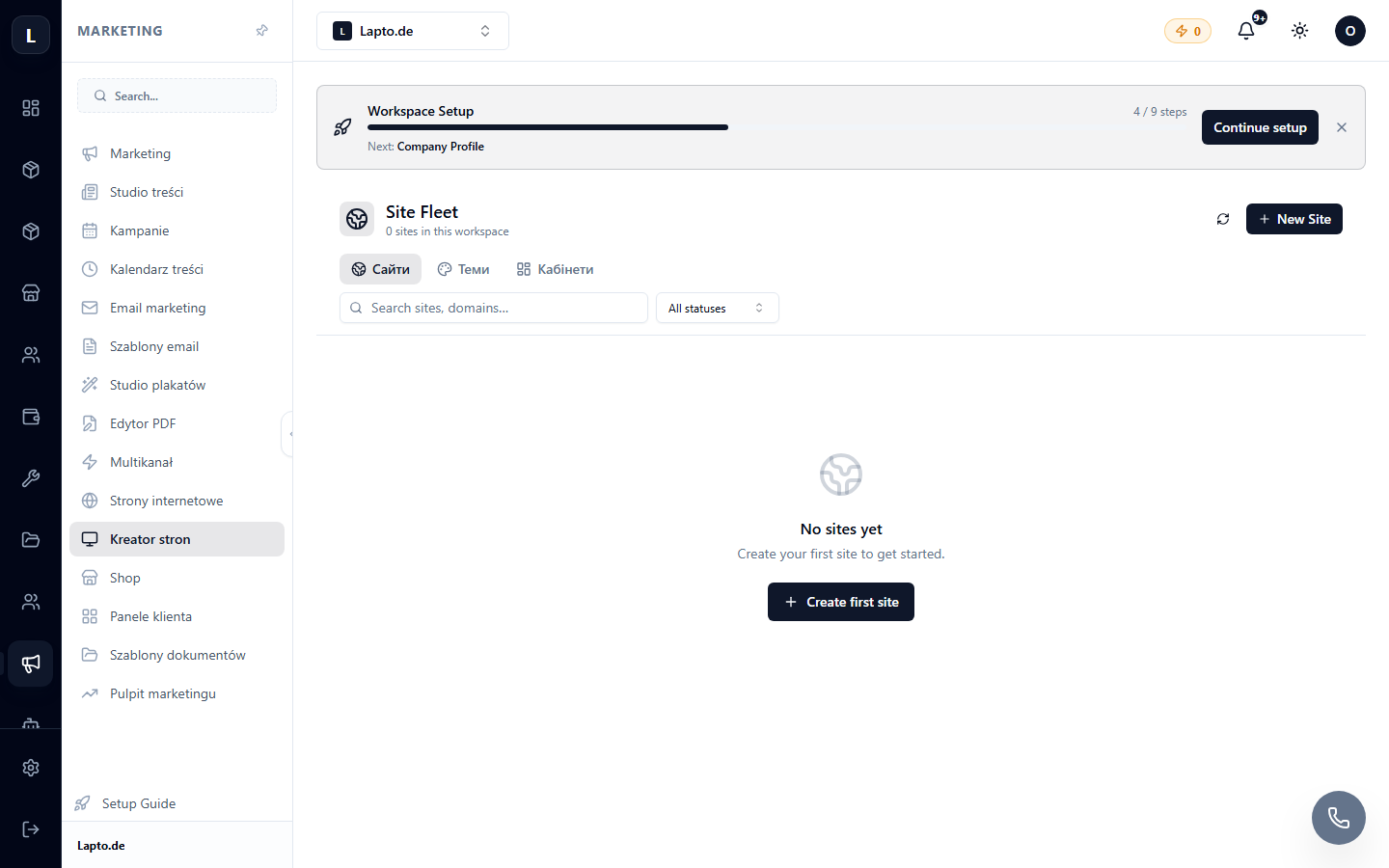
Each submission includes form data, time, and source page. From here, a submission can be converted into a CRM client.
Automation
A new submission can trigger a scenario: a Telegram notification, an auto-reply email, or task creation.