Creating a site from a theme
Starting a new site: choosing a theme, naming it, and initial content.
The fastest way to create a site is to start with a ready-made theme.
Steps
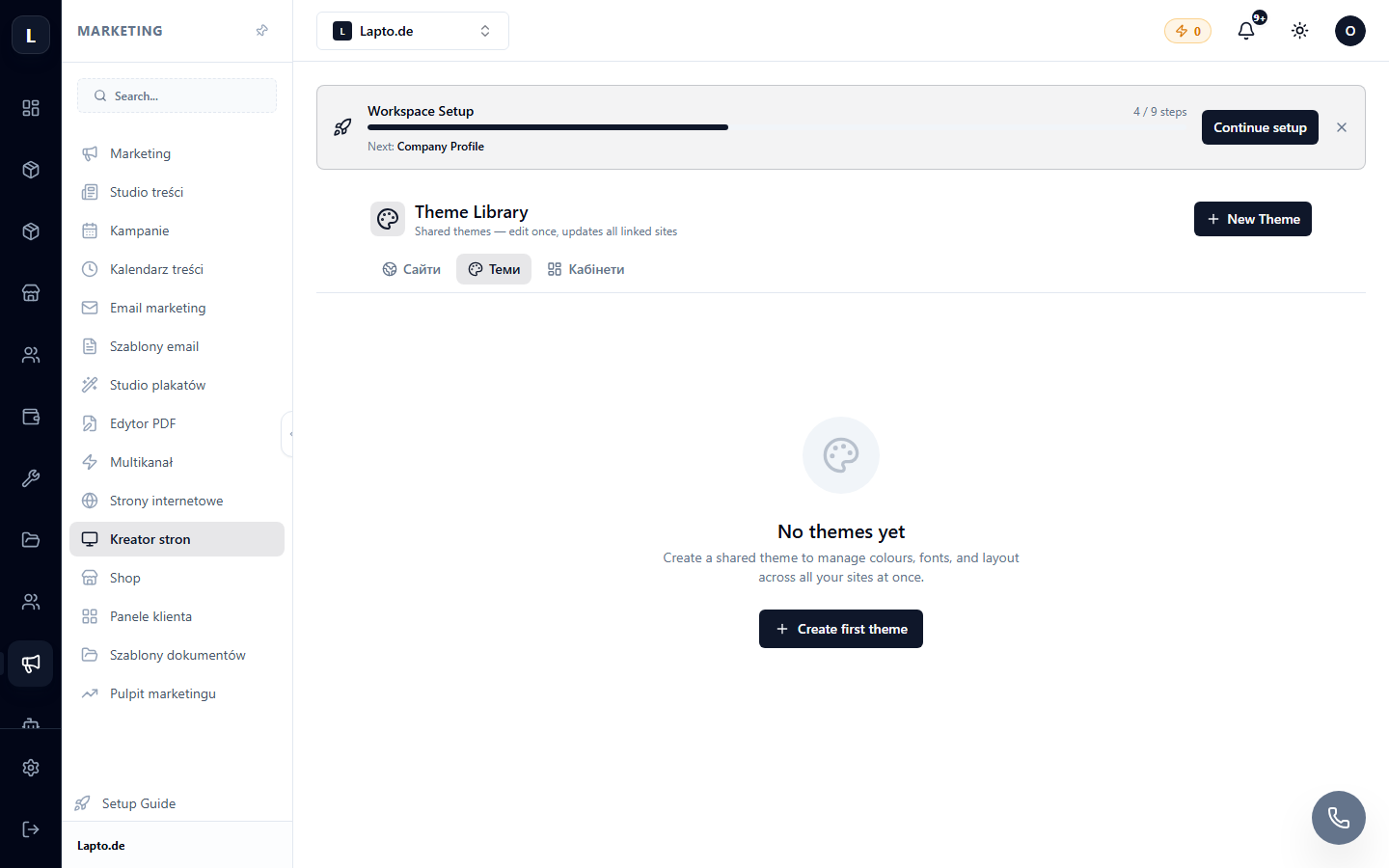
- Site Builder → New site (or from the theme library → "Use theme").
- Choose a theme — a ready-made design with a page structure (home, services, contacts…).
- Name your site and create it — the editor will open with a pre-filled template.
- Replace the texts and photos with your own, remove unnecessary sections.
- Publish (publishing and domain).
Tip
Don't try to rework a theme beyond recognition — it's faster to choose another one that is closer to your desired result.