Setting up shipping methods
What shipping methods a customer sees in the store: creating methods, prices, and conditions.
The shipping methods you set up here will be visible to the customer at the online store's checkout.
Where to find
Storefront module → Shipping & Carriers (…/erp/shipping-settings).
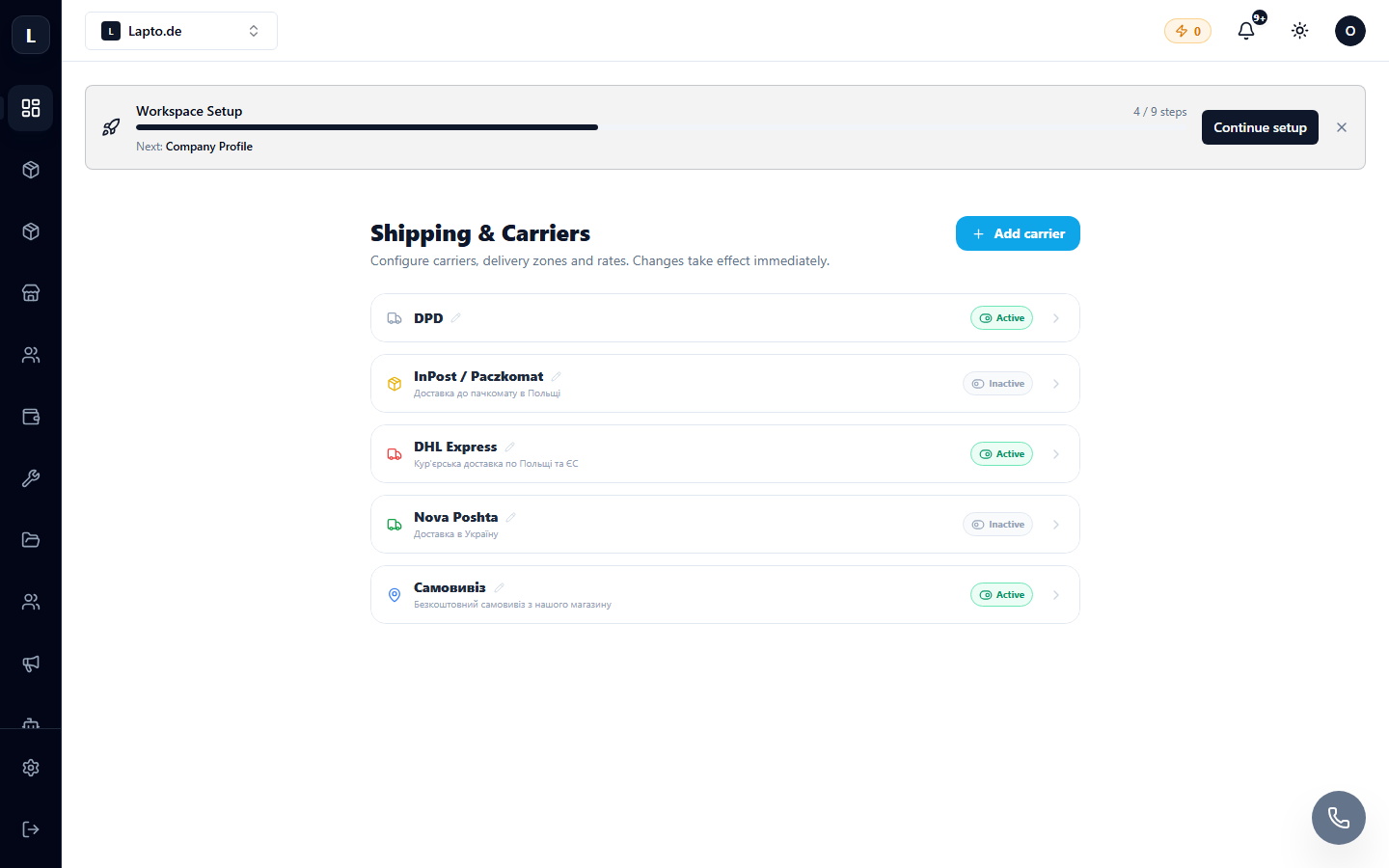
Creating a shipping method
- Click Add shipping method.
- Set a name (e.g., "DPD Courier", "Personal pickup"), price, and delivery time.
- If necessary, add conditions: free shipping above a certain amount, weight or region restrictions.
- Activate it — the method will appear at the store's checkout.
Courier integrations
To create real shipments with tracking numbers, connect a carrier: