Cloud Printing
Print without dialog boxes from anywhere: an agent on a computer with a printer, tasks from the cloud.
Cloud Printing solves the headache of printing: a printer is connected to one computer, but everyone needs to print.
How it works
- A print agent (Download Agent —
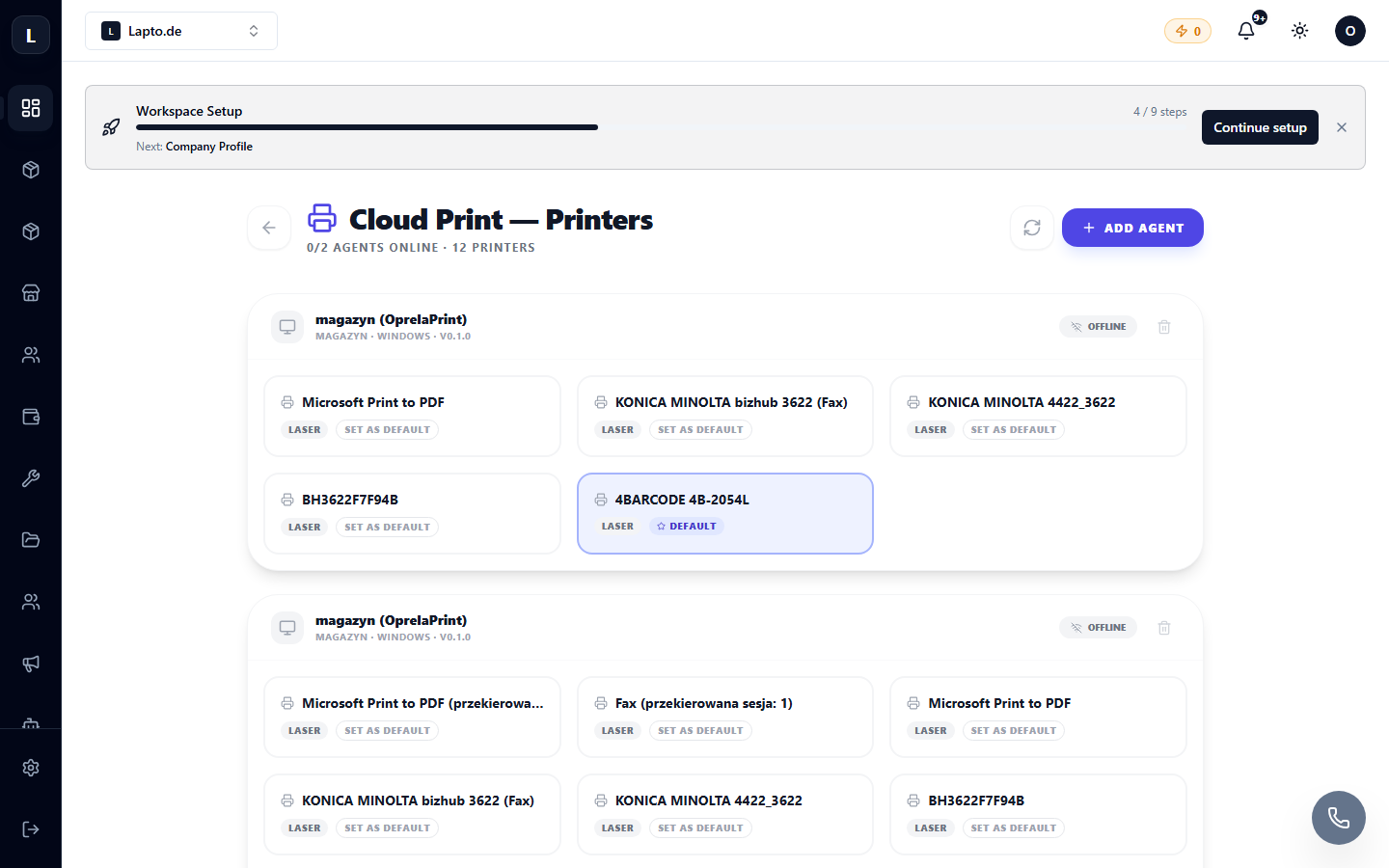
…/erp/cloud-print/download) is installed on the computer to which the printers are connected. - The agent registers local printers in the cloud (
…/erp/cloud-print/printers). - Now anyone on the team can print to these printers directly from the system — without browser dialogs and drivers on their end.
Job Queue
Print Jobs (…/erp/cloud-print/jobs) — all print jobs with statuses; failed ones can be retried.
API Keys
To print from external systems (your own software, integrations), create an API Key (…/erp/cloud-print/api-keys) — see API and Webhooks.
The monthly job limit depends on your plan.