Oprela instead of a set of separate applications: where's the saving, and where's the compromise?
We compare a typical small business setup—website builder, store, CRM, inventory spreadsheets, email service, document program—with a single platform. An honest look at the advantages and limitations.
A typical small business, after a few years of operation, ends up with a collection of tools: a website builder, an e-commerce platform, a CRM, an inventory spreadsheet, an email service, a document program, messengers, and several intermediary services connecting everything. Each one individually is a decent tool. Together, they create a problem that none of them have alone: fragmented data.
The true cost of a set of applications
Subscription fees are only the visible part. The real costs are hidden elsewhere.
- Manual data transfer. Orders from the store to a spreadsheet, contacts from a form to the CRM, customer data into an invoice. A few minutes each time — hours every week.
- Synchronization errors. Intermediary services fail silently. You find out when a customer writes that they haven't received their order.
- Staff training. Every new employee learns five interfaces and five passwords.
- Lack of a complete picture. To answer the question "how much did we earn from this customer?", you need to gather data from three different places.
What changes with Oprela
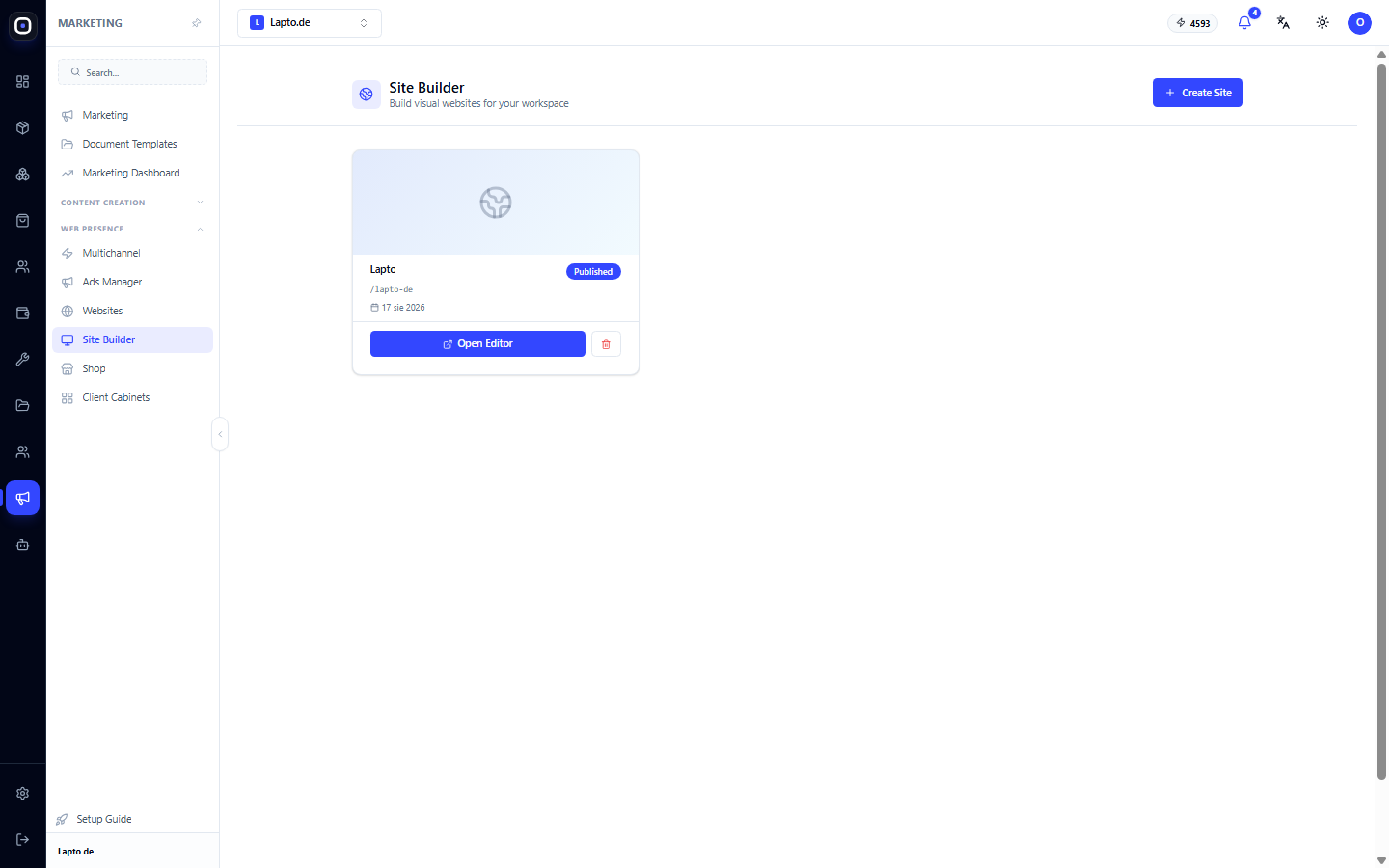
- Website and Store — the website builder and storefront operate on the same product catalog.
- CRM — leads from website forms go directly into the pipeline without intermediaries.
- Inventory — stock levels automatically update based on orders.
- Email Marketing — segments are built from actual purchases and customer behavior.
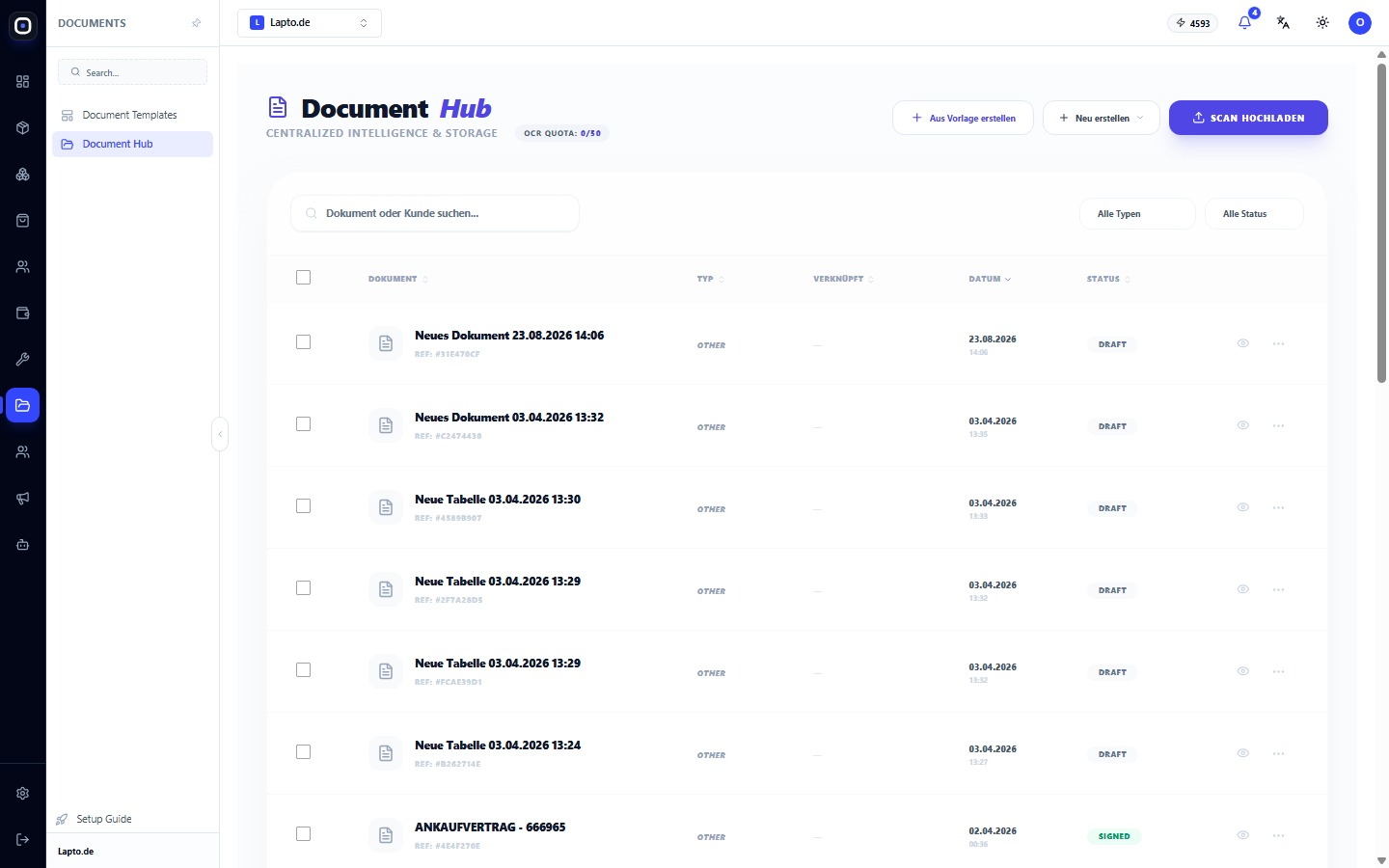
- Documents — created from customer and order data using templates.
- Automation — built-in, without external intermediary services.
Where the biggest savings are
- Team time. Eliminates manual copying between systems.
- Data quality. One customer profile, one product card, one history.
- Speed of changes. A new sales channel, a new website language, or a new employee can be added in minutes.
- Transparency for the owner. The command center shows the business as a whole, not in fragments.
Where the compromise is
Honestly: a specialized service that has been doing only one thing for ten years might have features in its narrow niche that Oprela doesn't. For example, the most advanced email marketing tools or full accounting.
How to decide:
- If a feature is critical for your business and Oprela doesn't have it, keep the specialized service and connect it via API, webhooks, or integrations.
- If you're using 20% of the capabilities of an expensive specialized service, Oprela will most likely cover those 20% and eliminate synchronization costs.
Oprela doesn't demand "all or nothing." You can start with one or two modules and migrate the rest gradually.
How to migrate painlessly
- Import products and contacts from CSV or Excel.
- Connect marketplaces and check synchronization on a few products.
- Migrate your website: create a new one from a theme or with AI assistance.
- Transition your team and cancel old subscriptions one by one.