Data Import and Export
Transferring data into and out of the system: CSV/Excel import, table export.
Your data is yours: you can bulk upload and download it.
Import
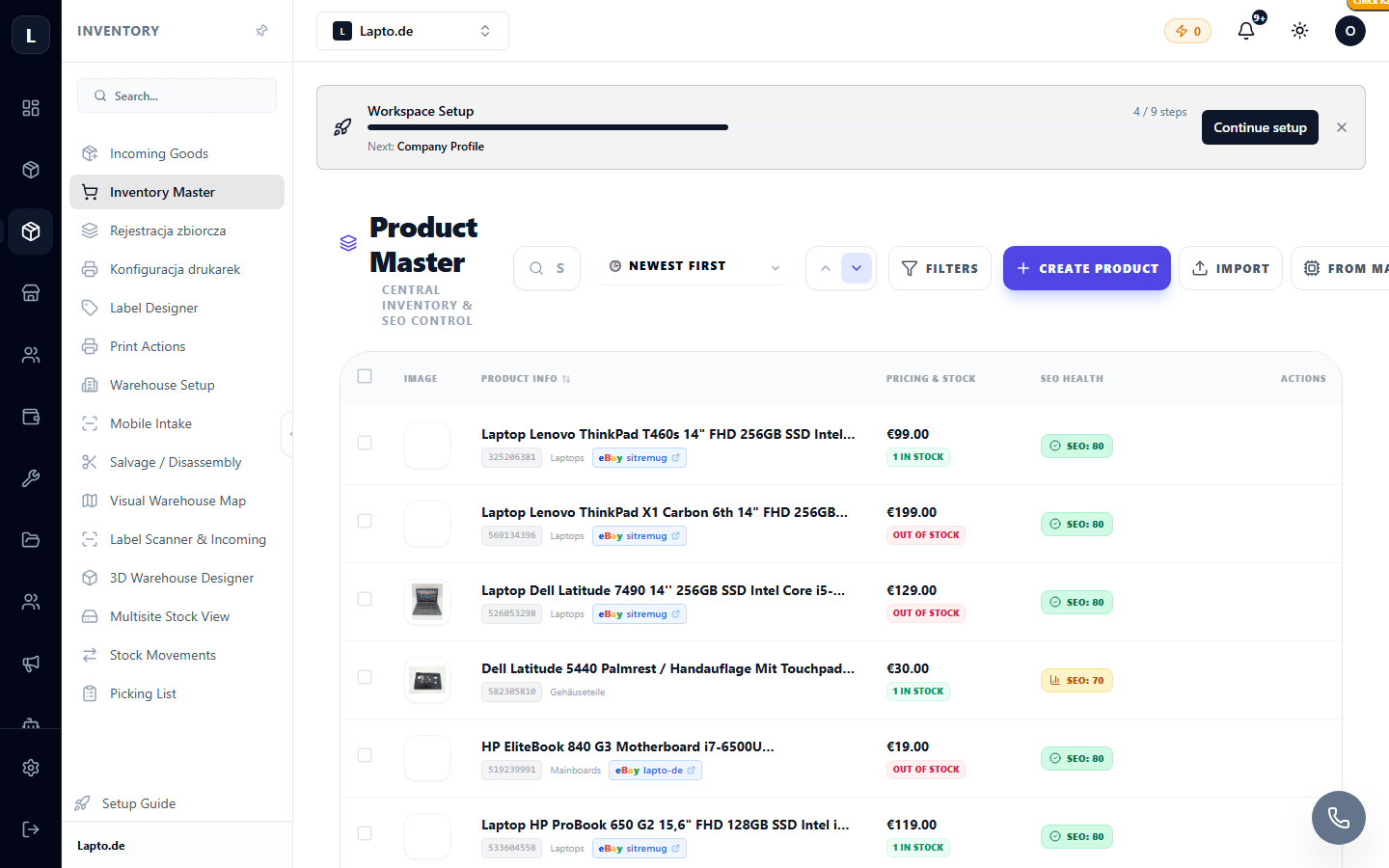
On list pages (products, customers, contacts) — the Import button:
- Upload a CSV/Excel file.
- Map file columns to system fields (mapping is saved for future use).
- Review the preview → confirm. Erroneous rows will be shown separately.
Export
The Export button downloads the current list (including filters!) to a file — for accounting, Excel analysis, or backup.
Typical Scenarios
- Migrating from another system: importing products and customers;
- Monthly export of attendance records for payroll;
- Exporting orders for a period for reporting.
Read More
- Product Catalog
- Custom Fields — also importable/exportable