Creating a Workspace and Getting Started
A workspace is your company's space in Oprela. Learn how to create and configure it for your business type.
A workspace is your company's space in Oprela: it houses products, orders, customers, employees, and settings. A single account can have multiple workspaces (for example, a separate store and a service center).
Creating a Workspace
After the first registration, the system automatically launches the onboarding wizard:
- Company Name — customers will see this in documents and on store pages.
- Business Type — the initial set of modules depends on your selection:
- Basic Data — address, phone, currency.
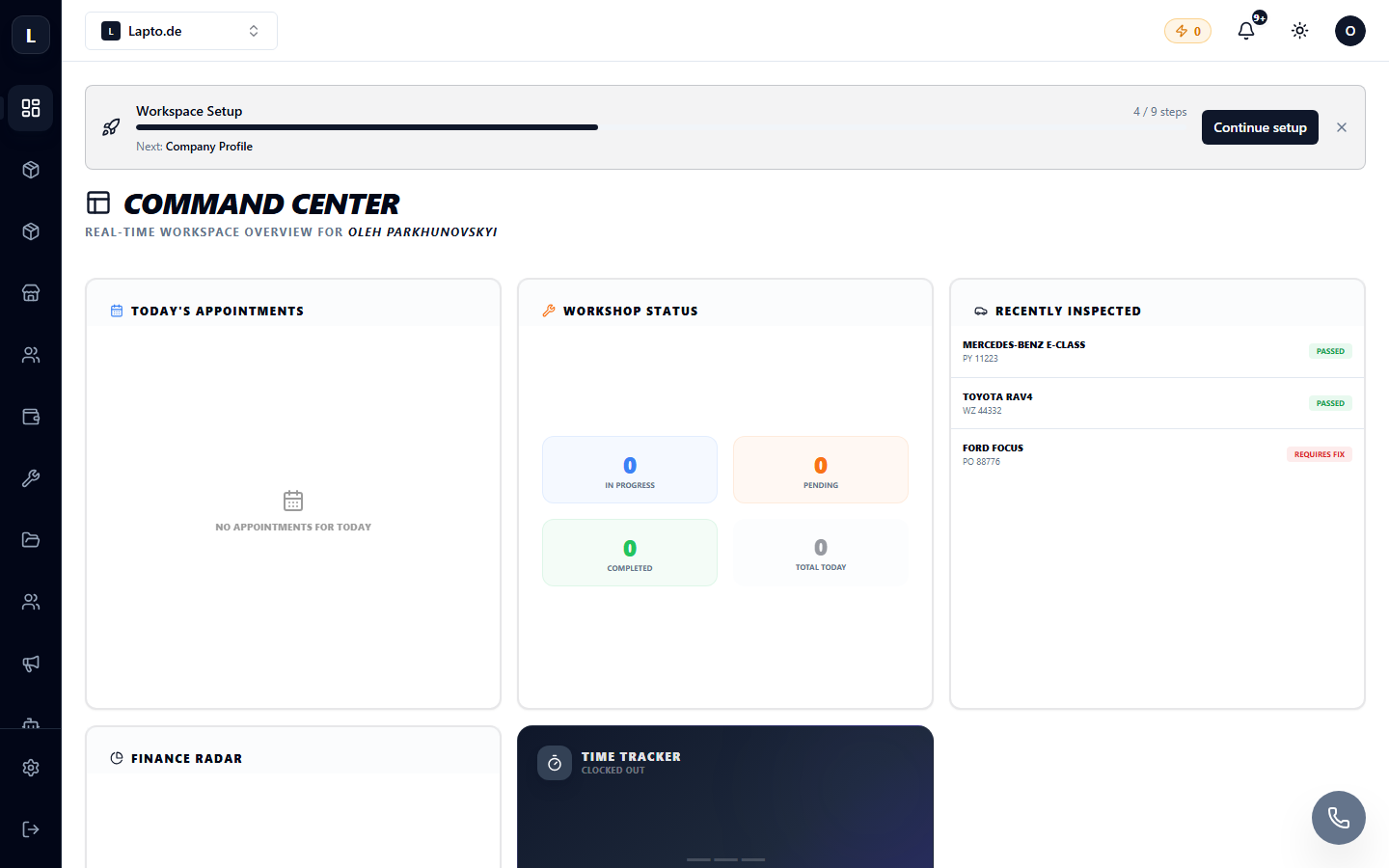
After completing the wizard, you will land on the main dashboard. To the left is the vertical module menu, and at the top are the search and workspace switcher.
Setup Guide — Don't Miss It
In the contextual menu of any module, at the bottom, there is a Setup Guide 🚀 item — a step-by-step checklist for launching specifically for your business type: adding the first product, setting up delivery, connecting payments. We recommend completing it fully — see Setup Guide: Step-by-step launch.
What's Next
- Interface Overview — where everything is located;
- Workspace Settings — logo, language, branding;
- Inviting Your Team — add employees;
- Pricing Plans — what's included in your plan.