Multiple Workspaces and Switching Between Them
One account — multiple businesses: how to create an additional workspace and switch quickly.
If you have several business directions (for example, an electronics store and a service center), keep them in separate workspaces: different products, teams, settings, and plans — but one login.
Switching
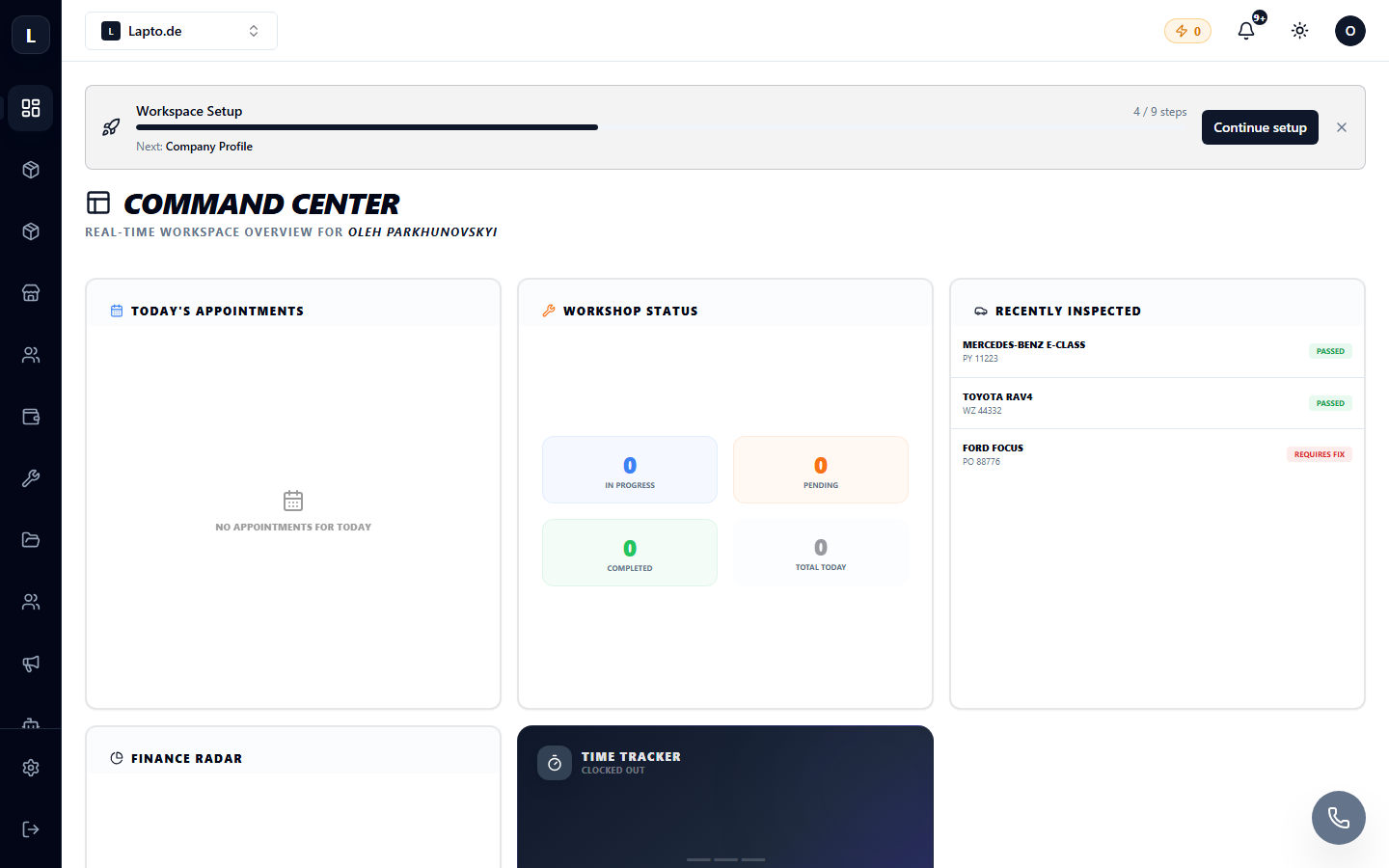
At the top of the interface, you'll find the workspace switcher — click on the current workspace's name and select another from the list.
Creating an Additional Workspace
In the same switcher, there's a Create workspace button. This will launch the familiar onboarding wizard (Creating a Workspace).
Important to Know
- Each workspace is billed separately — see Pricing Plans.
- Data between workspaces is not mixed: products, customers, and orders are completely isolated.
- An employee can be invited to multiple workspaces — they will have a different role in each.
- Your role can also differ: you can be an owner in one workspace and a member in another.