Message Templates
Email/SMS templates for events: order accepted, repair ready, package on its way.
Message templates are texts that the system sends to customers at key points: confirmations, statuses, readiness.
Where to find
Messages module → Message Templates (…/erp/message-templates).
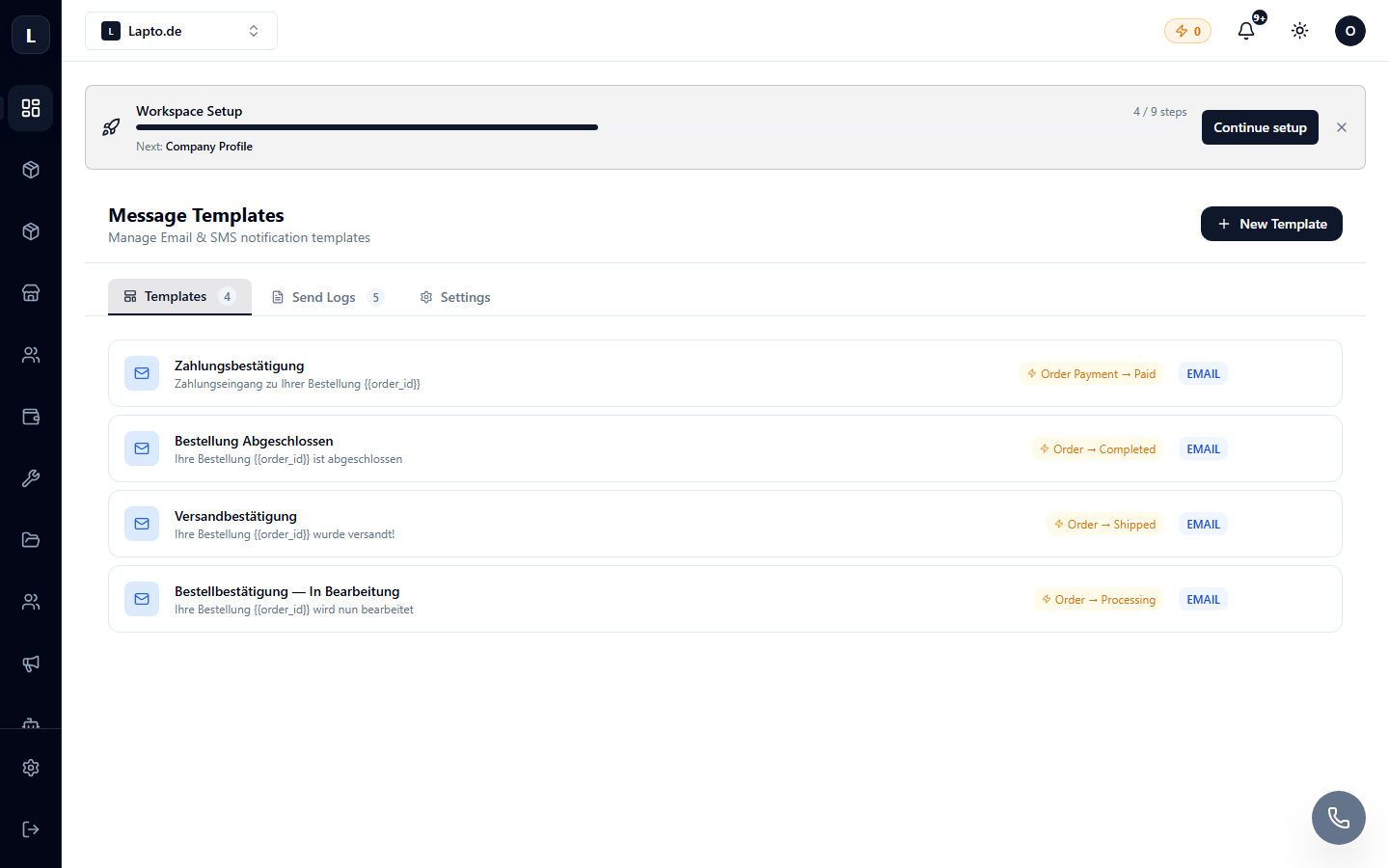
Template setup
- Select an event (new order, status change, repair ready…).
- Write text for email and/or SMS; insert variables: name, order number, tracking number, tracking link.
- Activate it — messages will be sent automatically upon the event.
Channels
- Email — from your email (Google/SMS setup);
- SMS — via a connected operator;
- more complex chains (delays, conditions) — in Automation Hub.
Tip
Keep it short and specific: "Your order #123 has been handed over to the courier, track: …" works better than "Thank you for your purchase!".