Setting up Google Mail and SMS
Connecting your own email for sending and an SMS operator for messages.
To ensure messages are sent from your name, connect your email and SMS channel.
Where to find it
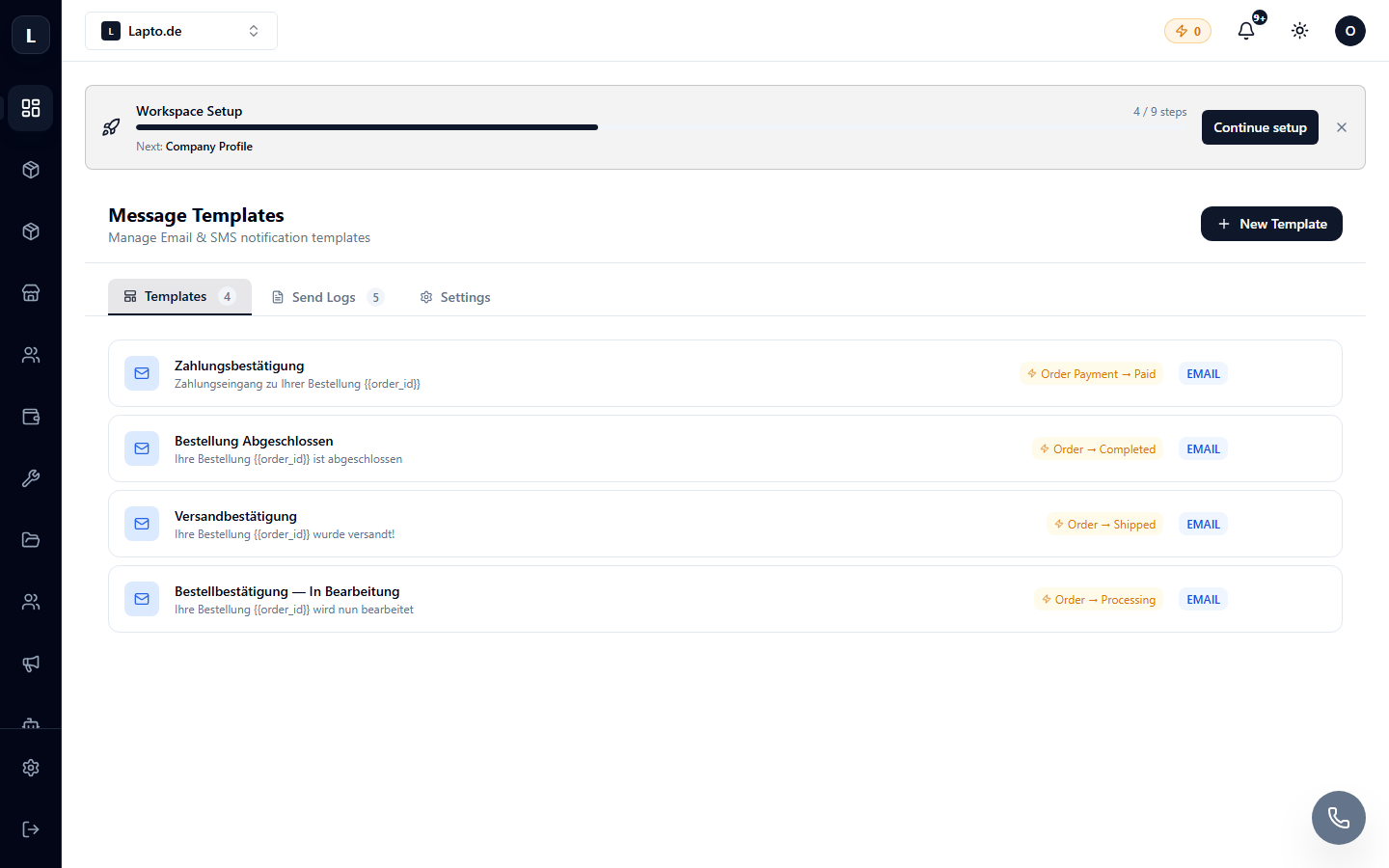
Messages → Message Templates → Settings tab (…/erp/message-templates?tab=settings).
Google Mail
- Click Connect Google → authorize your company's Google account.
- Emails to clients will be sent from your Gmail/Workspace address — and replies will also come to you.
For mass mailings, it's better to set up SMTP with your own domain — Cloud Integrations and Deliverability.
SMS
Enter your SMS operator's details (sender number and access keys) — after this, SMS templates will become active.