Electronic Document Signing
Sending a document for client signature: link, finger/mouse signature, legal trail.
Your client can sign documents online — no printing or scanning required.
How it works
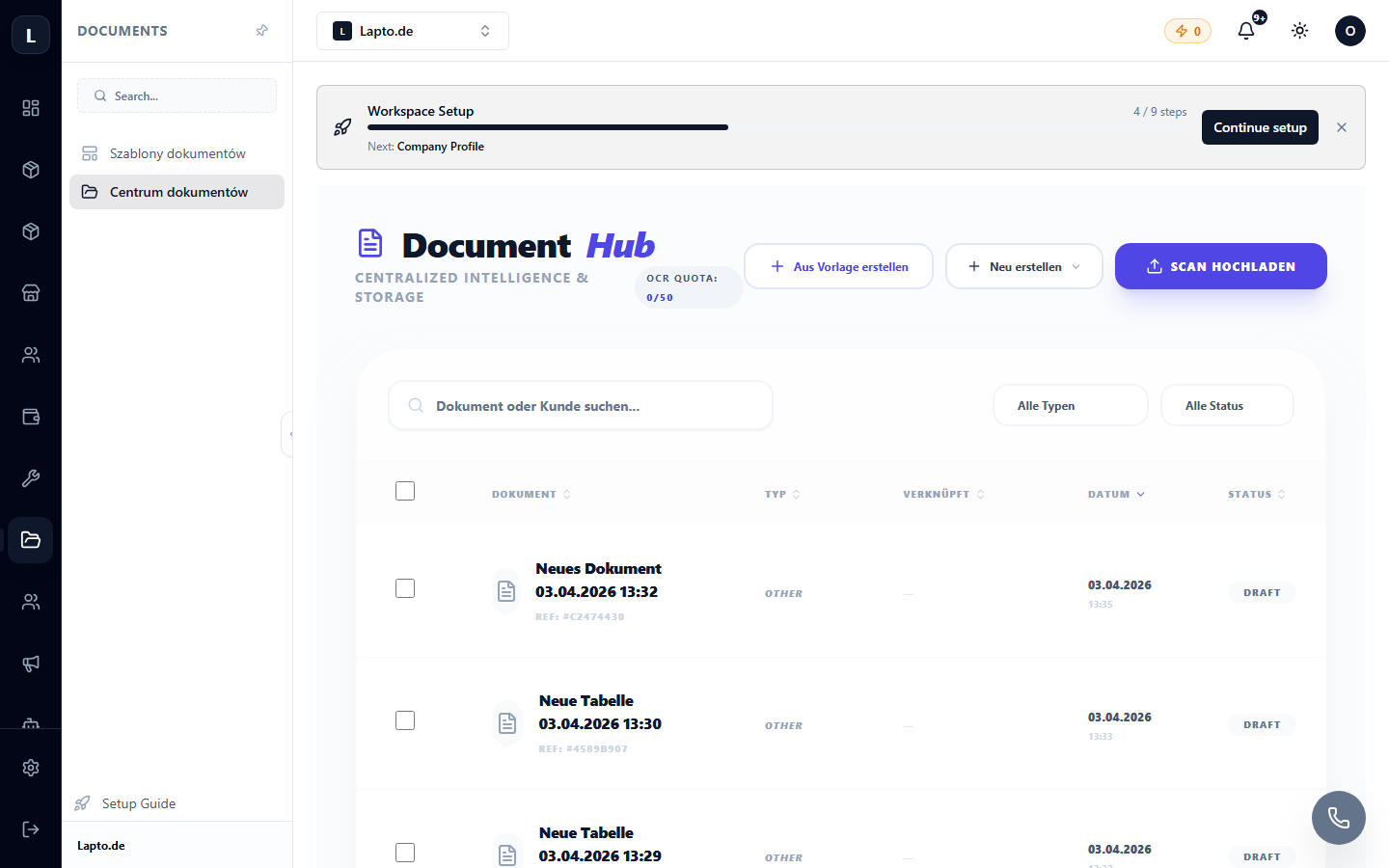
- Open the document in Document Hub → Send for signature.
- The client receives a link (
/sign/…) — they open the document, read it, and sign directly on the screen (with a finger on a phone or a mouse). - The signed document is recorded: time, IP, signature image; the original is stored in the system.
Typical Scenarios
- Agreement for repair with an approved estimate;
- Device buyback agreement (Buyback);
- Act of completed works.