Discounts and Promo Codes
Creating discounts and promo codes for your store: percentage-based, fixed-amount, with time and usage limits.
Discounts help launch promotions and bring back customers. A promo code is entered by the customer at checkout in the store.
Where to find
Storefront module → Discounts & Promo (path …/erp/discounts).
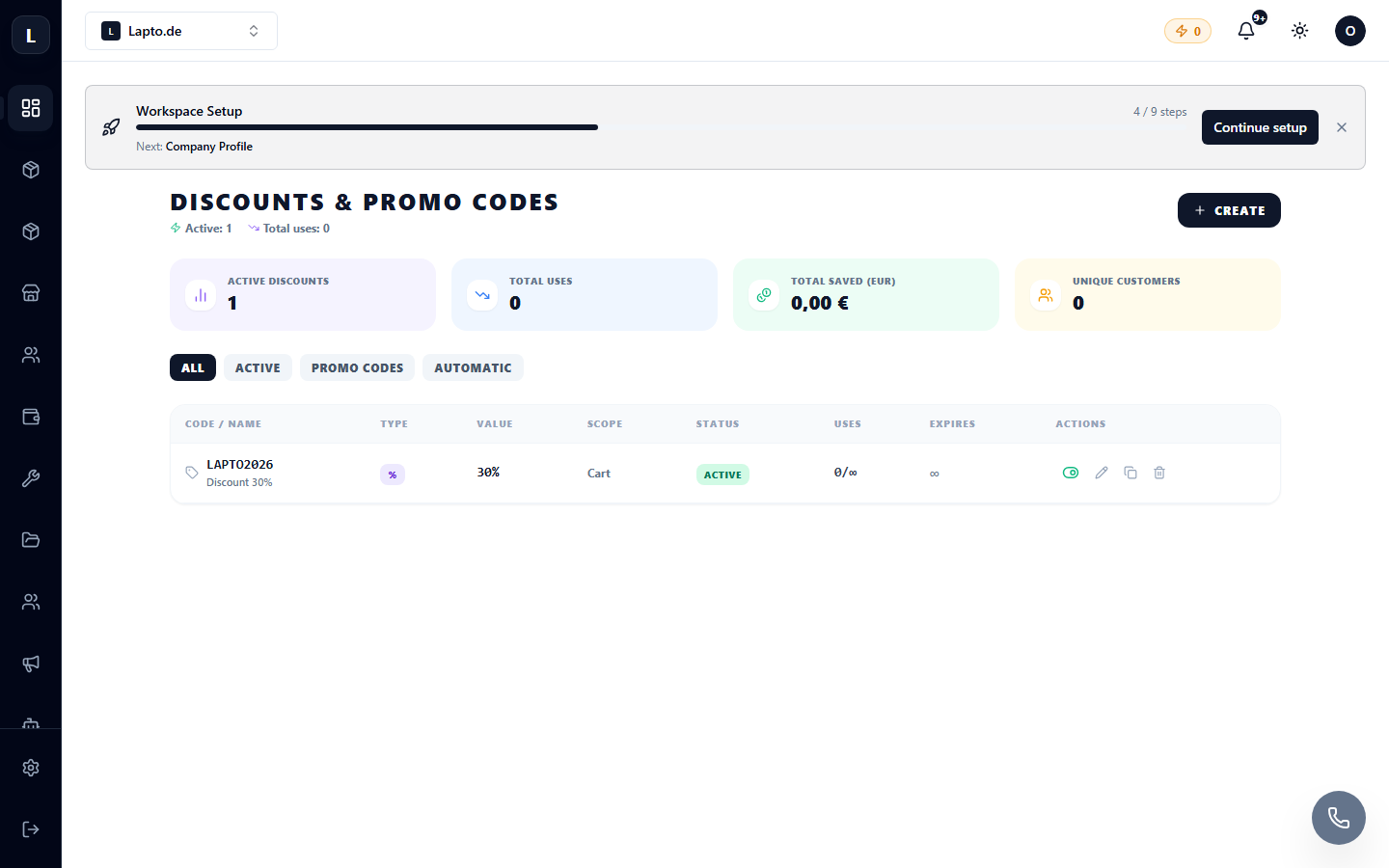
Creating a promo code
- Click Create discount.
- Set the code (for example,
SUMMER2026) — this is what the customer will enter. - Choose the type: percentage off the total or a fixed-amount discount.
- If needed, add restrictions:
- Activate it — the code will immediately work at the store's checkout.
How the customer sees it
On the checkout page, there is a Promo code field. After applying, the discount will be reflected in the total and saved with the order — you will see it in the order card.
Tips
- For one-time personal codes, it's best to set a limit of "1 use".
- Analyze the effectiveness of promotions in sales analytics.
- For volume discounts (instead of a code) — there's a separate tool, see Tier Pricing.
Read next
- Working with orders
- Email newsletters — send the promo code to your customer base
- Tier Pricing (B2B)