Quantity Discounts (B2B tier pricing)
Volume discount: "10% off for 10 units or more" on a specific product, category, or the entire catalog — separate from promo codes.
Quantity discounts (tier pricing) are a different tool than promo codes: instead of a code that the customer enters themselves, the discount is applied automatically once the quantity of items in the cart reaches the threshold.
Where to find it
Storefront module → Discounts & Promo (path …/erp/discounts), Quantity Pricing tab.
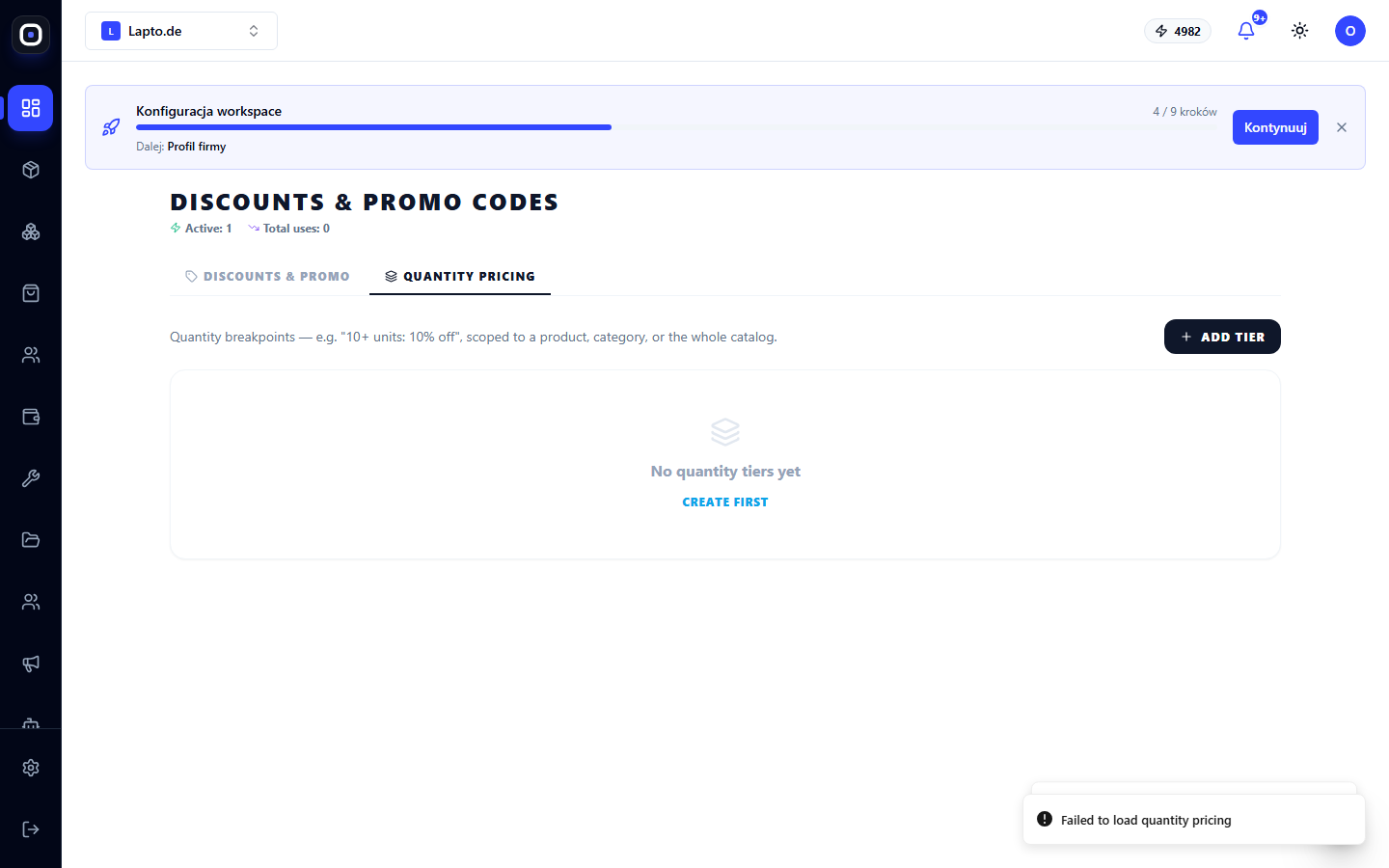
Creating a discount tier
- Click Add tier.
- Choose what the discount applies to:
- Set the Min quantity (minimum quantity for the discount to apply) and Discount %.
- Save.
You can create several tiers for the same product or category — for example, 10% off for 10 units and 20% off for 50 units; at checkout, the highest threshold that covers the current quantity in the cart is applied.
How it's calculated at checkout
If the customer already has a personal partner discount (see Customer Accounts), the quantity discount is not added to it — the higher of the two is applied, separately for each item in the order. This prevents accidental summing of discounts below cost.
Tier priority
If a product simultaneously has a discount at the product level, at its category level, and a catalog-wide discount, the most specific one wins: first, the discount for a specific product is checked, then for the category, and only then — the general one.