Video Reception Recording
Recording video during device intake: protection against disputes about condition and completeness.
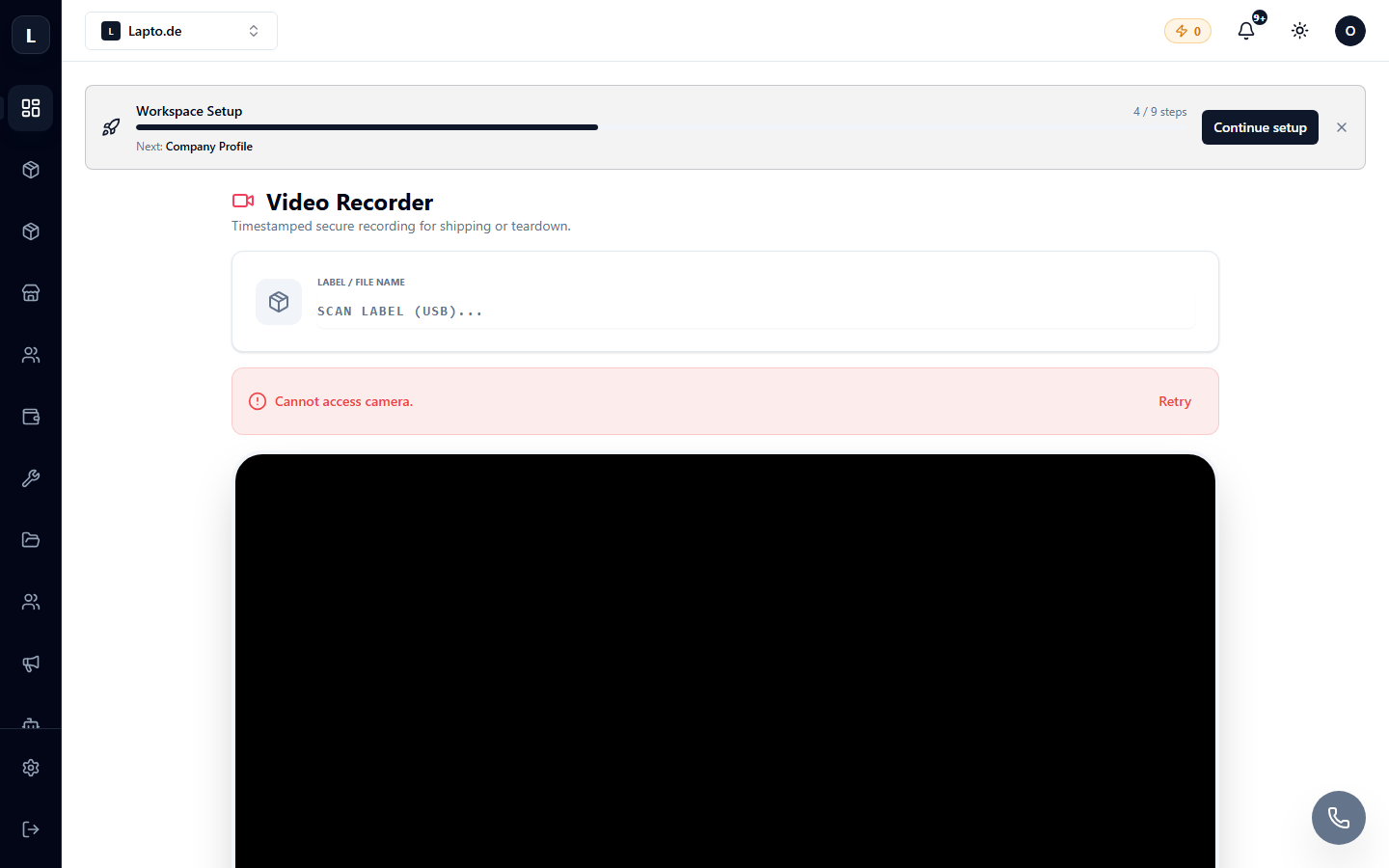
Video Reception Recording — recording a short video when receiving a device: condition of the body, screen, completeness. The best argument in a "the scratch wasn't there" dispute.
Where to find
Service Center module → Video Reception Recording (…/erp/video-recorder).
How to use
- Open the page on a device with a camera (computer with a webcam or phone).
- Enter/scan the intake number — the video will be linked to it.
- Record a device overview (30–60 seconds is enough: all sides, power-on, close-ups of defects).
- The video is saved in the intake card; you can view it at any time.
Tip
Make video recording a standard for receiving expensive devices — it disciplines both the team and clients.