Time Terminal
Tablet at the entrance: employees clock in and out themselves, the system counts hours.
Time Terminal — "turnstile" mode: a tablet or an old laptop at the entrance, employees clock in/out themselves.
Setup
- Create an account with the terminal role (team invitation) — it can only clock time.
- Log in with this account on the tablet — the terminal interface will open.
- Employees clock in using a PIN code or by scanning their card/QR.
Security
The terminal account does not have access to workspace data — even if someone "plays around" with the tablet, they will only see the clock-in screen.
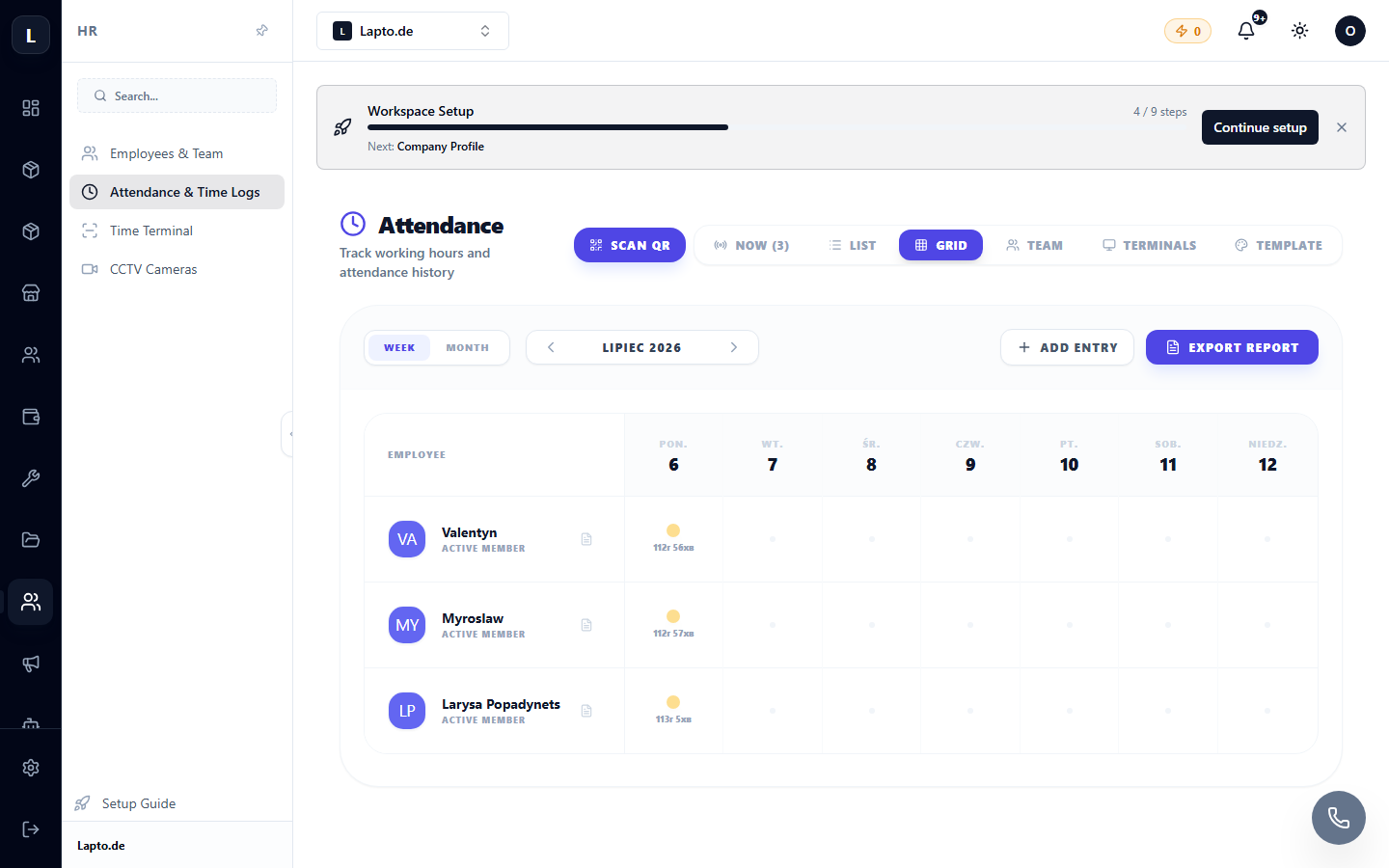
All clock-ins are immediately in the attendance sheet.