Store Navigation and Menus
Top menu, footer, and link structure: how a customer navigates the store.
The store menu is fully customizable: items, order, nesting, and language versions.
Where to find it
Storefront module → Navigation & Menus (…/erp/storefront-navigation).
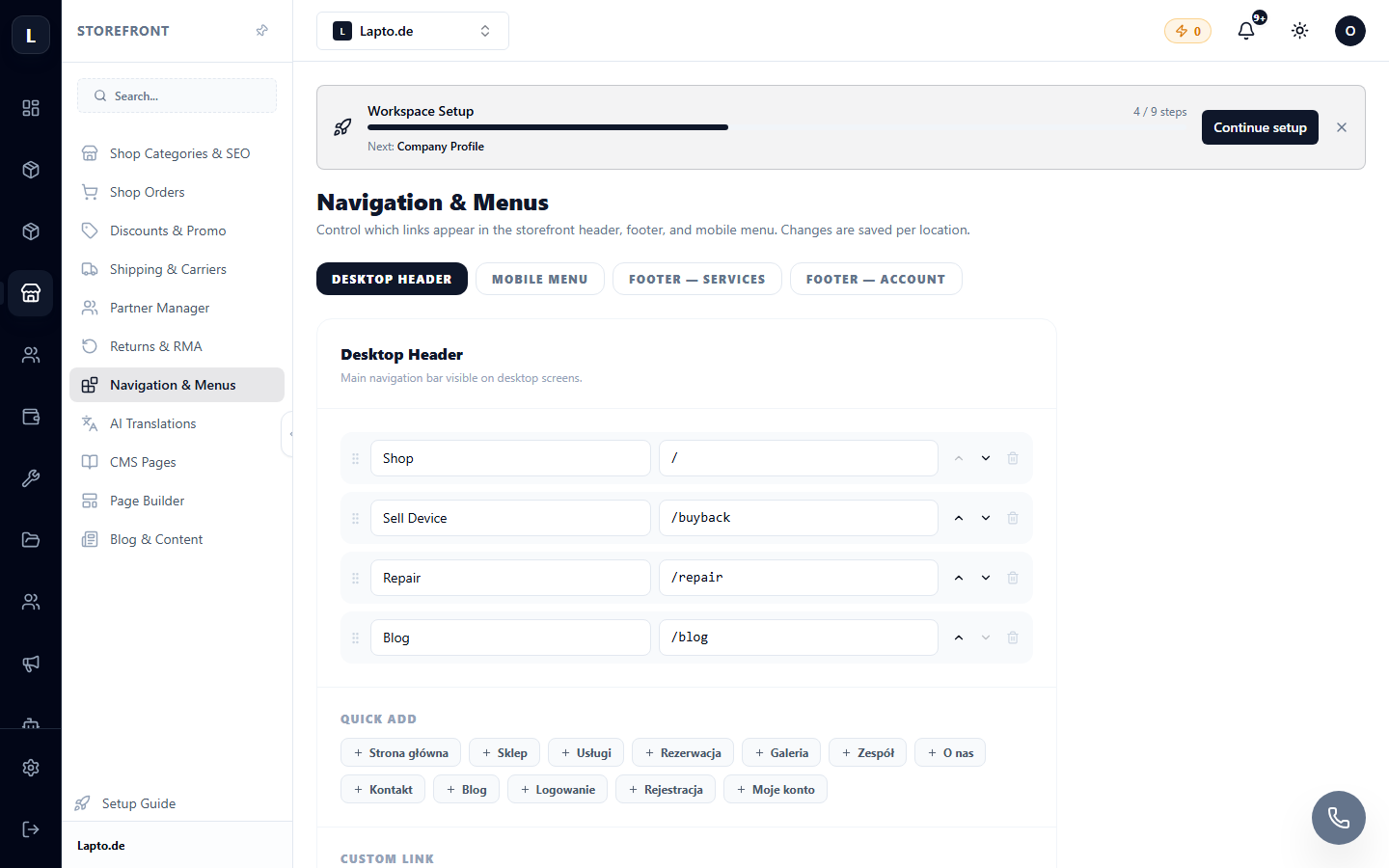
Menu settings
- Select the menu (top, footer).
- Add items: catalog category, CMS page, blog, external link.
- Nested items are created by dragging them under a parent.
- For each store language, you can set custom item names — use the language switcher at the top of the editor.
Tips
- 5–7 items in the top menu is optimal; put the rest in the footer;
- always add terms and conditions and contact pages to the footer;
- the "Help" item leads to your public help center.