AI Store Translations
Automatic translation of products, categories, and pages into your customers' languages.
The Oprela store is multilingual: customers can switch languages with a single button. AI handles translations — you don't need a translator for thousands of products.
Where to find it
Storefront module → AI Translations (…/erp/translations).
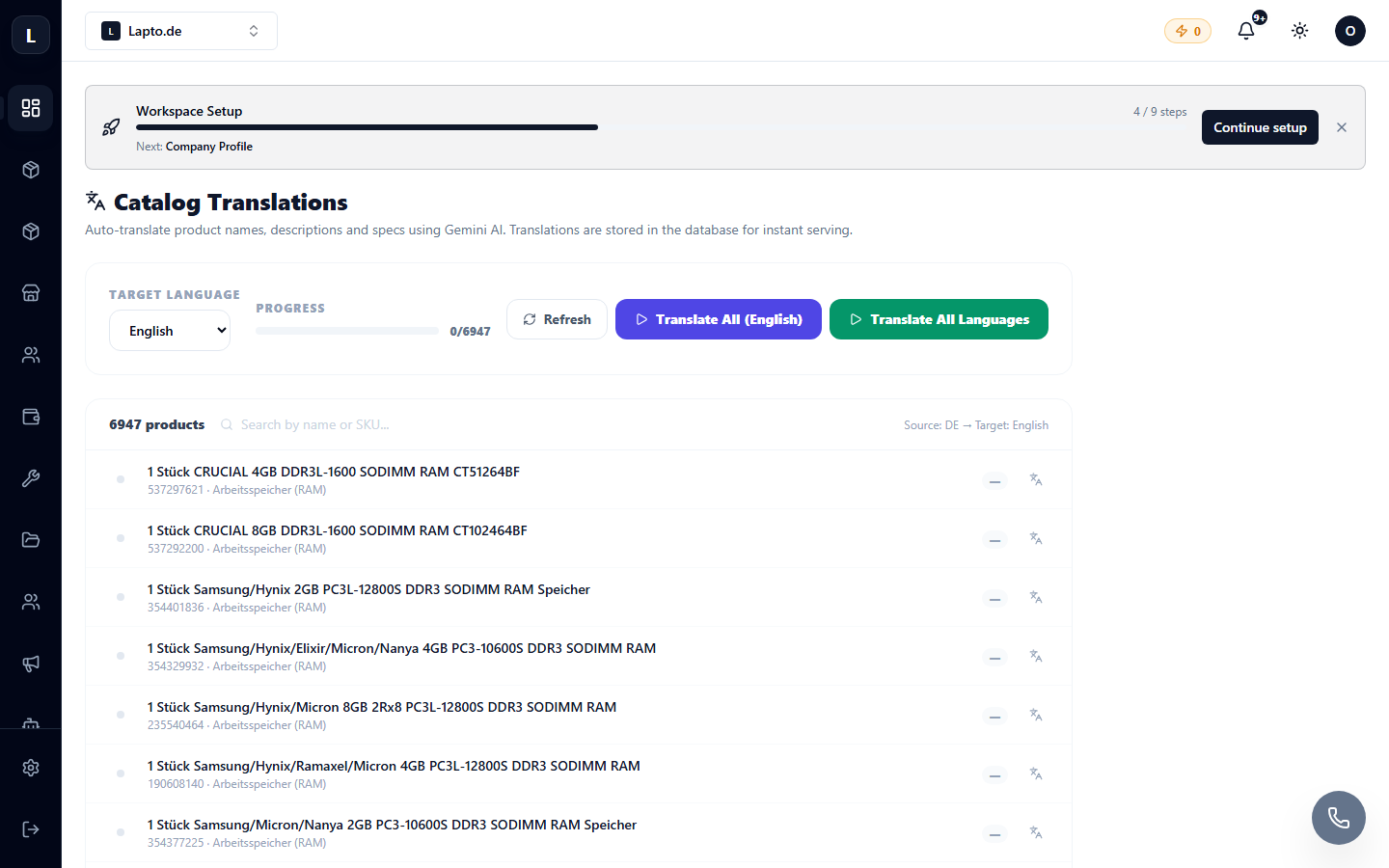
Language settings
- Set the store's primary language and additional languages (e.g., Polish + English and German).
- The language switcher will automatically appear in the store's header.
Content translation
- Choose what to translate: products (names, descriptions), categories, CMS pages, menu items.
- Start the translation — AI will process the selected items and save the language versions (this consumes AI credits).
- Any translation can be edited manually — manual edits will not be overwritten without your consent.
Tip
Translate in batches after large catalog updates, rather than one product at a time — it's faster and more credit-efficient.