AI Site Generation and Page Editing
The "AI Generate" button creates ready-made pages based on a business description, while AI editing allows you to rewrite blocks with a simple text command — both features are free.
The Oprela website builder can not only manually assemble pages from blocks but also generate and edit them using AI.
Where to find it
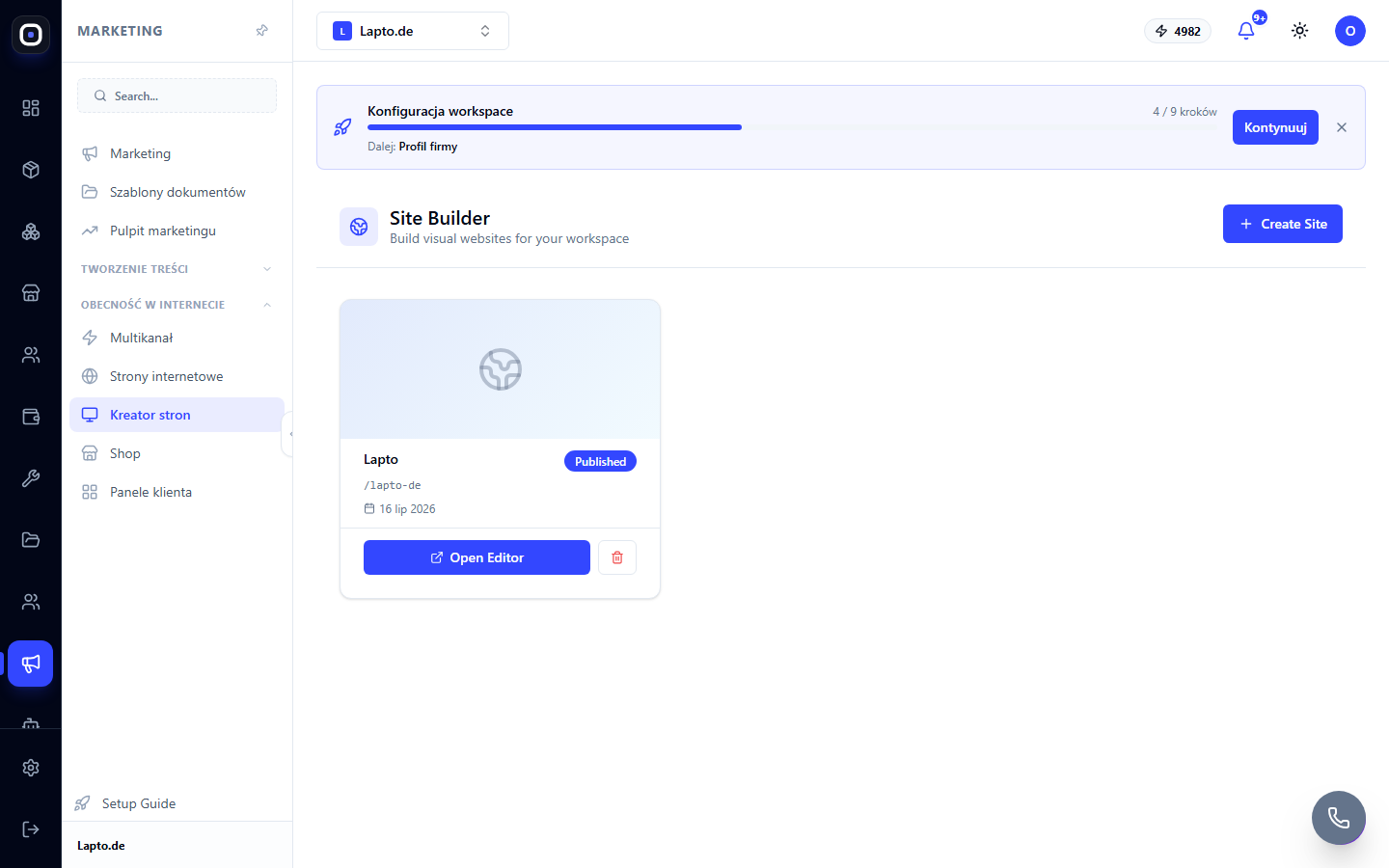
Open any website in the builder (…/site-builder/{siteId}).
AI Generate — creating pages from a description
The "AI Generate" button (✨ icon) in the top editor panel (on narrow screens, the "AI Generate" option in the "⋮ More actions" menu). Describe your business and what pages you need — AI selects the structure, writes texts, and forms ready-made page blocks based on your description.
AI editing of an existing block
When editing a page, a ✨ button appears on each selected block — it opens a chat panel where you can type a text command ("make the heading larger", "change the background color to blue", "shorten the description") — AI applies the change to the block without manually clicking through settings. On mobile devices, the same function is available via the round button with a ✨ icon in the bottom toolbar.
Credits
The first use of each of these features per workspace is free, so you can try it without risk. Each subsequent call to AI Generate or AI block editing consumes workspace AI credits at a fixed rate per call.
Limitations
The feature is available if the workspace's tariff plan includes website editing; on plans without this access, a prompt will appear about the need to upgrade the tariff.