Invoicing Settings
Seller details, document numbering, and issuing an invoice from a paid order.
Before you can issue invoices, set up your company details and numbering.
Where to find it
Finance module → Invoicing Settings (…/finance/invoicing).
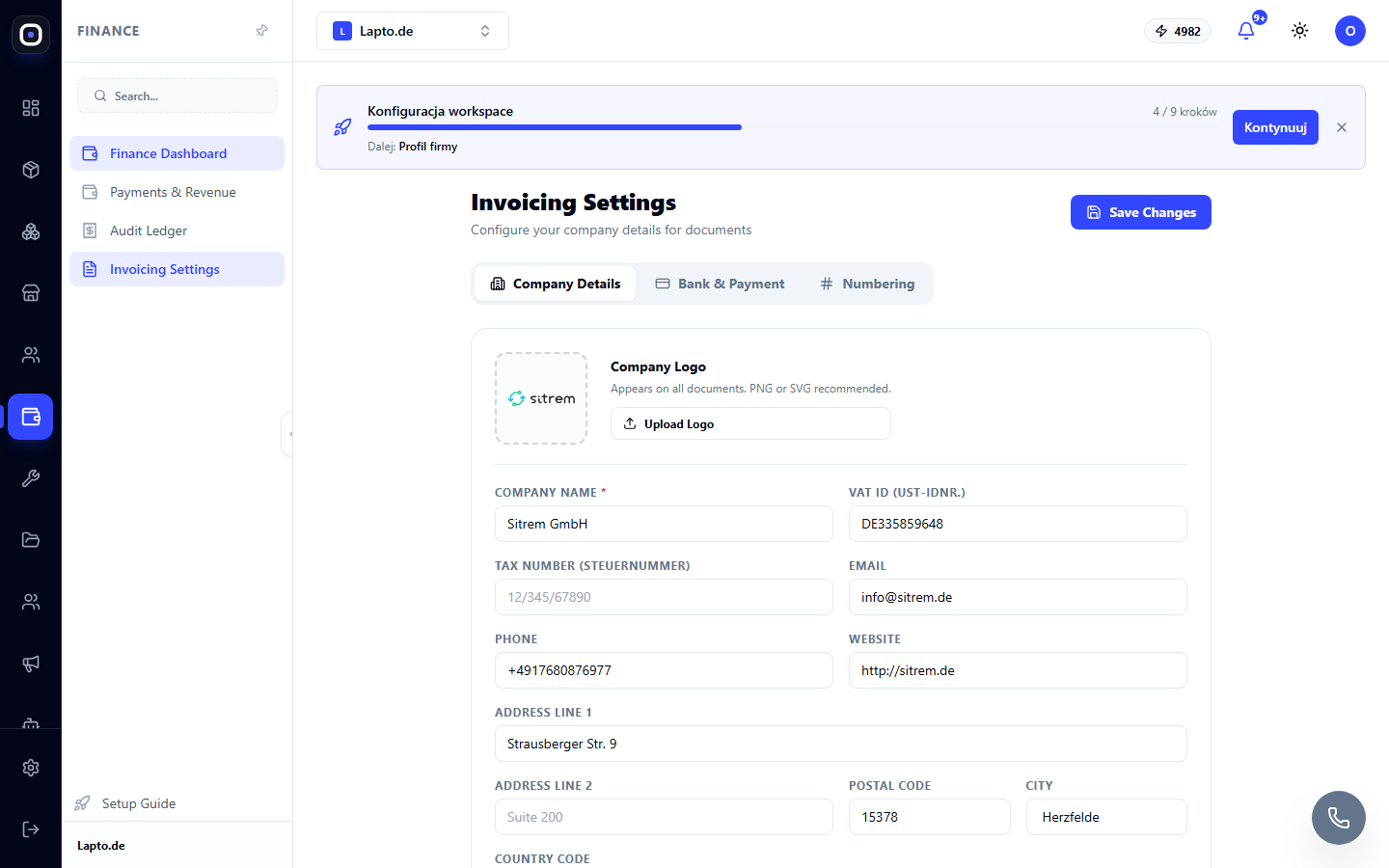
Three settings tabs
- Company Details — company name, VAT ID, tax number, contact info, address, logo (shown on every document);
- Bank & Payment — bank details for invoice payment;
- Numbering — numbering templates for invoices, proformas and receipts.