Hood.de: Account Connection and Categories
Hood.de access data, connection verification, and category synchronization — separate from the listings themselves.
The Settings page for your Hood.de account is responsible for connection and technical configuration — unlike the listings manager, which manages already published products.
Where to find it
Marketplaces → Hood.de → Settings (/erp/hood/settings).
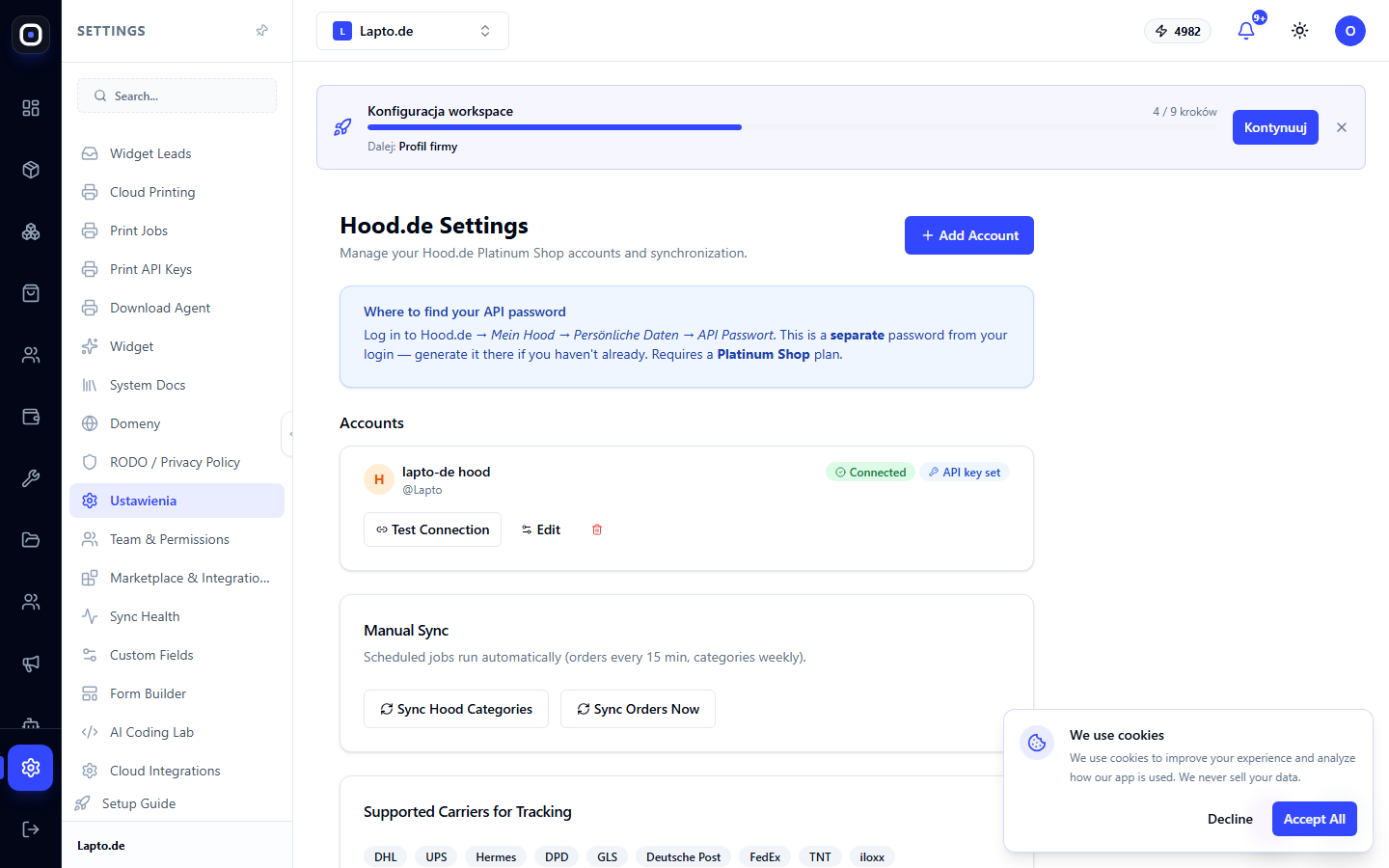
Account Connection
Add an account: provide a name (for your reference), your Hood login, and the API password — this is a separate password from your regular login password, found in your Hood.de settings. The connection test button confirms that the data is correct.
Category Synchronization
Hood.de categories are synchronized as a separate action and mapped to your catalog categories — similar to category mapping in Allegro: once you set up the correspondence, listings will automatically receive their category.