Downloading the Cloud Print Agent
The OprelaPrint desktop application that registers local printers in the cloud — for Windows, macOS, Linux.
For printers connected to a specific computer to become available to the entire team via cloud printing, the OprelaPrint agent must be installed on that computer.
Where to find it
Printing & Labels module → Download Agent (/erp/cloud-print/download).
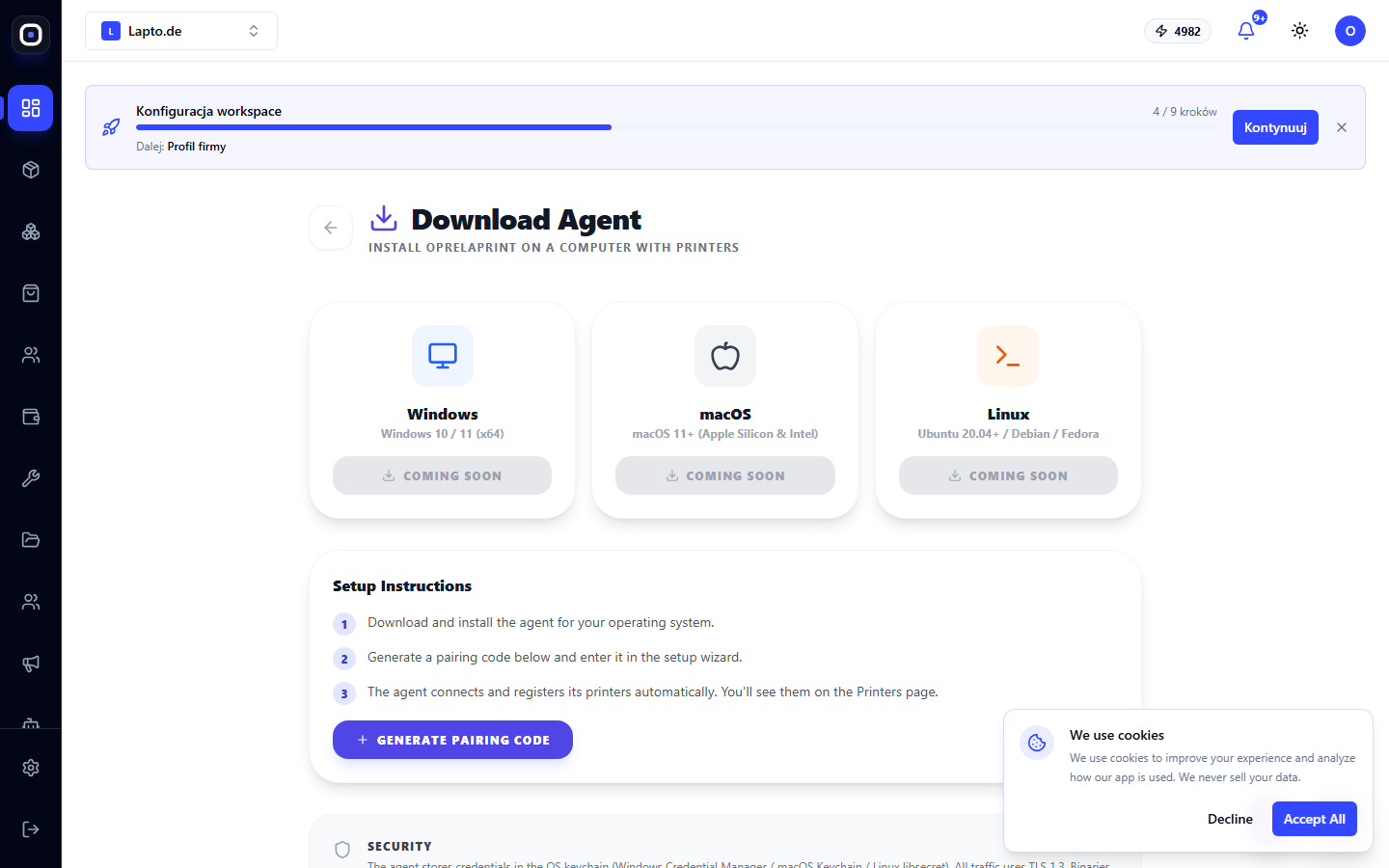
Installation
- Select your platform: Windows (MSI), macOS (DMG), or Linux (AppImage) — and download.
- Install and launch the agent following the on-screen instructions.
- Click "Generate Pairing Code" — a 15-minute action code and a link that opens the agent directly for pairing will appear.
- Enter the code in the agent — the printers on this computer will become visible in cloud printing.
Security
The agent stores credentials in the operating system's secure storage (keychain), and the connection uses TLS.