Allegro: Account Connection and Configuration
Authorizing an Allegro account, multiple accounts, and basic integration settings.
Allegro integration — official API: you authorize your seller account, and Oprela manages offers and reads orders.
Where to find it
Orders & Sales module → Allegro → Settings (…/erp/allegro/settings).
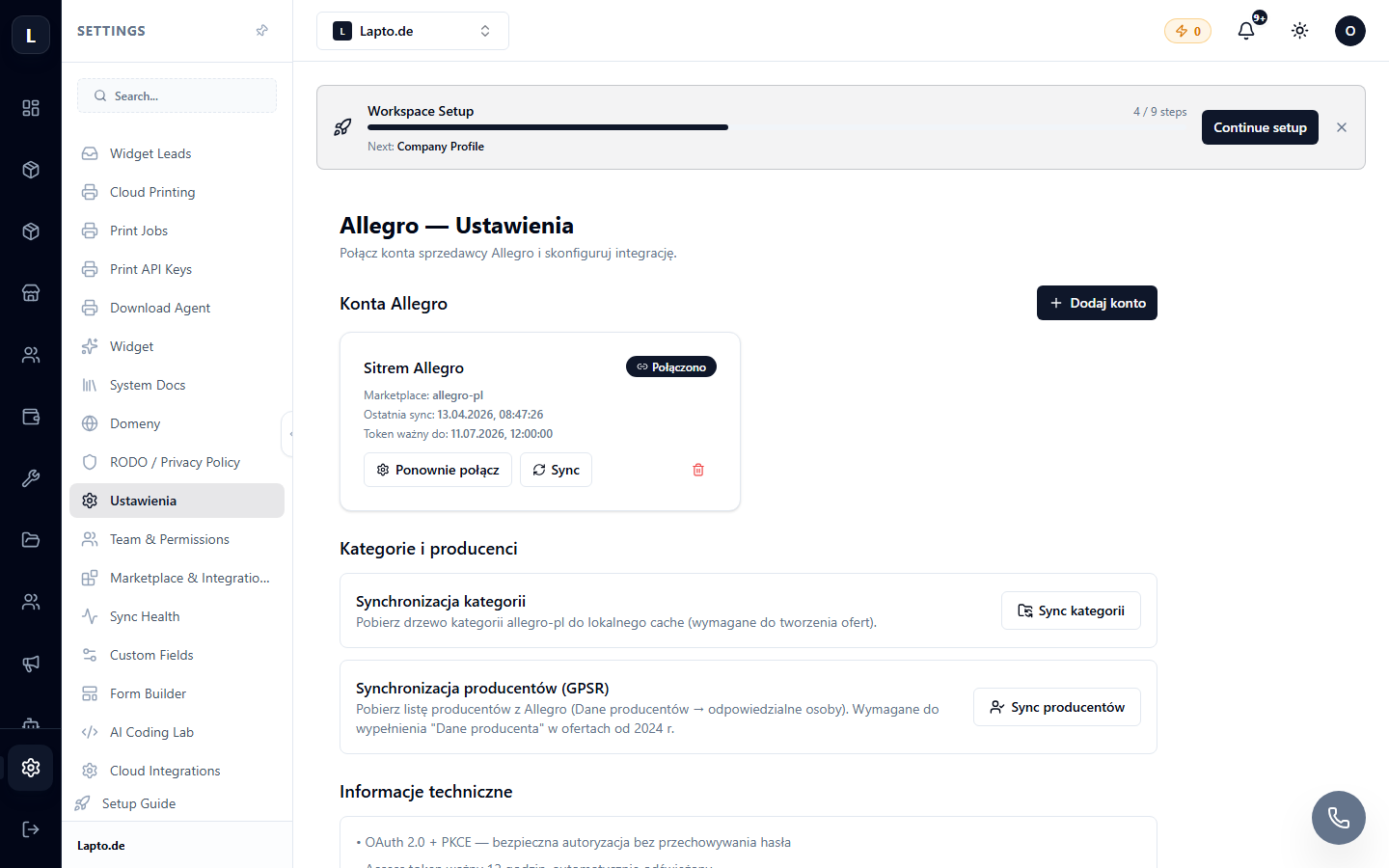
Connection
- Click Connect Allegro account.
- Log in to Allegro and confirm access.
- The account will appear in the list; each account has a separate management page (
…/erp/allegro/a/{account}).
Account Configuration
- Policies — delivery, return, and warranty conditions from your Allegro account;
- stock and price synchronization rules;
- category mapping — see templates and rules.