Edit a PDF like it’s a normal document
Open any PDF or scanned image, change the text, add shapes and annotations, and export a clean vector PDF — all in the browser, no Acrobat license, no converting files back and forth.
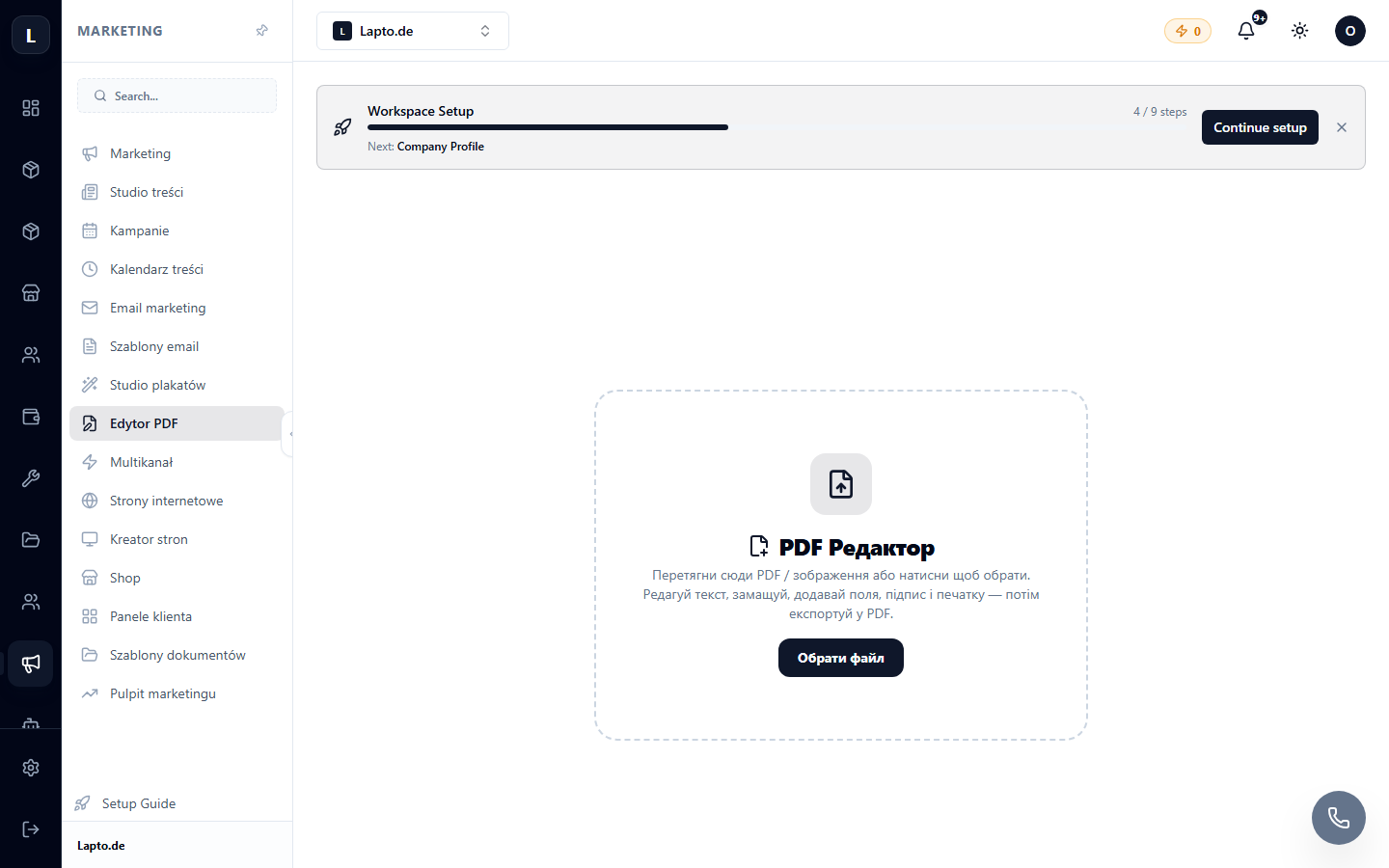
A real editor, not just a viewer
Built for the edits people actually need to make.
Edit existing text
Extracts the text already on the page so you can correct a typo or update a figure without retyping the whole document.
Add text & shapes
A full toolbar for adding new text blocks, boxes, lines and highlights anywhere on the page.
Works on scans too
Loads images as well as native PDFs, so a scanned contract or a photographed form can be edited the same way.
True vector export
Export keeps text and shapes crisp and selectable — not a flattened screenshot — alongside a quick rasterised export when that’s all you need.
Fill-from-template handoff
Accepts pre-filled data from Oprela’s document templates, so a contract can be generated and then fine-tuned by hand in one flow.
What people fix with it
Everyday document problems, solved in the browser.
Fixing a typo on a signed-looking form
Correct a name or date on a PDF without asking whoever created it to resend it.
Annotating a scanned document
Highlight, comment or mark up a scan before sending it back.
Adjusting a generated contract
Fine-tune a document that came out of a template before it goes for signature.
Works even better together
Other Oprela modules that pair with this one — same subscription, same data.
Questions about PDF Editor
Do I need Adobe Acrobat?+
Can I edit a scanned document, not just a native PDF?+
Will the exported PDF still have selectable text?+
Can I edit text that was already on the page?+
Stop emailing PDFs back and forth for a small edit
PDF Editor is included in your Oprela workspace.