Your business keeps working, even while you sleep
Build automations visually — no code. A new booking, a repair status change or a lead from your website can trigger a scenario where an AI agent reads the situation, decides what matters, and Oprela acts for you.
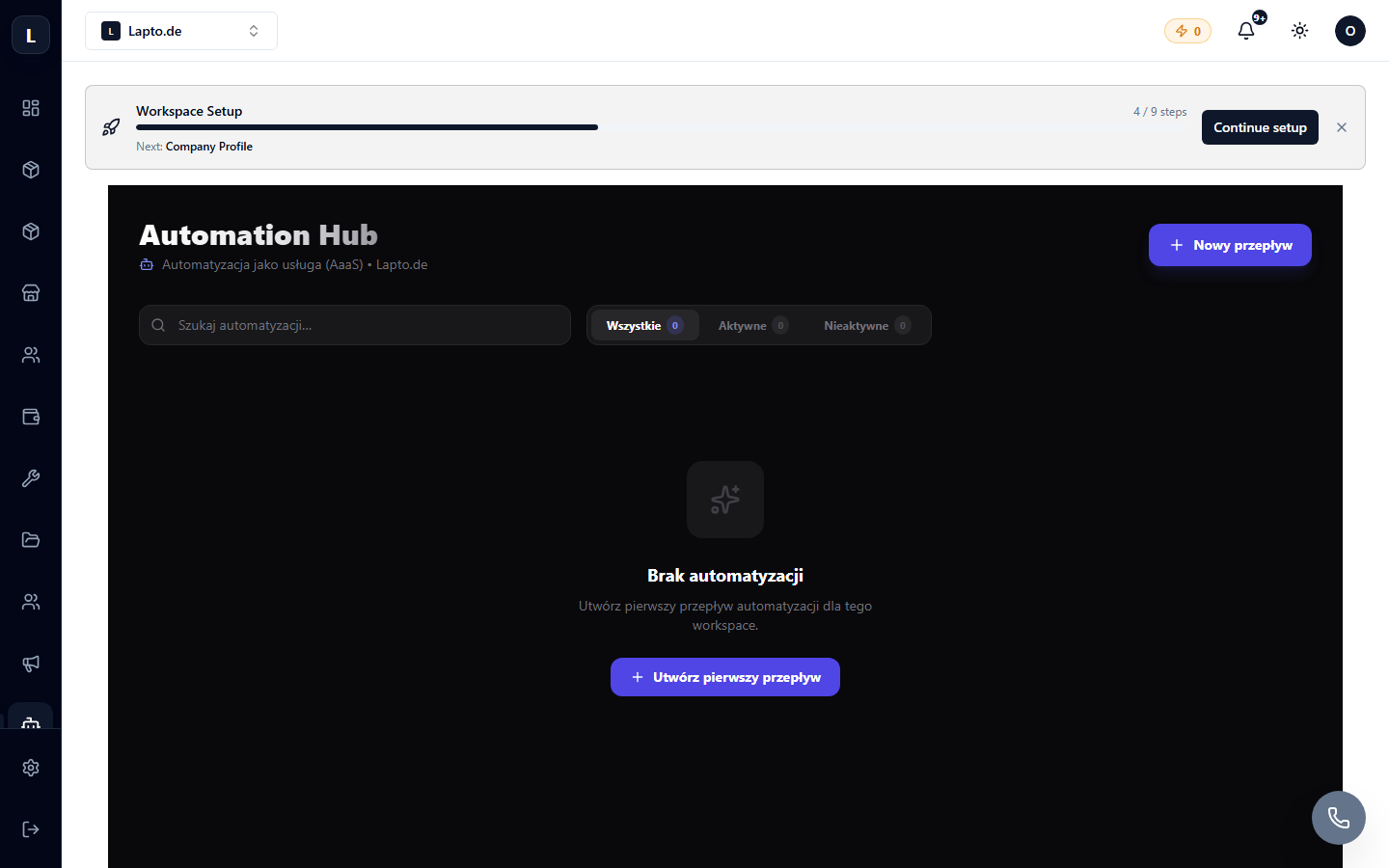
How it works
Five building blocks. Drag them into place, connect them, done.
Trigger
The automation starts itself when something happens in your business: a new booking, an order, a status change, a lead from a form. Nothing to click.
AI agent (optional)
When a judgment call is needed, not just a rule — an agent classifies a message, extracts details from a client’s text, or drafts a reply. Every result comes with a confidence score.
Condition
Branch the flow on any variable, or on the agent’s confidence. Above the threshold — it keeps going automatically. Below it — it goes to a human.
Action
Send an email, an SMS, a Telegram notification, update a status, create a task or generate a document — exactly as you configure it.
Human approval
When the AI isn’t sure, or the action can’t be undone, the automation pauses and waits for you. One click to approve, and it continues right where it left off.
Build it by describing it
Don’t want to wire nodes by hand?
AI Flow Builder
Describe what you need in plain language — “when a new lead comes from the configurator, check if they gave a budget and location, then flag it as qualified and notify me” — and Oprela drafts the whole flow for you to review and save.
Confidence-based routing
Every AI decision carries a confidence score, so you decide exactly how much you trust automation before a human needs to step in.
Reusable sub-flows
Call one automation from another — build a library of building blocks instead of rebuilding the same steps everywhere.
Full execution history
Every run is logged step by step — see exactly what the agent read, what it decided, and what was sent, for full traceability.
Where this runs in real businesses
A few examples already running on Oprela.
Repair status updates
A workshop changes a repair’s status and the client gets an automatic SMS with the update — no one has to remember to send it.
Booking confirmations
A new booking triggers an automatic confirmation and a reminder before the appointment.
Order & stock alerts
A new order checks stock levels and notifies the team automatically when something is running low.
Lead qualification
A contact form or 3D configurator submission is read by an AI agent, scored for quality, and sorted straight into your CRM.
Telegram bots
A client messages your bot, an agent classifies the intent, and either replies automatically or hands off to a human.
Works even better together
Other Oprela modules that pair with this one — same subscription, same data.
Questions about Automation Hub
Do I need to know how to code?+
What happens if the AI isn’t sure?+
Can automations send real messages to clients?+
Can I test an automation before turning it on?+
Stop doing by hand what AI can handle
Build your first automation today — the free plan includes Automation Hub.