What AI can do in Oprela and how much it costs
AI in Oprela works with your real data: it writes product descriptions and websites, prepares documents, fills out listings, executes scenarios through agents, and connects to ChatGPT or Claude. Learn how it works and how AI credits are calculated.
Most "AI features" in business applications are just a chat where you have to explain everything from scratch. In Oprela, AI is built into your workflow: it sees your catalog, customers, orders, and documents, and acts within the permissions you've granted it.
Where AI saves time daily
Texts and translations. Product descriptions based on your store's templates, customer emails, blog articles, website and store translations into other languages.
Websites. AI generates website pages from your business description, suggests designs, and provides SEO texts. A website can even be created via chat or Telegram.
Marketplaces. Auto-filling eBay and Allegro listings: category, parameters, characteristics, description.
Documents. Generation of contracts, proposals, and other documents from customer data, scanning and recognition of documents.
Photos and graphics. Processing product photos, generating images, AI tools in the poster studio.
Analysis. Assessing device condition from photos, analyzing photos in the website widget, repair suggestions.
AI Agents
An AI agent is an assistant with its own role, instructions, and a set of allowed actions. For example: an agent that answers typical customer questions; an agent that prepares draft listings; an agent that monitors orders with issues. Agents can also work in Telegram.
Automation
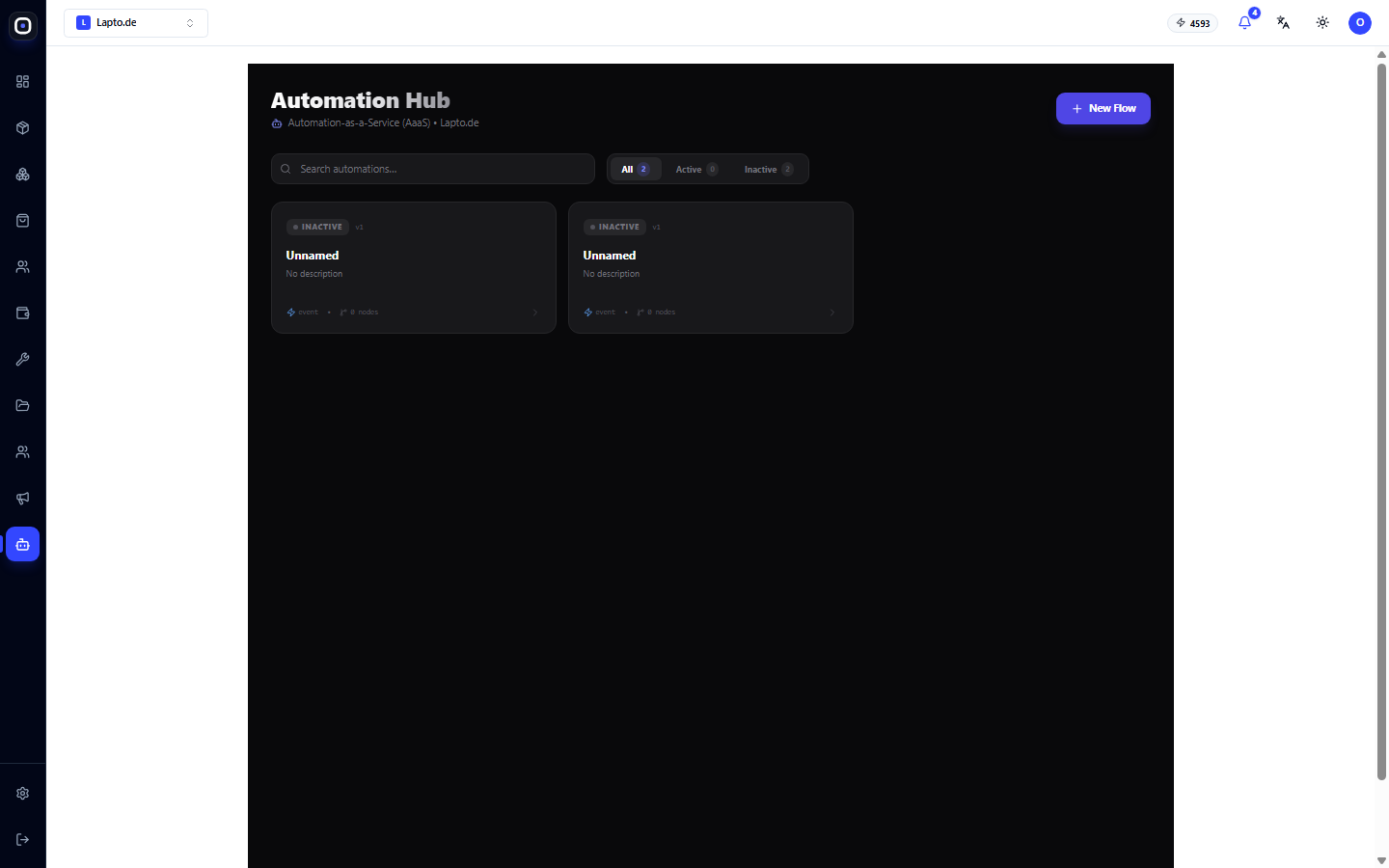
In Automation Hub, you describe scenarios like "if X happens, do Y": a new order, a new lead, a status change, a date. A scenario can be built manually in the editor or described in words, and the AI builder will construct it automatically.
The human always has the final say
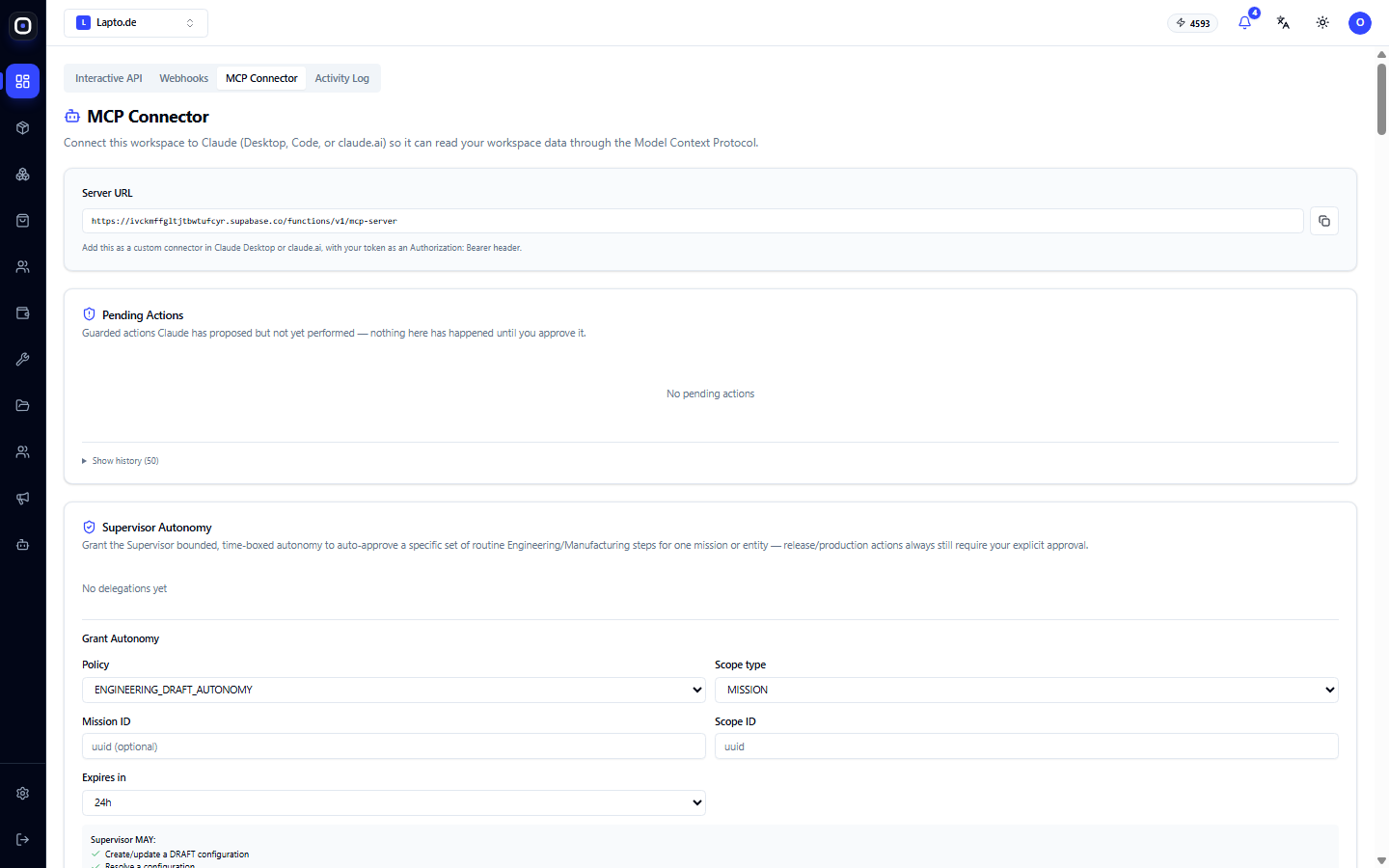
Actions that modify data or go external (publication, email to customer, price change) may require human approval. Such actions await on the "AI Actions for Approval" panel, and you confirm or reject them with a single click. You decide what AI can do automatically and what requires your "yes."
Connecting ChatGPT and Claude (MCP)
Oprela supports the open standard MCP (Model Context Protocol). This means you can connect your workspace to ChatGPT, Claude, or another compatible assistant and work with your business directly from chat: "show new orders," "prepare listings for these products," "how much did we sell last week." Access is limited by the permissions you grant to the connection.
How much it costs: AI credits
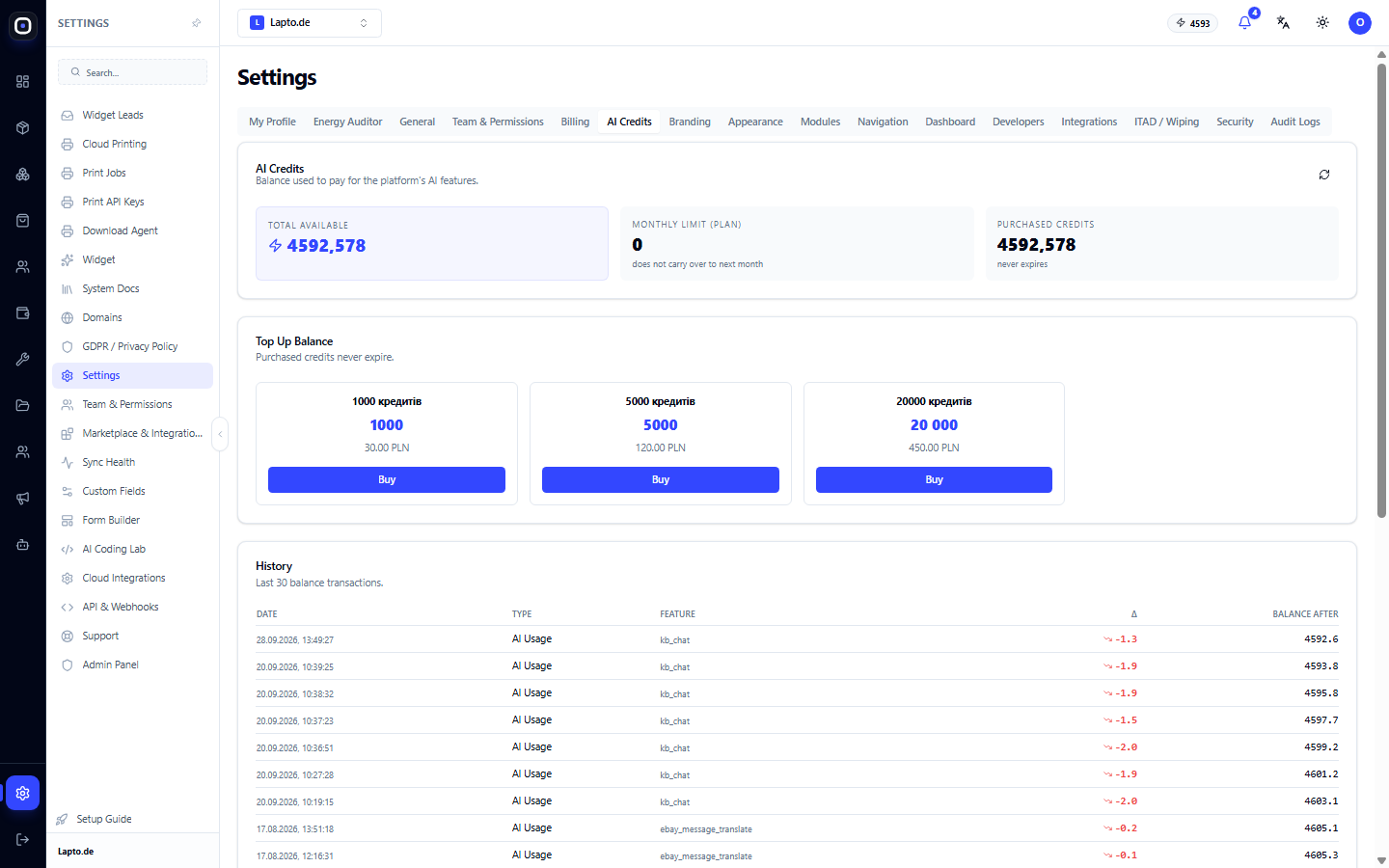
AI features are paid for with credits. Each plan includes a certain number of credits per month, and additional credits can be purchased if needed.
- Simple actions (short text, translation, hint) cost little.
- Complex actions (generating an entire website, analyzing a large document, complex models) cost more.
- Your balance and spending history are visible in Settings → AI Credits.
- If credits run out, the system will warn you and offer a top-up, rather than interrupting your work.
Tip: For daily tasks, choose the fast default models. More powerful models should be enabled for truly complex tasks.
In brief
- AI works with your real data, not an empty chat.
- Agents and automation handle routine tasks, while humans approve important actions.
- Your workspace can be connected to ChatGPT and Claude.
- Payment is transparent: credits, balance, and history are visible in settings.