Quote Requests
Configurations saved by customers: viewing, refining, and converting to orders.
When a customer has assembled a configuration and provided their contact information, you receive a quote request.
Where to find it
Oprela Build module → Quote Requests (…/erp/build/quotes).
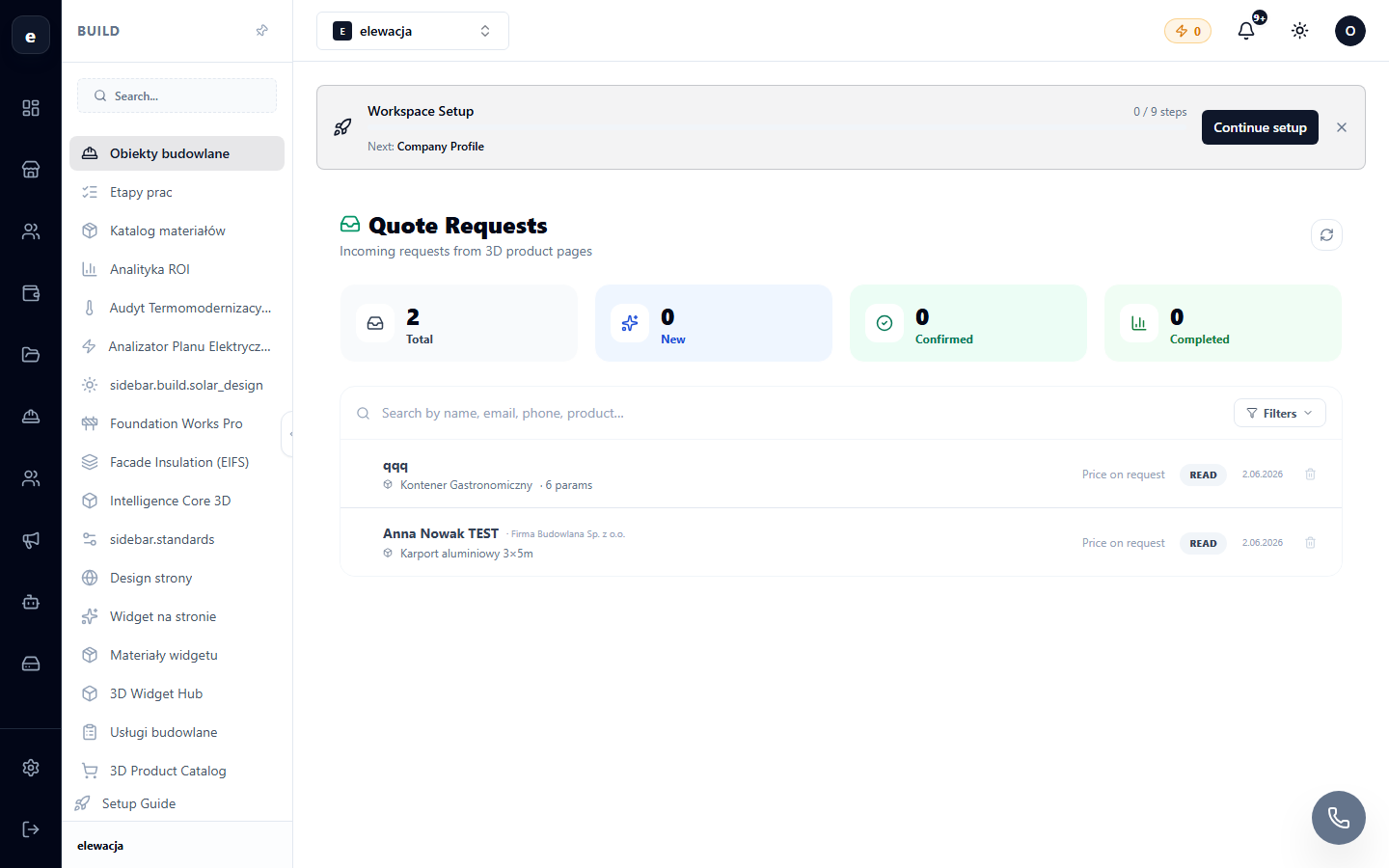
Working with a request
- Open the request to see the customer's complete configuration: 3D view, dimensions, options, and calculated price.
- Clarify details, make adjustments if necessary, and send a commercial proposal (quote).
- Statuses guide the request towards a deal: new → in progress → proposal → won/lost.
The customer sees the status and your proposal in their portal.