AI Agent Hub: Creating Custom AI Agents
Create your own AI personas with custom character, prompt, and model – for customer chat, automations, or internal team tasks.
AI Agents is a section where you configure your workspace's custom AI personas: with a name, character (system prompt), selected AI model, and conversation memory.
Where to find it
The AI Agents (…/ai-agents) section in the left menu of the workspace.
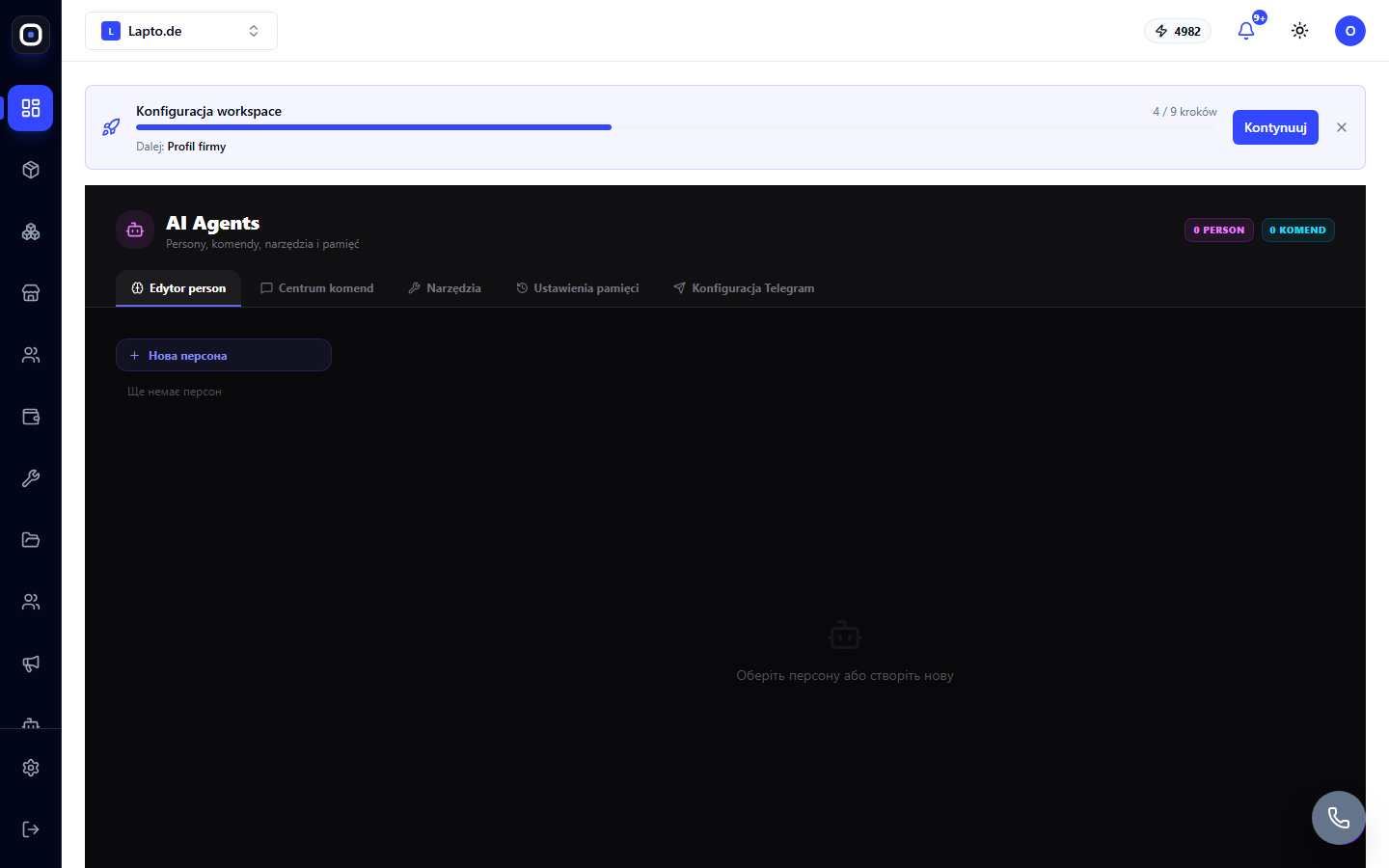
Five tabs in the section
- Editor person (Persona Editor) — creating and editing AI personas: name, emoji avatar, system prompt (how the agent should behave), selected AI model, language, conversation memory depth. The "New Persona" button creates a blank persona from scratch;
- Centrum komend (Command Center) — commands that the persona can execute;
- Narzędzia (Tools) — what external actions/functions are available to the agent;
- Ustawienia pamięci (Memory Settings) — how long and how much conversation context the agent remembers;
- Konfiguracja Telegram (Telegram Configuration) — connecting the persona to the workspace's Telegram bot.
Where else AI agents work
The same persona and role engine is also used in the automation builder — there, an AI agent can be added as a separate step (node) in a flow: for example, to classify an incoming message, write a response text, or analyze data before passing it further down the scenario.
Credits
Each call to an AI agent (chat or automation step) consumes workspace AI credits according to the selected model and the volume of the response.